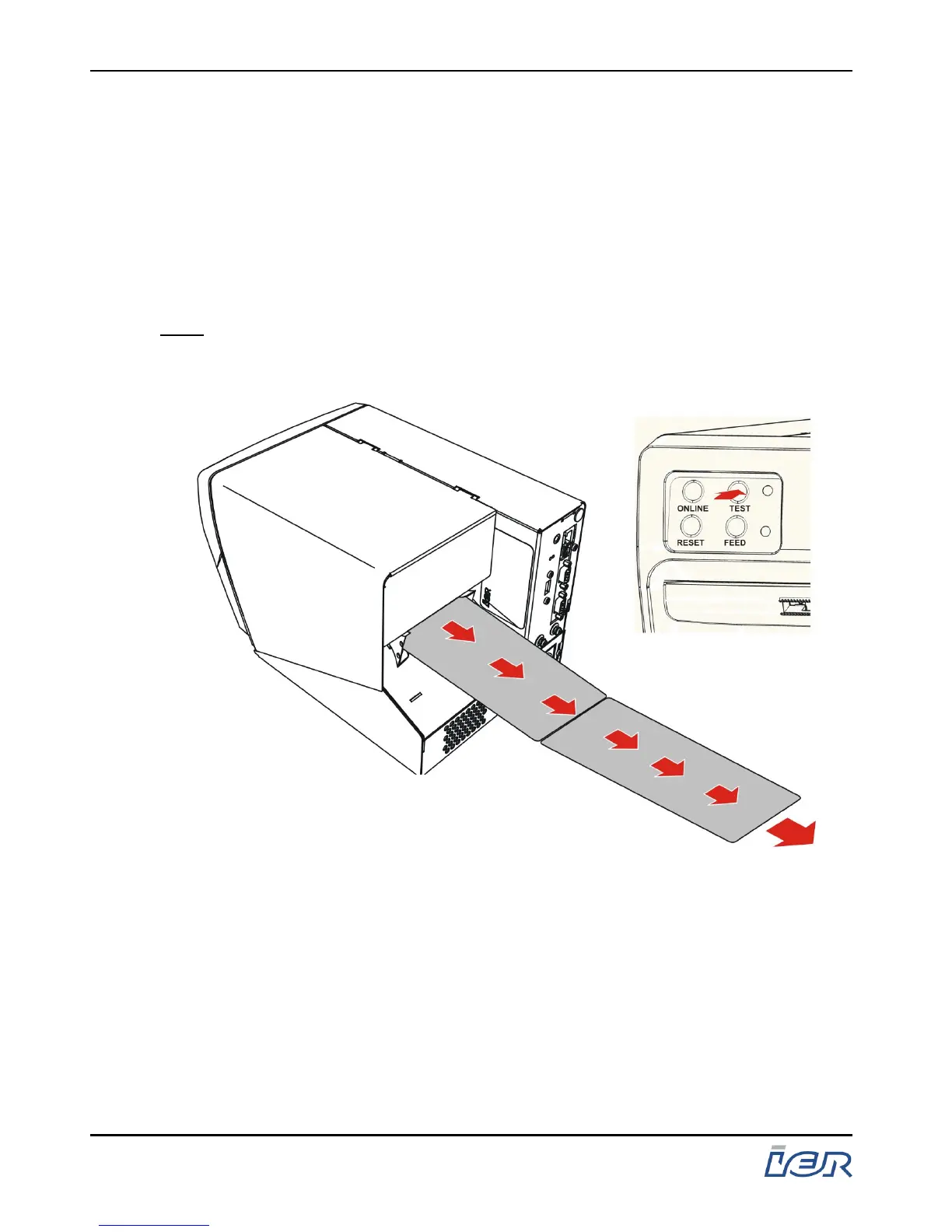
5.4 UNLOADING THE MEDIA
5.4.1 Automatic Removal
To automatically remove the media from the printer, simply press,
for at least two seconds, the "TEST" key on the printer control
panel. Once the media is ejected from the mechanism, simply
remove the media from the rear of the printer.
Note: Whatever the front panel option chosen, the keys have the same
functions.
Figure 5.3
Automatic paper removal
IER 400B
User Guide
Page 42
N0C402B Rev. 1
July 6, 2009
Ce document est la propiété d'IER et ne doit pas être reproduit ou communiqué sans autorisation écrite.
This document is the property of IER and may not be reproduced or communicated without prior written authorization



 To Next Page