32
ifm Device Manual IO-Link Master with Modbus interface CabinetLine 8 Ports IP 20 (AL1940) 05 / 2018
Configuration LR DEVICE
8.1.9 IO-Link ports: set fail-safe values
11752
In case the Modbus connection is interrupted, fail-safe values can be assigned to the outputs of the
IO-Link ports.
To set the fail-safe values of the IO-Link ports:
► Select [Port x] menu (x = 1...8).
> The menu page shows the current settings.
► Set the following parameters as required:
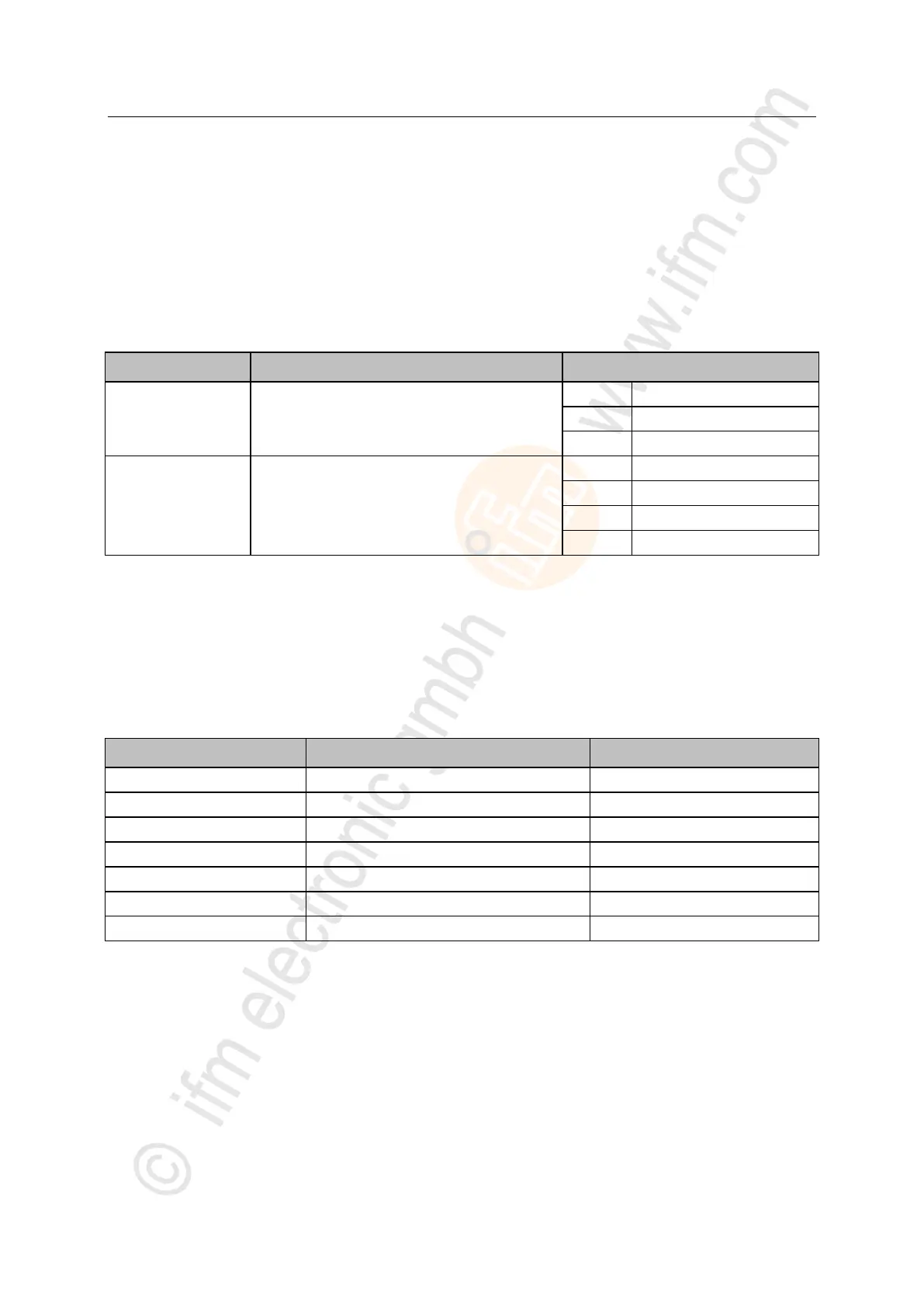
Fail-safe values for output (operating mode "DO")
Fail-safe value for output (operating mode "IO-Link")
► Save changed values on the device.
>
8.1.10 Info: Show device information
12218
To read the general information of the ifm IO-Link master:
► Select [Info] menu.
> The menu page shows the current settings.
Article number of the IO-Link master
Device family of the IO-Link master
Firmware of the IO-Link master
Hardware version of the IO-Link master
Bootloader version of the IO-Link master



 To Next Page