19
UK
8.6 Explanation of the menu level 3
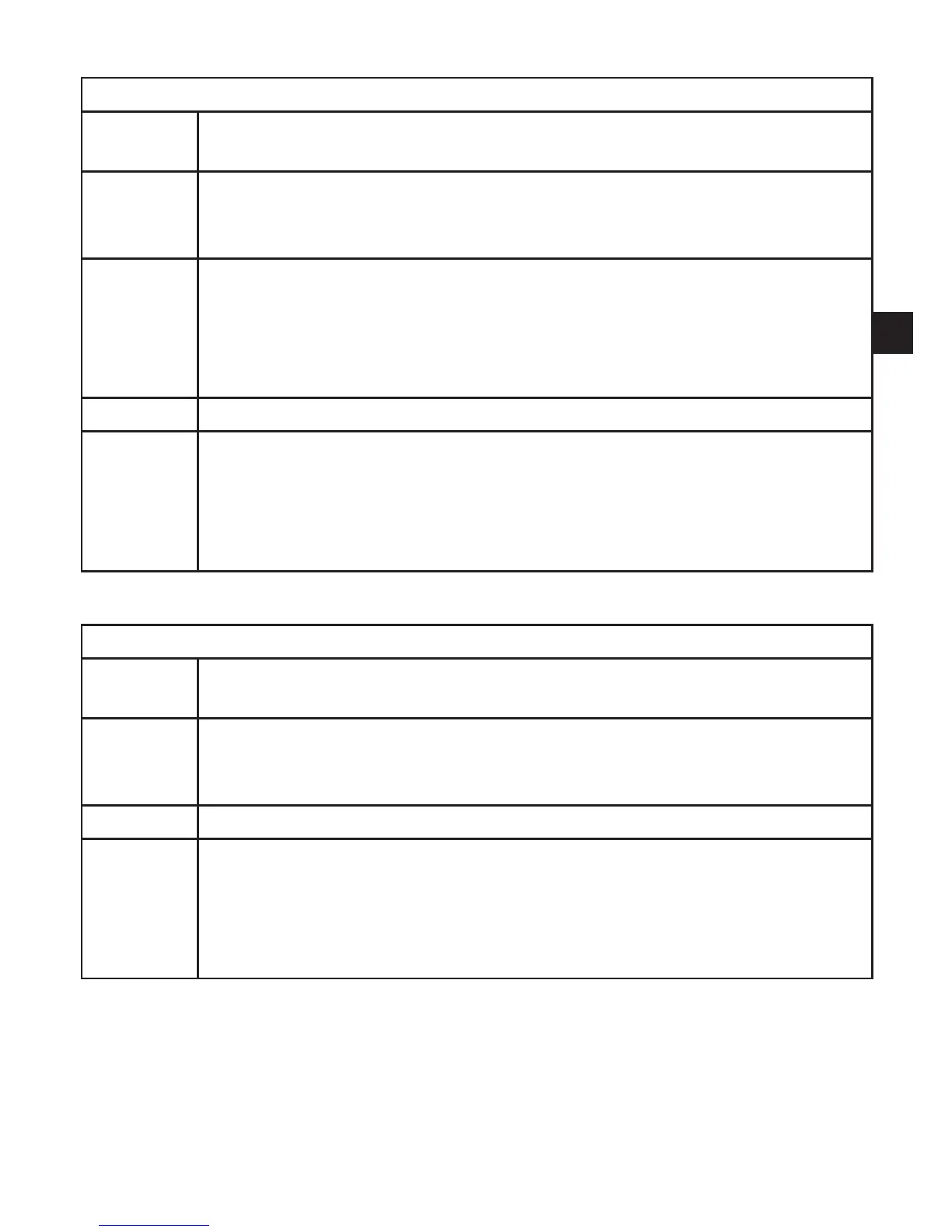
For setting SEL = OU
SEL Status to be simulated:
•Output functions [OU]�
S�OU1* Simulation values for OUT1; only active for 3-wire operation and if [SEL] =
[OU]�
•Output inactive [OPEN] or output active [CLOS]�
S�OU2 Simulation values for OUT2; only active if [SEL] = [OU]�
•For 3-wire operation and if OUT2 has been configured as switching output:
output inactive [OPEN] or active [CLOS]�
•If OUT2 is set as analogue output: analogue signal between 3�6 and 21�1
mA(dependingonthesetvalue→9.6.2).
S�TIM Time for the simulation process in minutes�
S�ON
Start of the simulation process�
During the simulation process the display alternately shows [SIM] and the
currentoperationindication(9.6.4)→.
If the simulation process is aborted (press [Mode/Enter] or [Set] briefly),
[S�OFF] is indicated for 2 s, then [SEL] is active again�
* menu item not active in 2-wire operation
For setting SEL = Proc
SEL Status to be simulated:
•Process value [Proc]�
S�Pr Simulation of a process value; only active if [SEL] = [Proc]�
•Any value between initial value of the measuring range and final value of
the measuring range�
S�TIM Time for the simulation process in minutes�
S�ON
Start of the simulation process�
During the simulation process the display alternately shows [SIM] and the
currentoperationindication(→9.6.4).
If the simulation process is aborted (press [Mode/Enter] or [Set] briefly)
[S�OFF] is indicated for 2 s, then [SEL] is active again�



 To Next Page