27
UK
9.6.2 Set simulation value
Output states
If [SEL] is active:
► Press [Set] and keep it pressed until [OU] is displayed�
► Press [Mode/Enter] briefly�
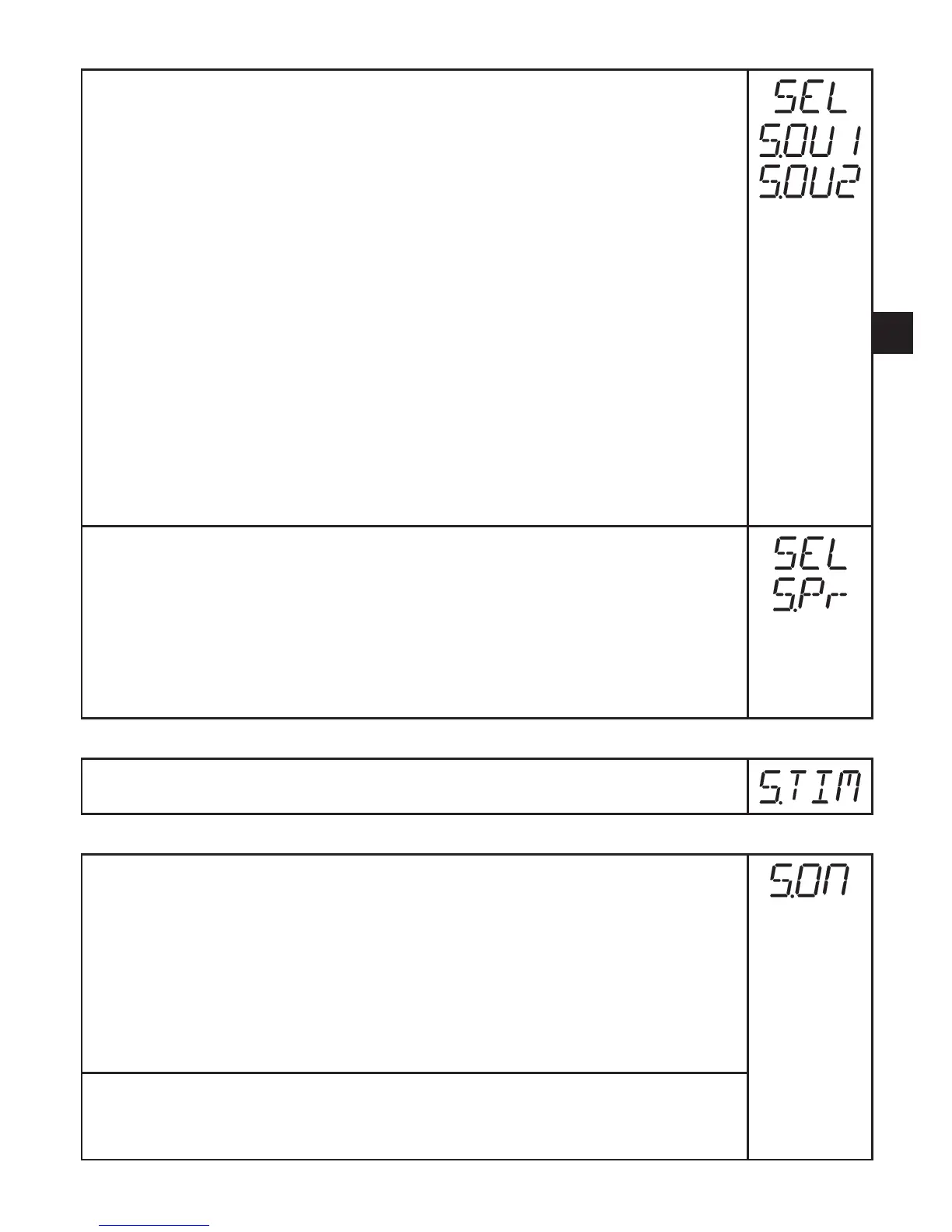
> [S�OU1] is displayed (in 2-wire operation [S�OU2] is displayed)�
► Press [Set] to set the requested value:
- [OPEN] = output 1 not active / open�
- [CLOS] = output 1 active / closed�
► Press [Mode/Enter] briefly�
> [S�OU2] is displayed�
► Press [Set] to set the requested value:
•If [OU2] = [Hnc], [Hno], [Fnc] or [Fno] (not in 2-wire operation):
- [OPEN] = output 2 not active / open�
- [CLOS] = output 2 active / closed�
•If [OU2] = [I] or [InEG]:
- 3�60���21�10 mA in steps of 0�01 mA�
► Press [Mode/Enter] briefly�
Process value
If [SEL] is active:
► Press [Set] and keep it pressed until [Proc] is displayed�
► Press [Mode/Enter] briefly�
> [S�Pr] is displayed�
► Press [Set] to set the requested pressure value�
► Press [Mode/Enter] briefly�
9.6.3 Set time for simulation
► Select [S�TIM] and set the value between 1���60 minutes�
9.6.4 Start simulation
► Select [S�ON]�
► Press [Set] and keep it pressed until the display alternately shows [SIM]
and the current operation indication�
Current operation indication:
-Current system pressure if [SEL] = [OU]�
-Simulated measured value set in [S�Pr] if [SEL] = [Proc]�
After the simulation time has elapsed [S�OFF] is displayed for 2 s, then
[SEL]�
Abort simulation:
► Press [Mode/Enter] or [Set] briefly�
> [S�OFF] is displayed for 2 s, then [SEL]�



 To Next Page