24
As an alternative:
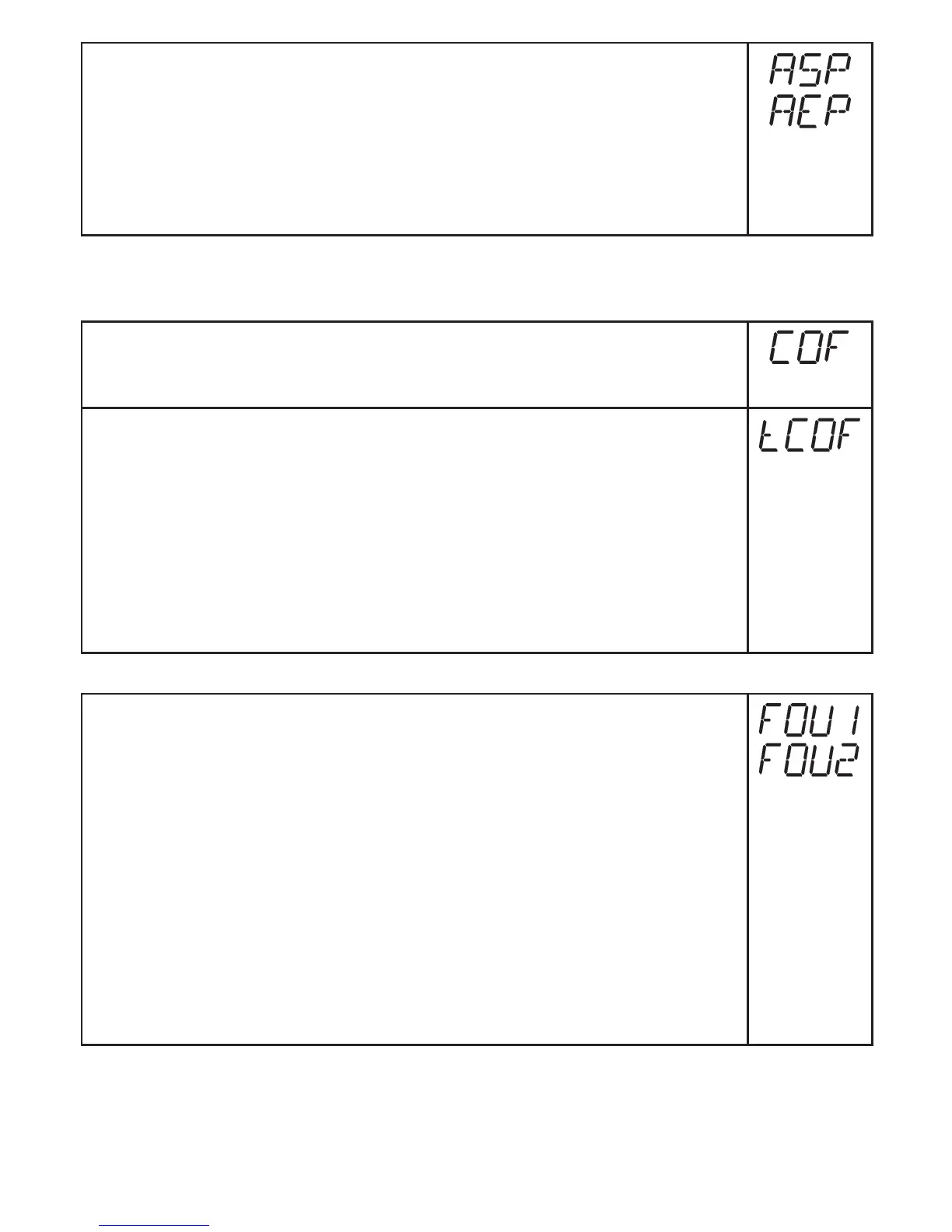
► Select [ASP] and set the measured value at which 4 mA is provided
(20 mA at [OU2] = [InEG])�
► Select [AEP] and set the measured value at which 20 mA is provided
(4 mA at [OU2] = [InEG])�
Minimum distance between ASP and AEP = 25 % of the final value of the
measuring range (turn-down 1:4)�
9.4 User settings (optional)
9.4.1 Carry out zero point calibration
► Select [COF] and set a value between -5% and 5% of the final value of
the measuring range� The internal measured value "0" is shifted by this
value�
As an alternative: automatic adjustment of the offset in the range 0 bar
± 5%�
► Make sure that no pressure is applied to the system�
► Press [Mode/Enter] until [tCOF] appears�
► Press [Set] and keep it pressed�
> The current offset value (in %) flashes briefly�
> The current system pressure is displayed�
► Release [SET]�
► Press [Mode/Enter] briefly (= to confirm the new offset value)�
9.4.2 Setting of the error behaviour of the outputs
► Select [FOU1] and set the value:
- [On] = output 1 switches ON in case of a fault�
- [OFF] = output 1 switches OFF in case of a fault�
- [OU] = output 1 switches irrespective of the error as defined with the
parameters SP1, rP1 and OU1�
► Select [FOU2] and set the value:
- [On] = output 2 switches ON in case of a fault, the analogue signal
goes to the upper end stop value�
- [OFF] = output 2 switches OFF in case of a fault, the analogue signal
goes to the lower end stop value�
- [OU] = Output 2 switches irrespective of the error as defined with the
parameters SP2, rP2 and OU2� The analogue signal corresponds to
the measured value�
Errorindications→10.3



 To Next Page