23
UK
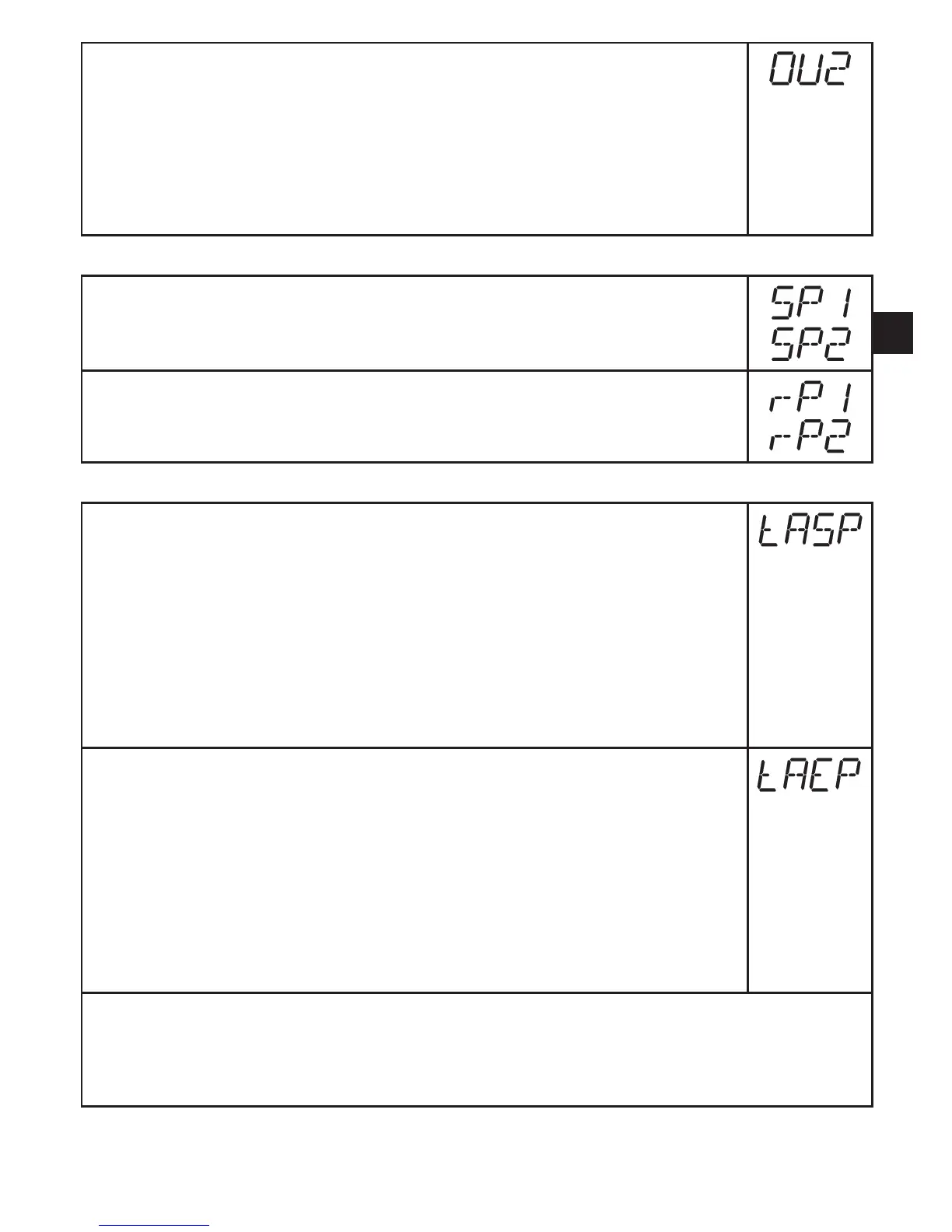
► Select [OU2] and set the function:
- [Hno] = hysteresis function/NO,
- [Hnc] = hysteresis function/NC,
- [Fno] = window function/NO,
- [Fnc] = window function/NC�
- [I] = current signal proportional to pressure 4…20 mA�
- [InEG] = current signal proportional to pressure 20…4 mA�
9.3.2 Set switching limits
► Select [SP1] / [SP2] and set the value at which the output switches�
► Select [rP1] / [rP2] and set the value at which the output switches back�
rPx is always smaller than SPx� The unit only accepts values which are
lower than the value for SPx�
9.3.3 Scale analogue value for OUT2
► Set the minimum pressure requested in the system�
► Press [Mode/Enter] until [tASP] appears�
► Press [Set] and keep it pressed�
> Current setting value flashes�
► Release [Set] when the display stops flashing�
> New setting value is displayed�
► Press [Mode/Enter] briefly�
> The current system pressure is defined as start value for the analogue
signal�
► Set the maximum pressure requested in the system�
► Press [Mode/Enter] until [tASP] appears�
► Press [Set] and keep it pressed�
> Current setting value flashes�
► Release [Set] when the display stops flashing�
> New setting value is displayed�
► Press [Mode/Enter] briefly�
> The current system pressure is defined as end value for the analogue
signal�
ASP/AEPcanonlybesetautomaticallywithindefinedlimits(→12.1Settingranges).
If automatic setting is carried out at an invalid pressure value, [UL] or [OL] is displayed�
After acknowledgement by [Mode/Enter] [Err] flashes, the ASP value / AEP value is not
changed�



 To Next Page