Ultrasonic flow meter SU2020 SU8020 SU2021 SU8021 SU2621 SU8621
45
[coL.F] / [coL.T] / [coL.V] Font colour
bk/wh Black and white
rEd Red
GrEn Green
yellow Yellow
Colour change
Alternatively, a colour change can be configured for the displayed flow and temperature depending on
the current process value:
[coL.F] / [coL.T] Font colour
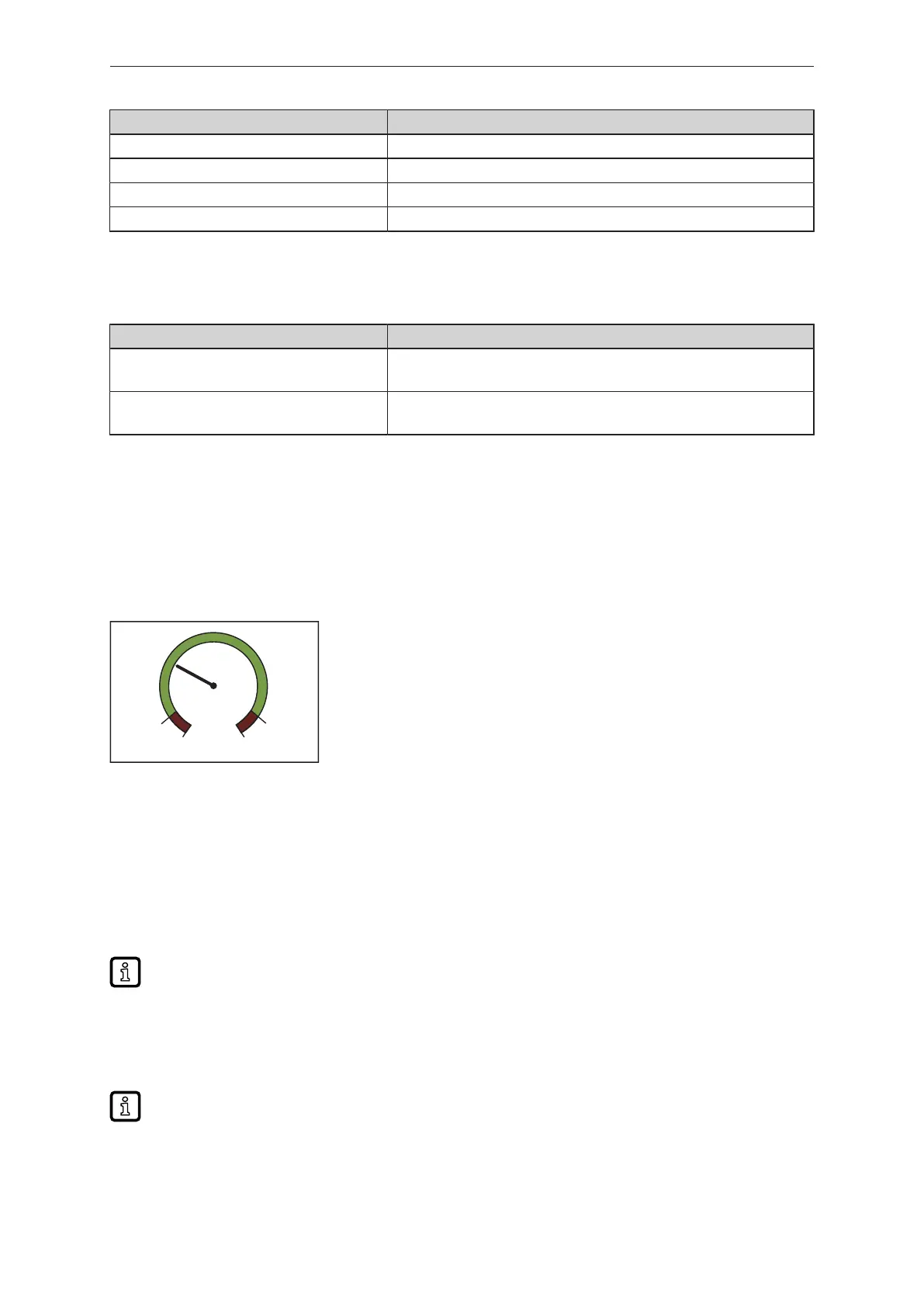
r-cF Red = process value inside window
Green = process value outside window
G-cF Green = process value inside window
Red = process value outside window
If “Colour change” is selected, the window limits must be set:
[cFL.F]: lower limit for flow
[cFH.F]: upper limit for flow
[cFL.T]: lower limit for temperature
[cFH.T]: upper limit for temperature
The limits [cFL.x] and [cFH.x] can be freely selected within the measuring range and are independent
of the output function set for OUT1 and OUT2.
Fig.27: Example of the setting [coL.x] = G-cF
10.5.6.1 Parameter setting via unit keys: display colour setting
u Go to [EF] > [DIS] > [COLR].
u Select [coL.F] and choose the font colour for the flow value:
• Colour: [black/white], [red], [green], [yellow]
• Colour change: [r-cF], [G-cF]
When a colour change is configured, set the upper and lower flow limits via [cFH.F] and [cFL.F].
u Select [coL.T] and choose the font colour for the temperature value:
• Colour: [black/white], [red], [green], [yellow]
• Colour change: [r-cF], [G-cF]
When a colour change is configured, set the upper and lower temperature limits via [cFH.T] and
[cFL.T].
u Select [coL.V] and choose the font colour for the totaliser value:
u Colour: [black/white], [red], [green], [yellow]).



 To Next Page