SU2020 SU8020 SU2021 SU8021 SU2621 SU8621 Ultrasonic flow meter
44
• d2: medium
• d3: slow
10.5.4.1 Parameter setting via unit keys: display update rate
u Call up the menu [EF] > [DIS].
u Select [diS.U] and set the update rate.
10.5.4.2 Parameter setting via IO-Link: display update rate
u Call up [Parameters] > [Display Setting].
u Select [diS.U] and set the update rate.
10.5.5 Display layout
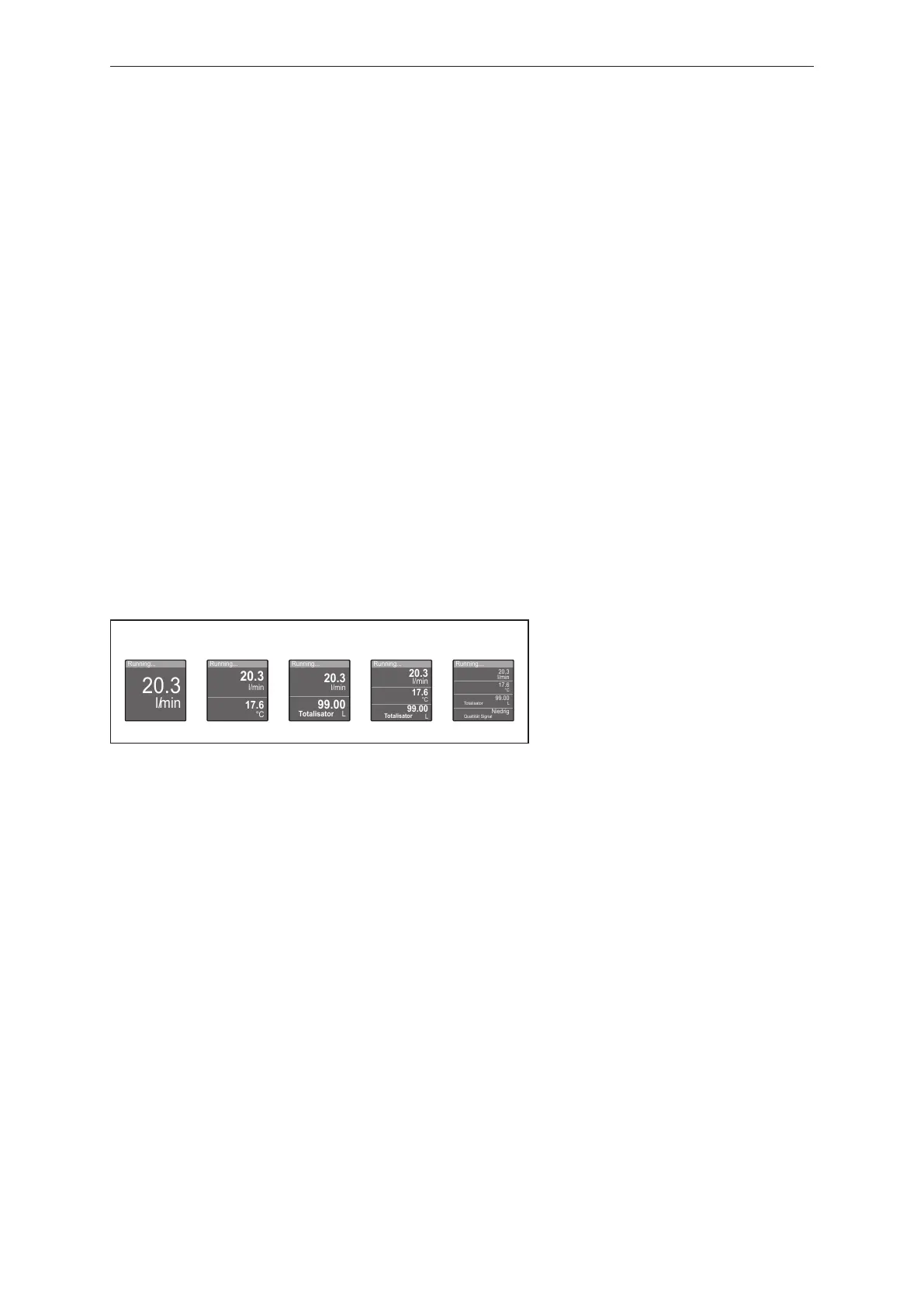
Use the [diS.L] parameter to choose which process values are shown in the display by default.
Selectable values:
• L1: current process value for flow
• L2.Tem: current process value for flow and temperature
• L2.Totl: current process value for flow and totaliser Vol.1
• L3: current process value for flow and temperature and totaliser Vol.1
• L4: current process value for flow and temperature and totaliser Vol.1 and signal quality
Fig.26: selectable layouts
10.5.5.1 Parameter setting via unit keys: display layout
u Call up the menu [EF] > [DIS].
u Select [diS.L] and set layout.
10.5.5.2 Parameter setting via IO-Link: display layout
u Call up [Parameters] > [Display Setting].
u Select [diS.L] and set layout.
10.5.6 Display colour setting
The font colour in the display can be set via the parameter [coL.x].
• [coL.F]: font colour for flow
• [coL.T]: font colour for temperature
• [coL.V]: font colour for totaliser Vol.1
Permanent font colour
The display font colour for flow, temperature or totaliser can be set permanently:



 To Next Page