9-3
2. Download the latest software for JUE-500
* Execute following procedure with a PC connecting to Internet.
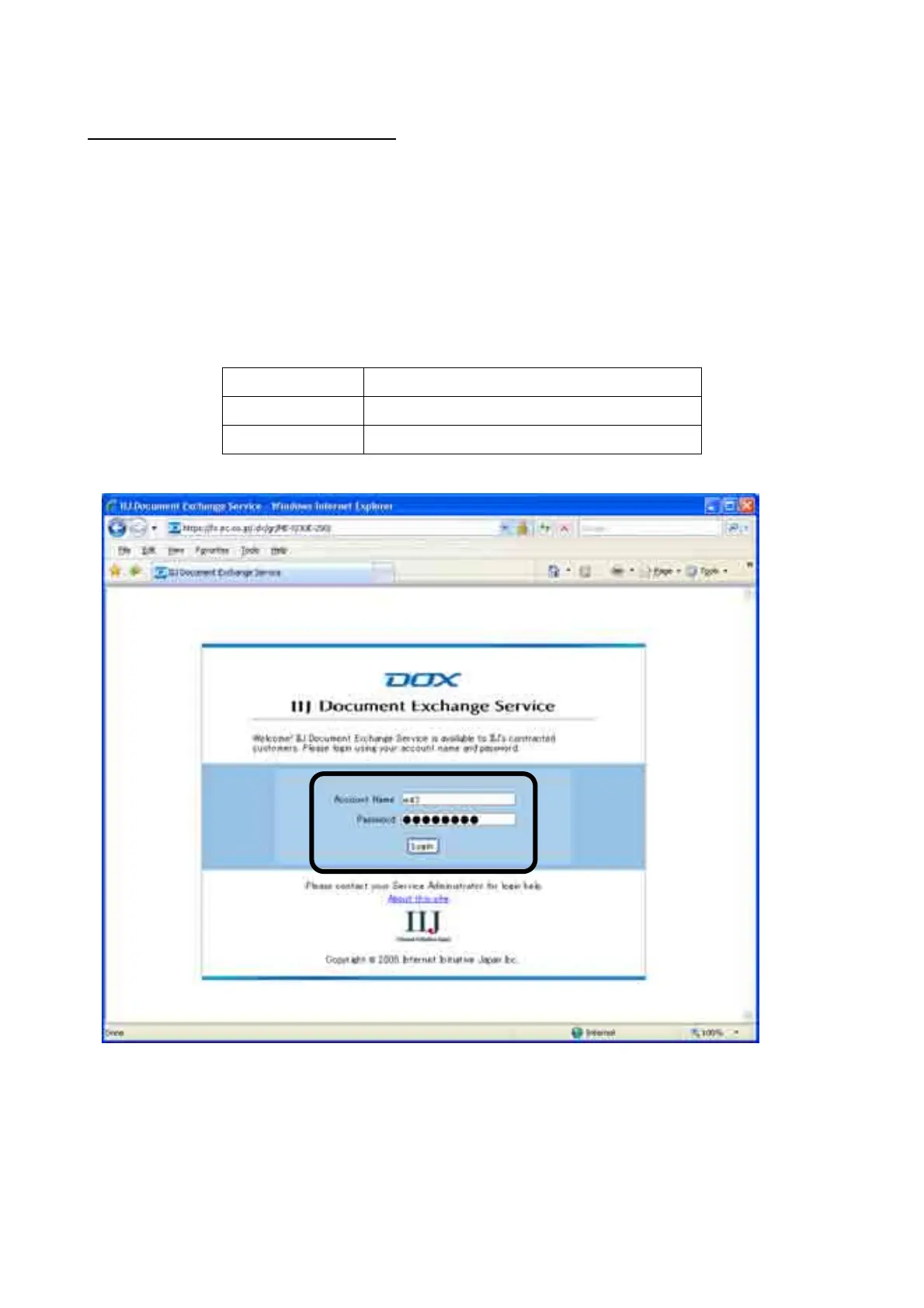
1. Open the following URL on WEB browser. Enter [Account Name] and [Password], then click [Login]
button.
Following shortcut icon is created after [BganX Upgrader] is installed.
URL https://fs.jrc.co.jp/.dx/gr/ME-S/JUE-500/
Account Name m47
Password jrcfb500



 To Next Page