3
STZSkW ed 12/07 ZEUS Superior kW
Technical Documentation
Technical Documentation
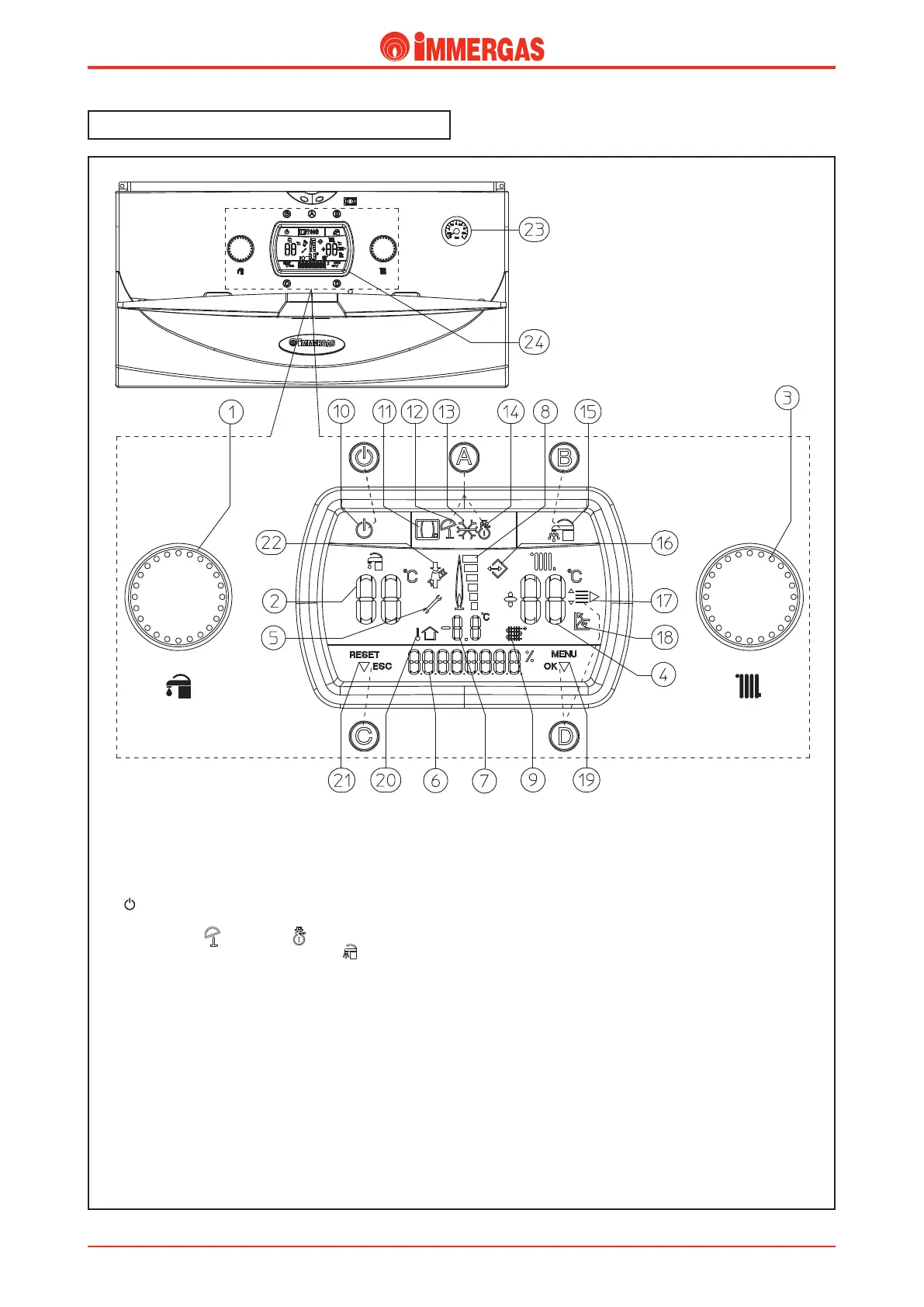
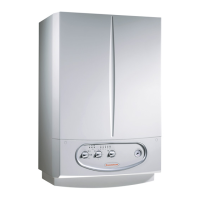
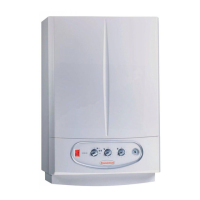
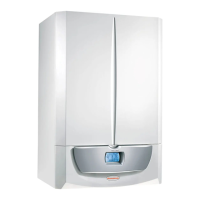
ZEUS Superior kW control panel.
Key:
- Stand-by button - On
A - Functioning mode selection button
summer ( ) and winter ( )
B - Domestic hot water priority button ( )
C - Reset (RESET) / exit menu (ESC) button
D - Menu entry (MENU) / data conrmation (OK) button
1 - Domestic hot water temperature selector
2 - Set domestic hot water temperature
3 - Heating temperature selector
4 - Set heating temperature
5 - Anomaly presence
6 - Boiler operating status display
8 - Flame presence symbol and relative power scale
9-7 Primary heat exchanger outlet water temperature
10 - Boiler in Stand-by
11 - Boiler connected to remote control (Optional)
12 - Operating in summer mode
13 - Anti-freeze function in progress
14 - Operating in winter mode
15 - Operation with priority domestic hot water active
16 - Connection to external tools for technician
17 - Menu entries display
18 - Operation with external temperature active probe
19 - Data conrmation or menu access display
20-7 - External temperature display
with external probe connected (optional)
21 - Reset request or menu exit display
22 - Chimney sweep function in progress
23 - Boiler manometer
24 - Muliti-function display




 To Next Page