Getting Started 2
2 Getting Started
This chapter introduces how to add the device to your network with the imou app.
If you already have imou account, go to "2.2 Adding Base Station."
2.1 Registering imou Account
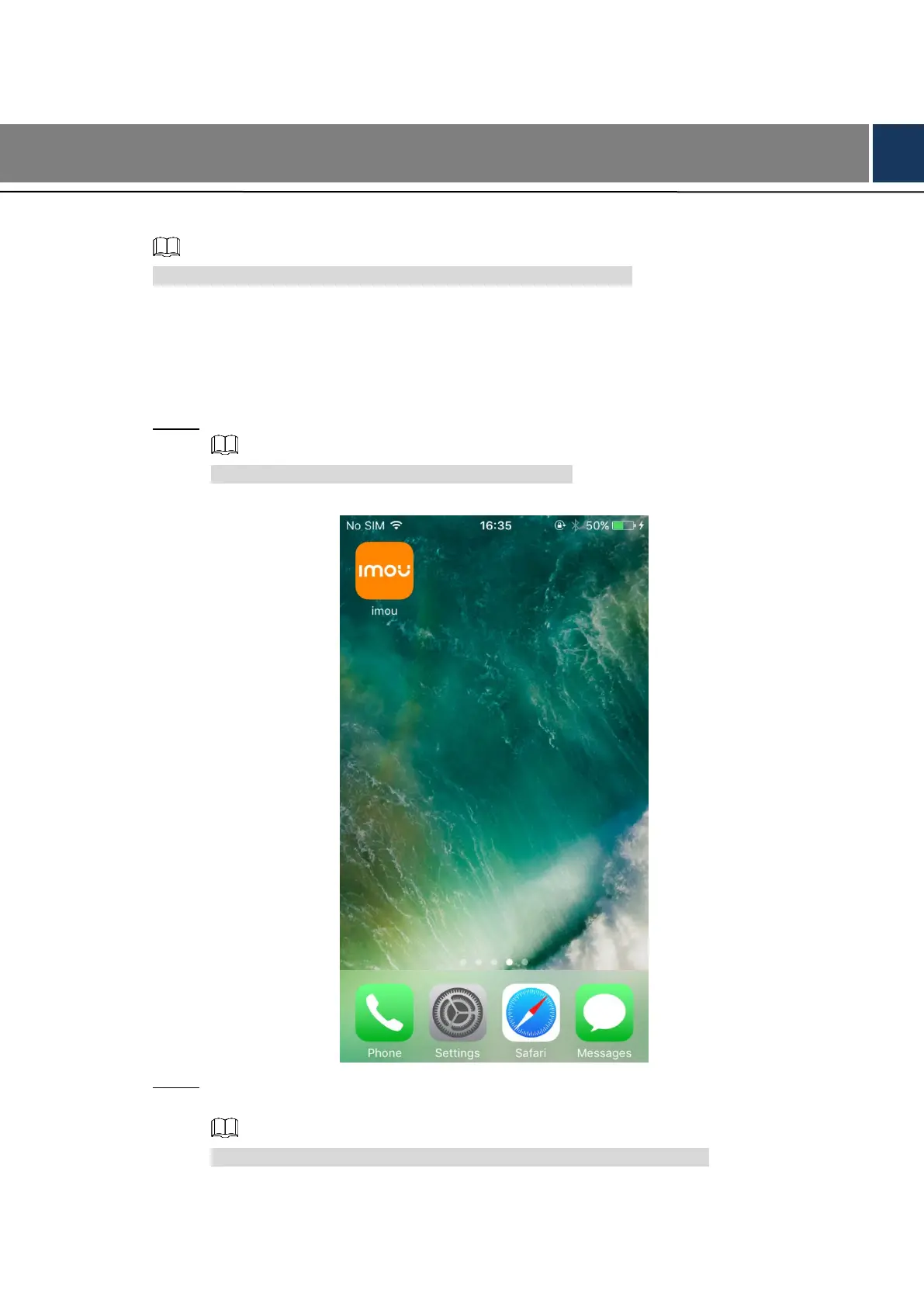
Download and install the imou app from Google Play or App Store. See Figure 2-1. Step 1
This Manual takes operations on iOS for example.
Download app Figure 2-1
Run imou app, and then the notifications display, tap Allow if you need those functions. Step 2
See Figure 2-2.
You can also change these settings later. See "3.4.3 Setting Access."



 To Next Page