Getting Started 5
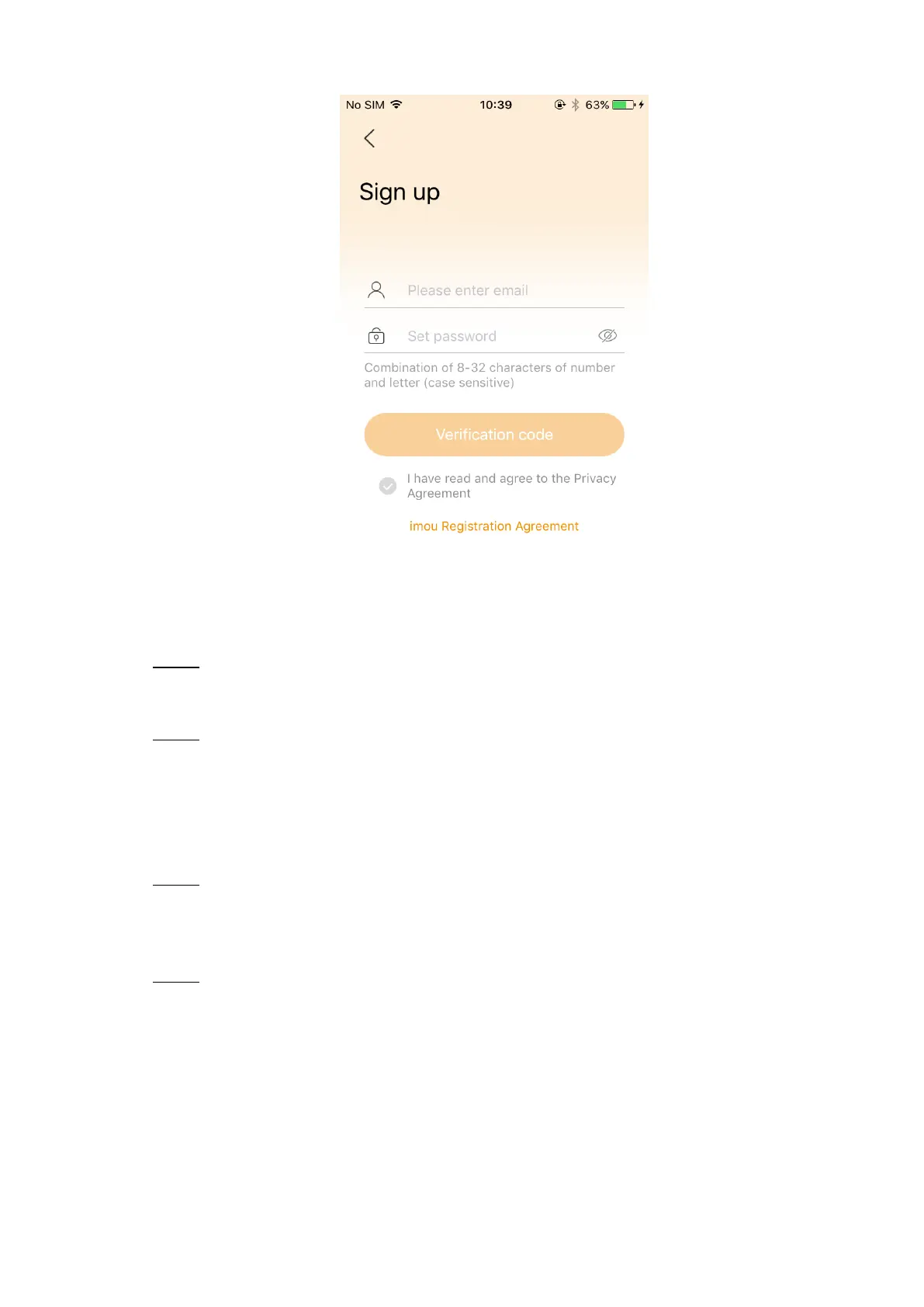
Sign up Figure 2-4
Enter your email address and password, and then select "I have read and agreed". Step 4
Tap Verification Code.
There will be a verification code sent to your mailbox.
Follow the instructions to finish registration. Step 5
2.2 Adding Base Station
Power up the base station, and then connect the Ethernet port to your router with Step 1
network cable.
The system indicator stays on with white light for 10 s, and then off, which means the
base station is connected to the network.
Connect your phone to your Wi-Fi network, and then log in the imou app, the Device Step 2
interface is displayed. See Figure 2-5.



 To Next Page