App Operation 18
3.3 Configuring Camera
In the Live interface (Figure 3-3), tap .
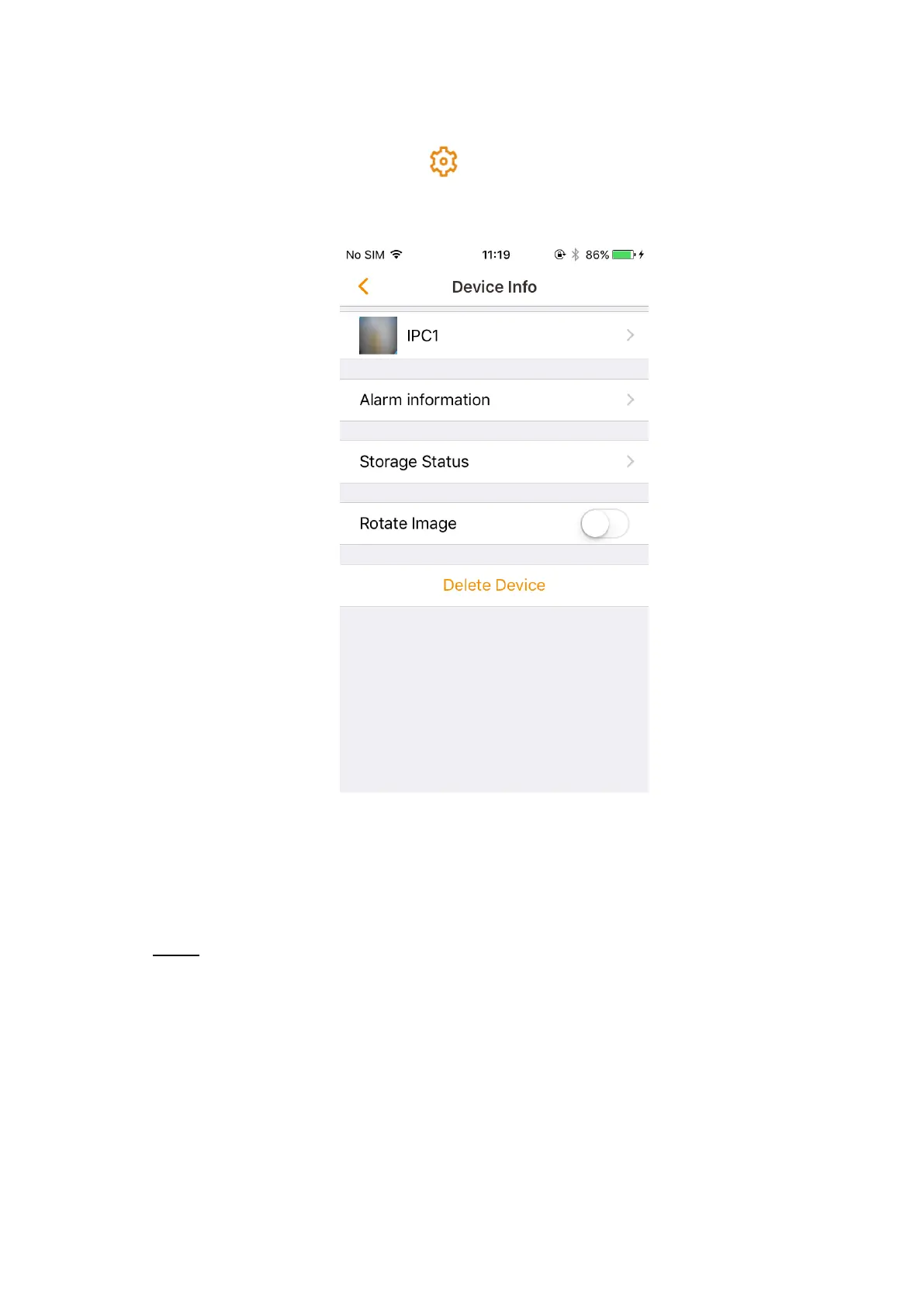
The device setting interface is displayed. See Figure 3-8.
Device setting Figure 3-8
You can view the camera information, configure alarm information, storage status, or rotate
image.
3.3.1 Device information
In the device setting interface (Figure 3-8), tap the device name, and then the Device Step 1
info interface is displayed. See Figure 3-9.



 To Next Page