App Operation 23
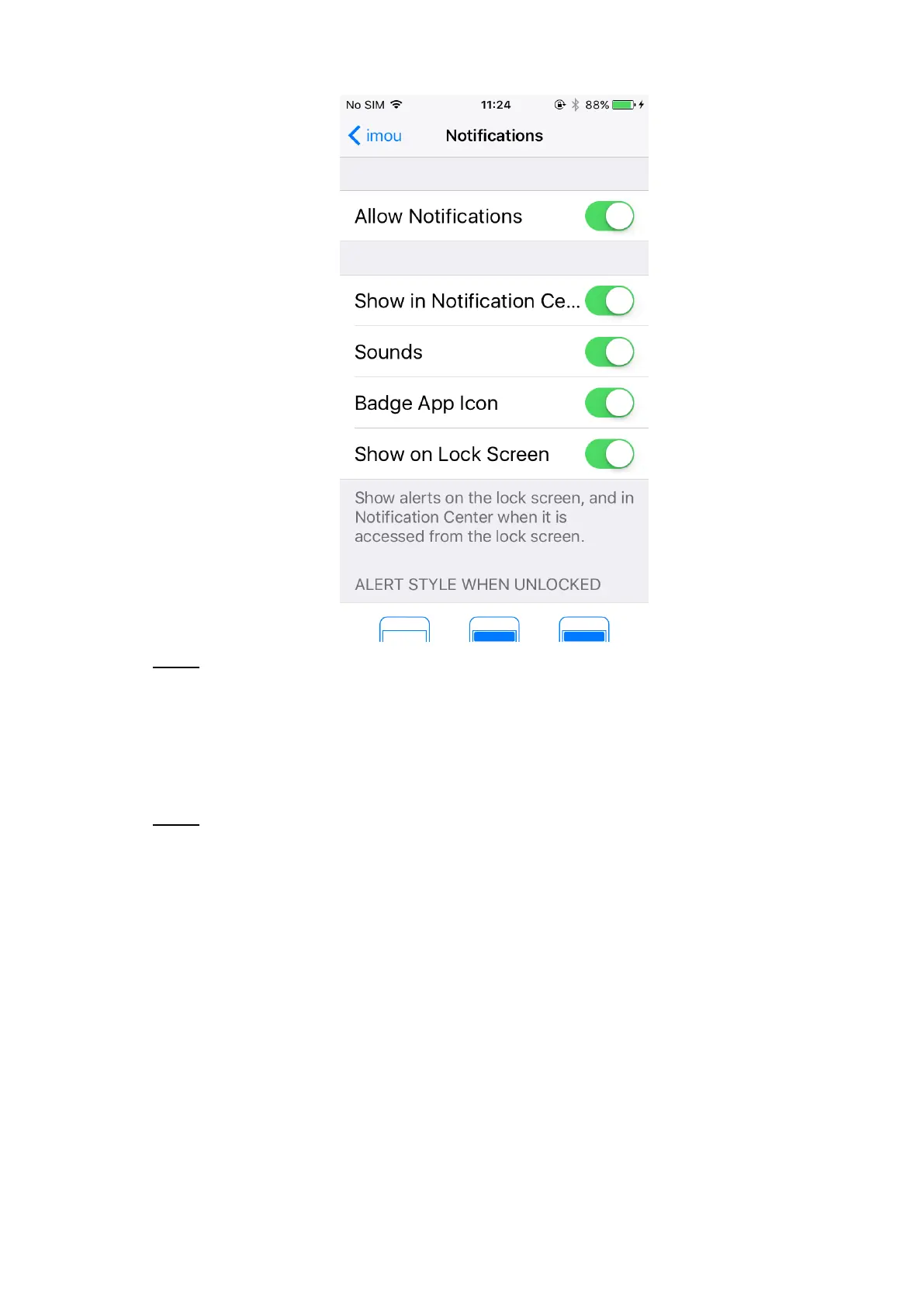
Notifications Figure 3-15
Configure the way you want to receive push messages by tapping each switch. Step 2
3.4.3 Setting Access
The camera requires certain access to your phone when you need to scan, enable intercom or
save local files to your phone.
In iOS, select Settings > imou, and then the access setting interface is displayed. See Step 1
Figure 3-16.



 To Next Page