App Operation 25
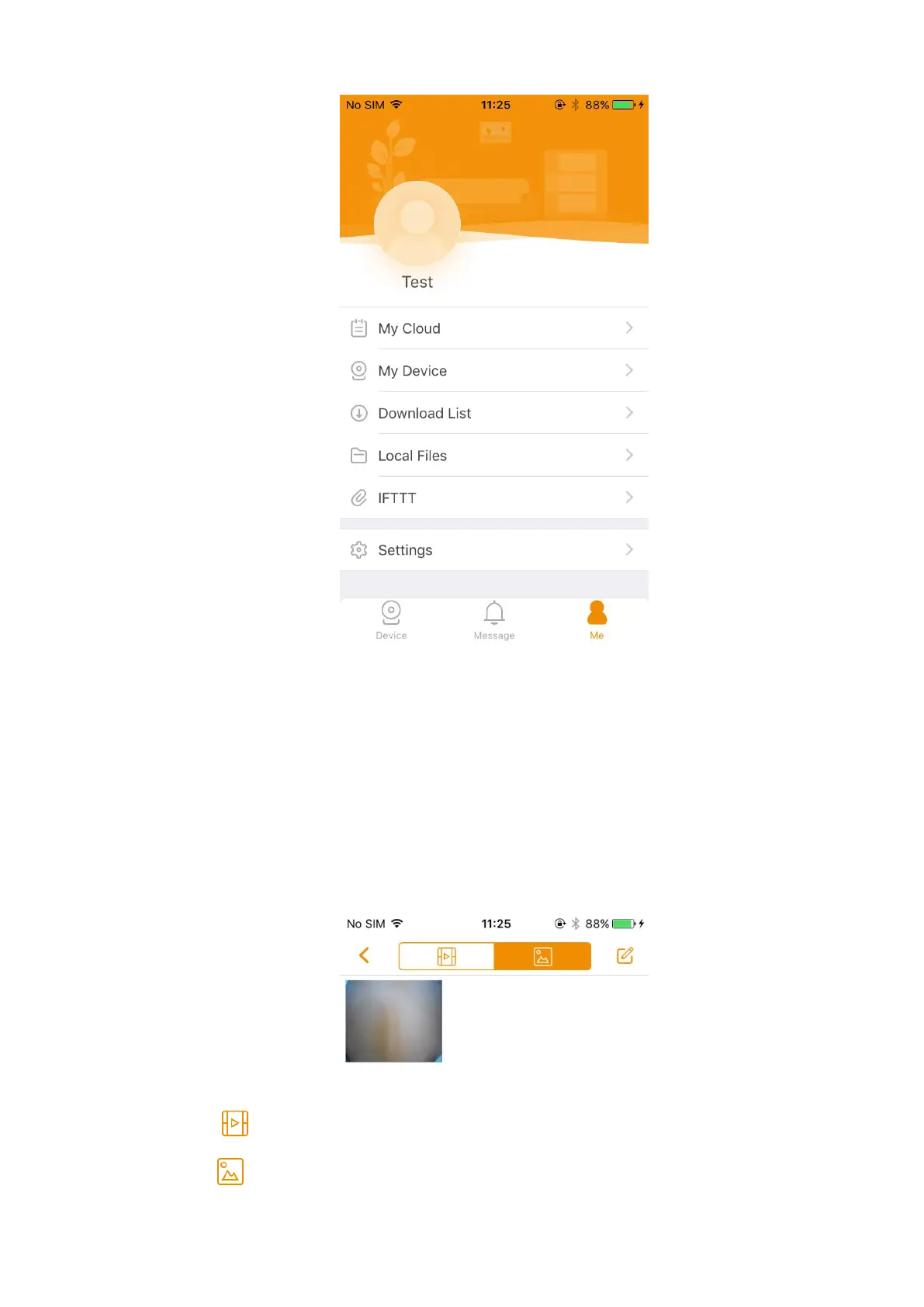
App configuration Figure 3-17
Tap the head portrait to configure your account.
Select My Device, and then you can configure the base station information, perform cloud
upgrade, reset device password, or view the camera list.
3.5.1 Local Files
You can view all the snapshots and videos you saved to the local file.
In the app configuration interface (Figure 3-17), select Local Files, and then the Local Files
interface is displayed. See Figure 3-18.
Local Files Figure 3-18
Tap to view all the local videos.
Tap to view all the local snapshots.



 To Next Page