App Operation 11
3 App Operation
This chapter introduces the configuration and operations of the imou app.
3.1 Managing Devices
This section introduces the Device interface. You can check all the current devices and add
more devices.
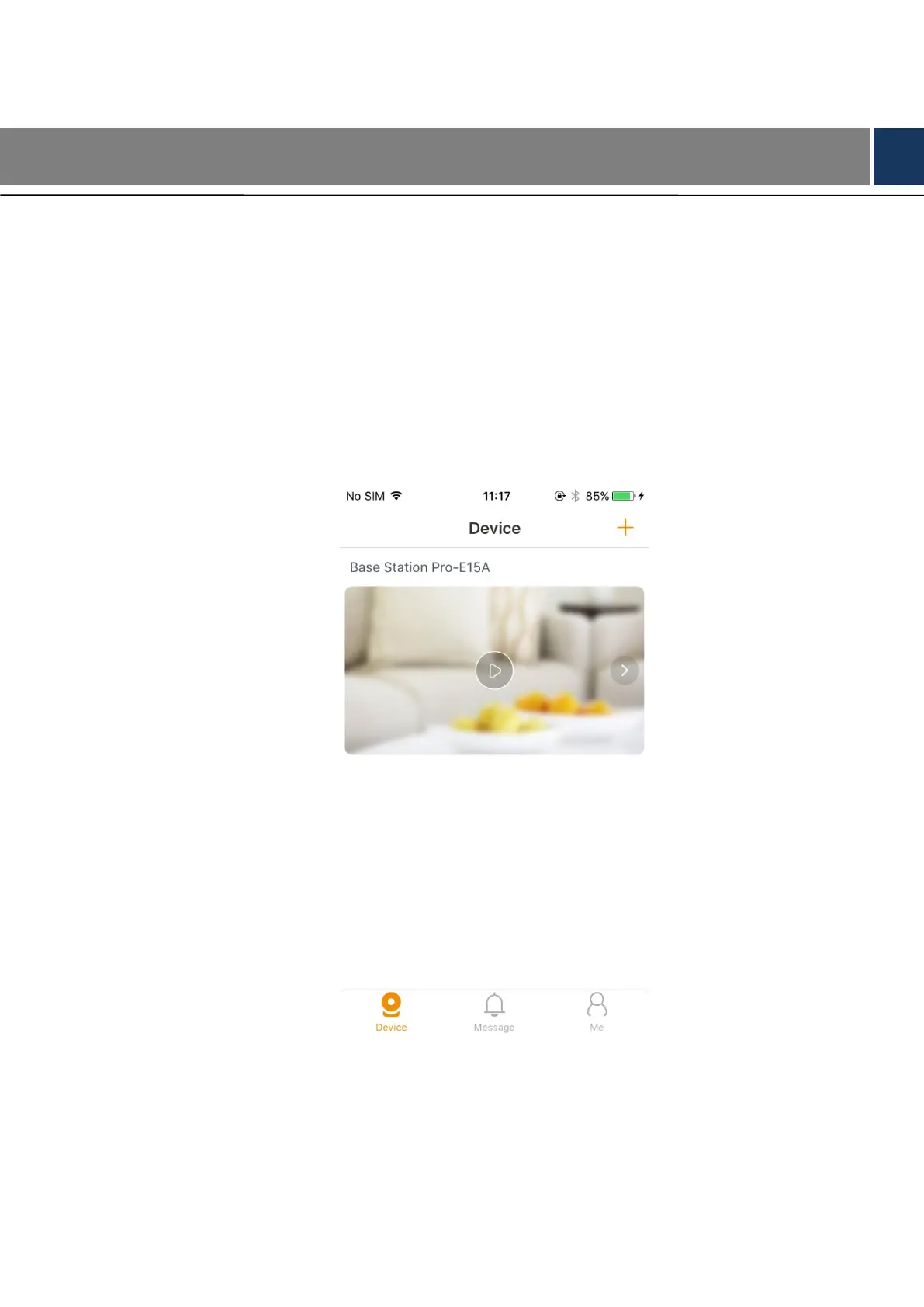
Run imou app, and the Device interface is displayed, all the current devices are listed. See
Figure 3-1.
Device Figure 3-1
Find the base station you added, and you can swipe left to see all the cameras that paired with
this base station. See Figure 3-2.



 To Next Page