Clearing Shift, Break, and Production Counters:
6
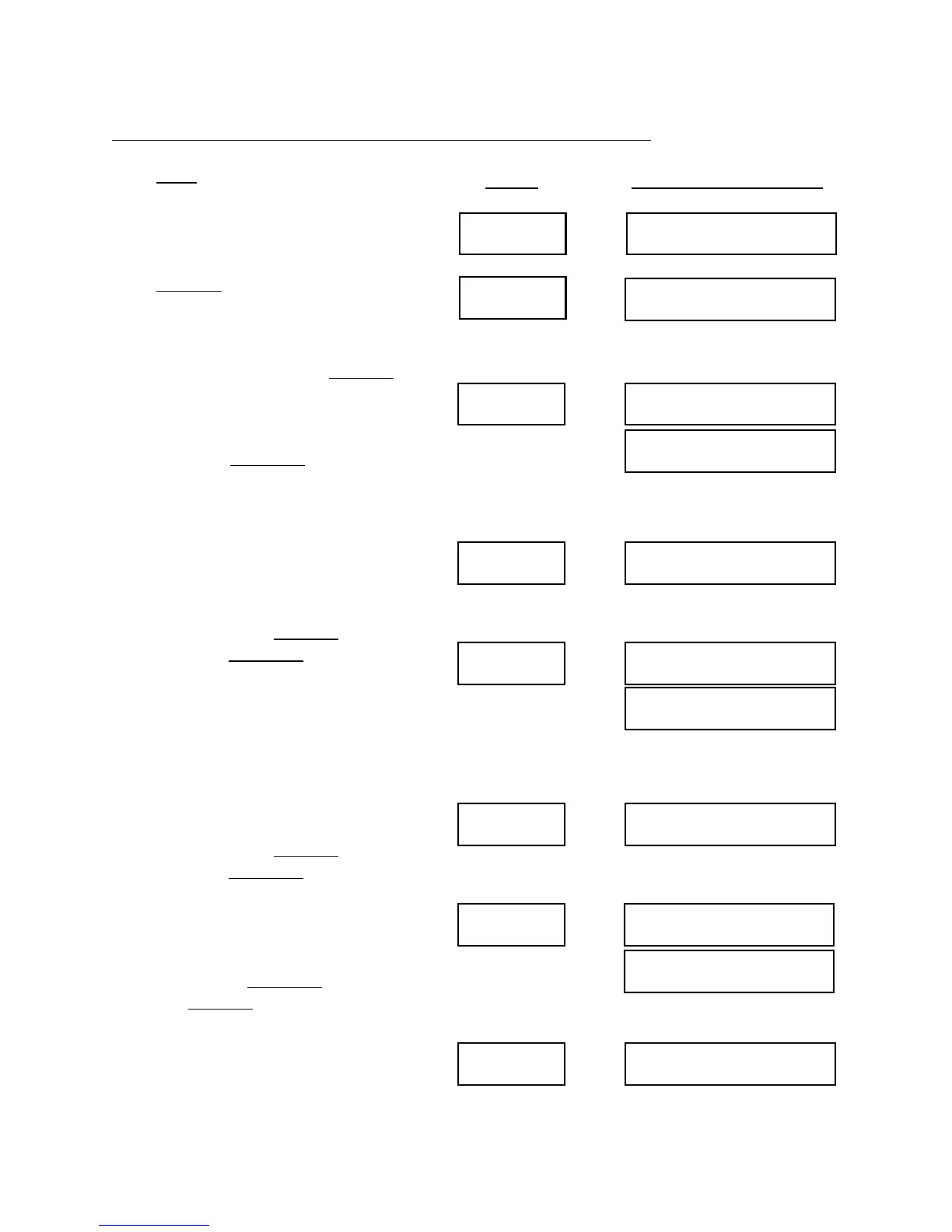
Clear SELECT TO CLEAR
Quantity
CLEAR SHIFT?
Enter/Yes SHIFT CLEARED
CLEAR BREAK?
Next/No CLEAR BREAK?
Enter/Yes BREAK CLEARED
CLEAR PROD?
Next/No CLEAR PROD?
Enter/Yes PROD CLEARED
CLEAR EXPTS?
Next/No EXPTS CLEARED?
Press Clear . The display will show
“SELECT TO CLEAR”. This display
means that the IMPAX unit wants to
know what to erase.
Press Quantity. The display shows
“CLEAR SHIFT?” The IMPAX unit is
now asking whether or not you want to
erase the total number of parts made
during the shift. If not press Next/No.
(You may want to record this number
before erasing; to do so, see Chapter 4,
Information Displays.) If you wish to
erase this press Enter/Yes.
Now the shift total is erased and the
display shows “CLEAR BREAK?” The
IMPAX unit is now asking whether or
not you want to reset the counter which
makes the periodic stops for tooling
changes or inspection. If you do not
wish to do this, press Next/No. If you
desire to, press Enter/Yes.
Now the break counter is reset and the
display shows “CLEAR PROD?” The
IMPAX unit is now asking whether or
not you want to completely erase the
record of that preset production count.
This clears the total of parts made, as
well as the break counter. If you do not
wish to do this, press Next/No. If you
desire to, press Enter/Yes.
IF YOU HAVE AN IMPAX 2000, the
display will show “CLEAR
EXCEPTIONS”. If you wish to clear
this counter press Enter/Yes. If you do
not, press Next/No, and the display will
return to the default message display.
Press
Display Will Show
IF YOUR ANSWER IS YES:
IF YOUR ANSWER IS NO:
IF YOUR ANSWER IS YES:
IF YOUR ANSWER IS NO:
IF YOUR ANSWER IS YES:
IF YOUR ANSWER IS NO:


 To Next Page