Clearing The Tolerance and the Error Record:
7
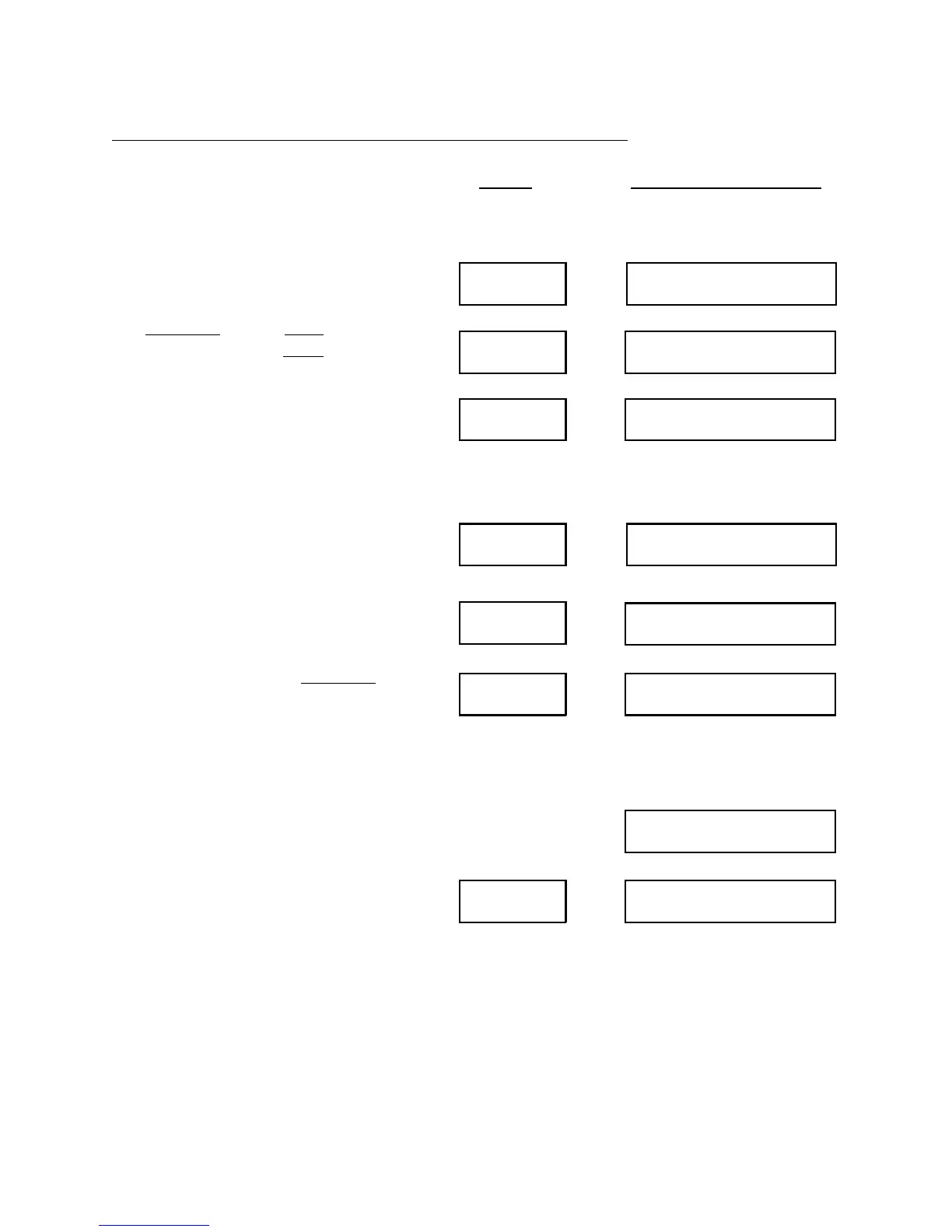
Clear SELECT TO CLEAR
Tolerance CLEAR TOLERNCE?
TOLERNCE CLEAREDEnter/Yes
Clear SELECT TO CLEAR
Error
CLEAR ERRORS?
ERRORS CLEAREDEnter/Yes
CLEAR EXCPT?
Enter/Yes EXCPT CLEARED
The IMPAX monitor production
counters are now cleared. It is ready to
be set up for a new set of quantities. In
fact, it will not run (except in TEST
mode) until a new production quantity
is entered.
The Tolerance and the Error records can
be cleared by pressing Clear until the
“SELECT TO CLEAR” screen appears
and then pressing the respective button
on the Keypad. Remember these steps
can be avoided without harm to the unit
or the data for the next job.
The IMPAX monitor is now cleared and
is ready to be set up for a new job. In
fact, it will not run (except for short
setup runs) until new production
quantities and tolerance values have
been re-entered.
The display will show “CLEAR
EXCEPTIONS?”. Press Enter/Yes to
clear the record of the Exceptions.
Press Display Will Show
TOLERANCE:
ERROR:
In the IMPAX 2000, the display will now show:


 To Next Page