5
Chapter 3 - Setup and Operation
Getting Started
To “Program” the IMPAX Controller, you must supply several basic types of information:
1. The total number of parts to be made on work order. (Up to 99,999,999)
2. The number of parts to be made prior to a predetermined inspection or tool change (this
feature may be omitted).
3. The force variation tolerance settings (scale of 1 to 9, automatic tolerance, or no tolerance)
for each forming process.
4. A “trend limit” which limits how much the force values can change as the machine heats
up or tools wear down (this feature may be omitted).
5. The desired number of exceptions, which let-by a small percentage of “bad” parts (this
feature may also be omitted).
Setting up the IMPAX unit for a new job may be done any time before beginning the job, by
anyone who has a Supervisor’s Key
Clearing the old job
Before setting up a new job you must Clear the existing functions which do not apply to the new
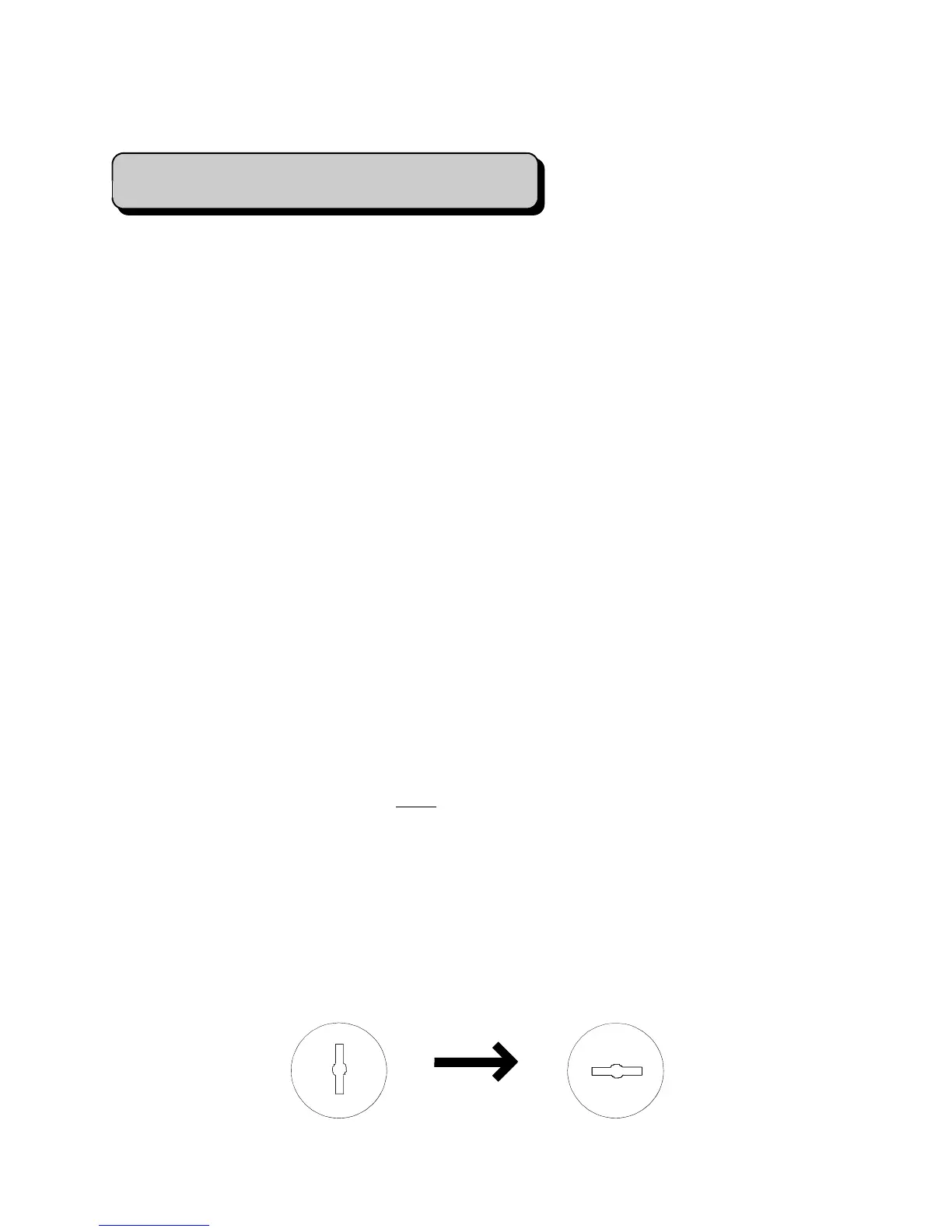
setup. When the old job is finished, insert the Supervisor’s Key and turn it to the right so it is in
a horizontal position.
Insert Key and turn to the right from the
Vertical position to the Horizontal position


 To Next Page