14
Chapter 4 - IMPAX Information Displays
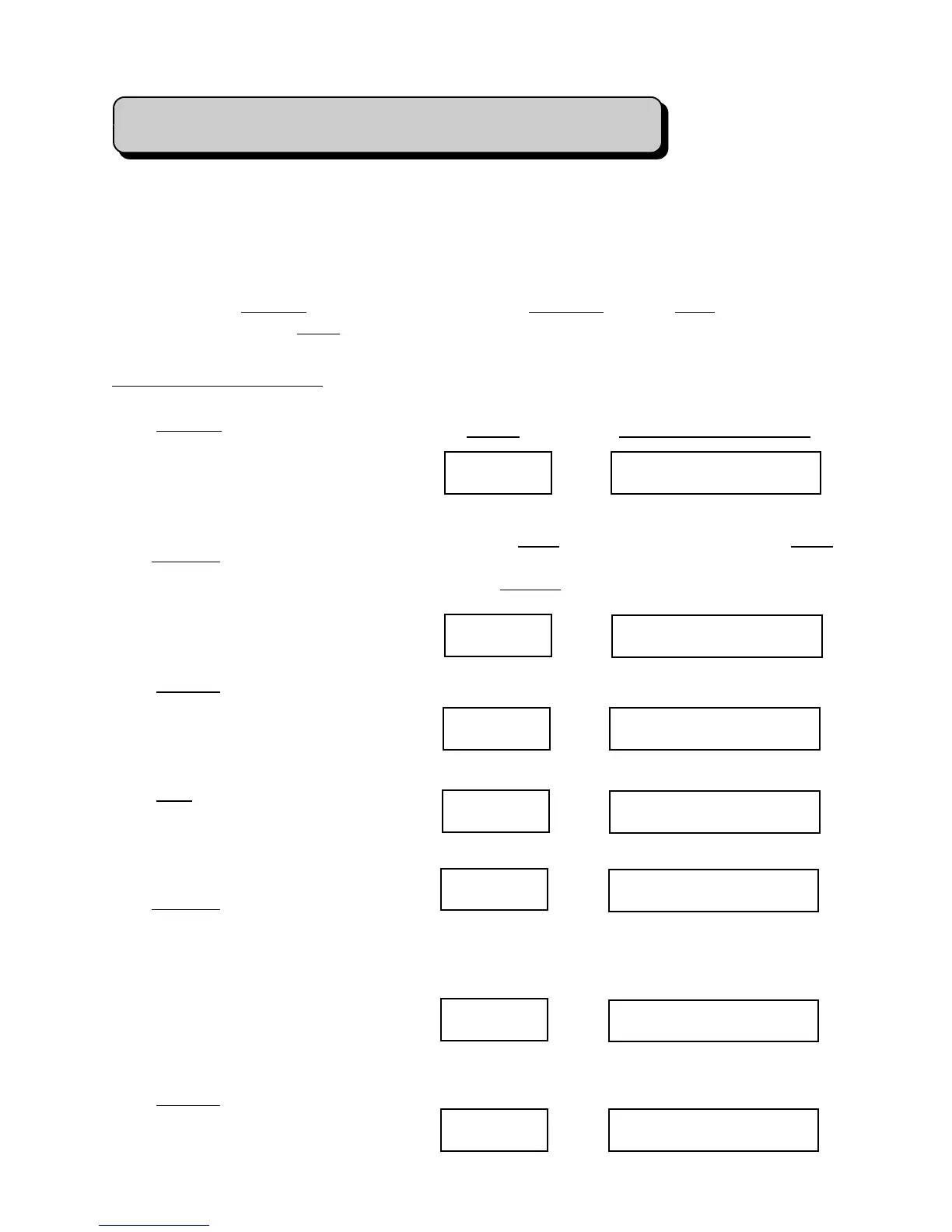
Quantity MADE * 750
Next/No
TO GO * 99250
Next/No SHIFT * 750
Next/No
B MADE * 750
Next/No
B TO GO * 4250
Next/No
EXPTS
Next/No RPM 300
Useful information is available from the IMPAX console simply by pressing buttons. This may
be done whether the machine is running or stopped. Unless otherwise instructed, the
Supervisor’s Key should be removed or turned to the vertical position while performing these
steps.
To inquire about Quantity settings or production totals, Tolerance settings, Error conditions
which have occurred, or Force measurements and limits, press the appropriate button.
Quantity Displays:
Press Quantity. The display will show
“MADE * 750” if 750 parts have been
produced on this job. If the machine is
running and the green light is on, the
number will be counting up.
Press Next/No again and the display
changes to “TO GO * 99250”, which is
the number of parts remaining to be
made. This number counts down when
the machine is running.
Press Next/No again and the display
changes to “SHIFT * 750”, which
means that 750 parts have been made
during the current shift.
Press Next again and IMPAX shows “B
MADE * 750”, which means that 750
parts have been made during the current
shift.
Press Next/No again and the display
becomes “B TO GO * 4250”, meaning
that 4250 more pieces will be made
before the machine is stopped for an
inspection break. This also counts
down. If exceptions are turned on in
Channel Definition, then the next
display will show them.
Press Next/No and the display will
show “RPM 300” which is the speed
that the machine is running at.
Press Display Will Show
Pressing Enter will start Autoscroll, pressing Enter
again will stop it on the current screen. During
scroll, Next/No will not work.
If exceptions are turned on:


 To Next Page