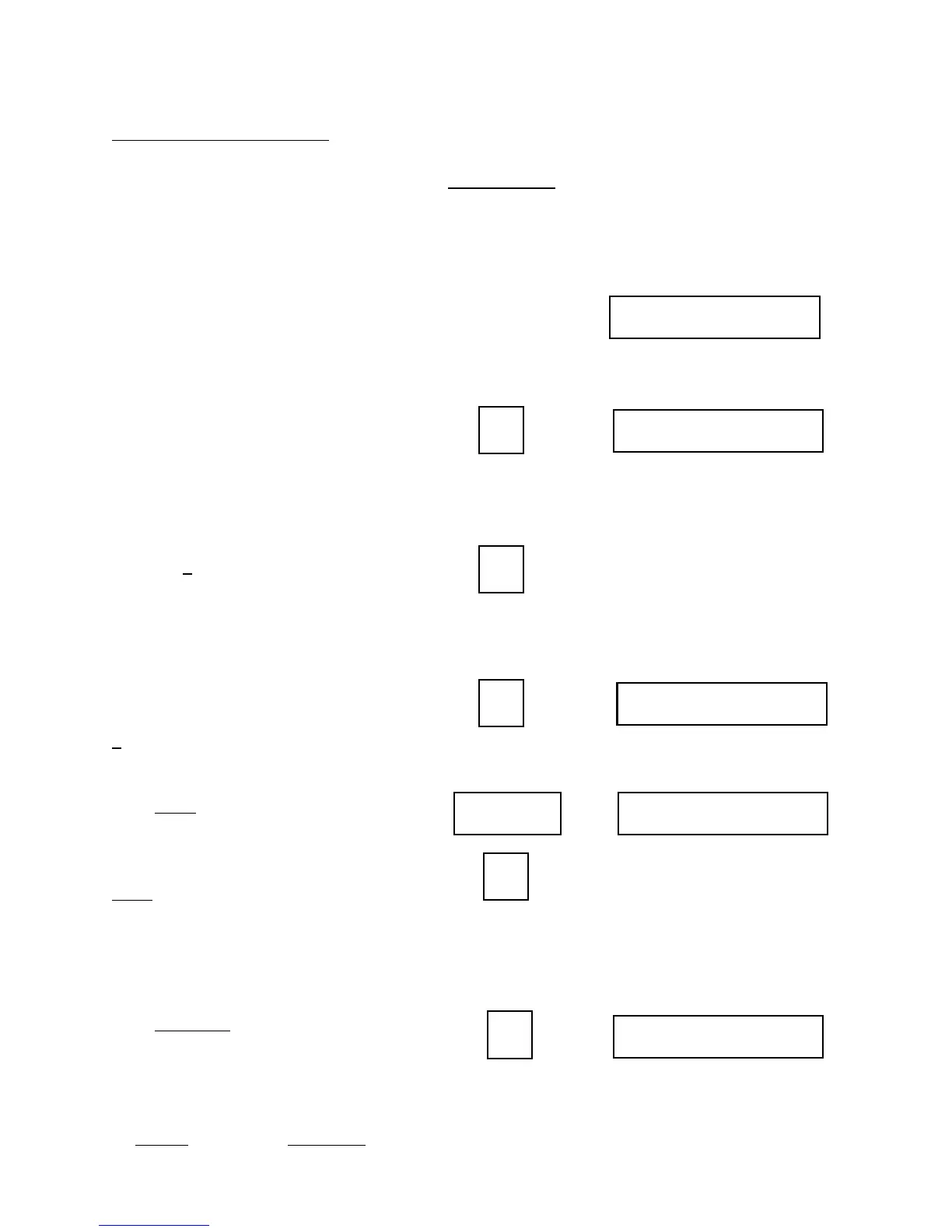
Setting Tolerances:
9
CHANNEL 1 ?
Z
CHANNEL 1 Z
#
C1 LOW LIM 0
X
C1 HIGH LIM 0Enter/Yes
X
Z
CHANNEL 1 Z
You will be asked to give a tolerance
number to each measuring channel.
This value controls how closely that
station is to be monitored. (Refer to
page 23 of this guide)
The display now shows “CHANNEL 1
?”, asking for a tolerance number for
the first station. Press a number from 1
to 9, 0, “*”,or “#”. (Remember that low
numbers give tight control and higher
numbers permit more variation; zero
means that the station has no tolerance
limits applied at all. “*” sets the
tolerance automatically). If fixed limits
are enabled in channel definition (see
Programming section of Supervisor’s
Guide for this procedure) then you can
press the # key to switch between fixed
and normal limits. These limits are
usually only used when the tolerance
needs to be tighter than a “9” will give
or looser than a “1” will give without
being zero.
If you enable this the screen by pressing
#, it will show “C1 LOW LIM 0”. It
is asking you what you want the lower
limit to be. Enter the lower limit and
press Enter. The next screen will say
“C1 HIGH LIM 0”. The monitor is
now asking for the upper limit of
tolerance. Enter the value and press
Enter. If you go to the Force screen,
you will see the limits you just entered.
For ideas on setting Normal tolerances,
see Section 5, Tolerance setting guide.
When you have entered the number,
press Enter/Yes.
The following options will only be
available if they are enabled in the
channel definition part of programming.
Press Display
Will Show
Z can be from 0 to 9,*, or #.
NOTE: If Fixed limits are enabled in
Programming, then press:
to toggle between normal and fixed.
IF FIXED LIMITS CHOSEN:
X can be from 0 to 253 in both low and high limits.
Display might show “ALL FACTORS
SET” or it might go on.
IF NORMAL LIMITS CHOSEN:
Z can be from 0 to 9,*, or #.
(Same as if fixed limits not enabled)


 To Next Page