7
Mounting Information
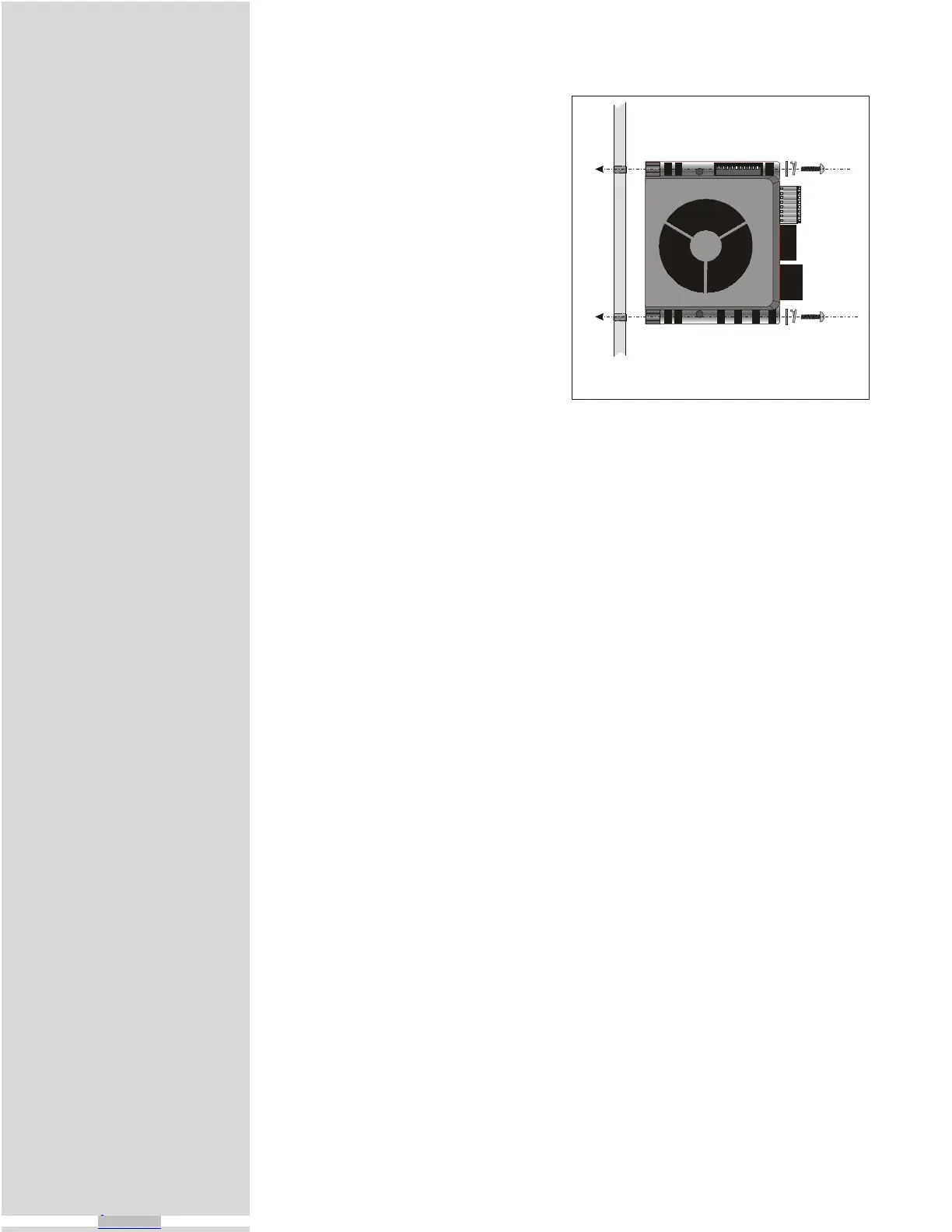
The MicroLYNX System may be
mounted to a panel by using standard
#6 (M3) hardware. No heatsinking is
necessary as the system has a built-in
cooling fan. When mounting the
MicroLYNX in an enclosure, ensure
that adequate space is available for air
flow on the fan side of the
MicroLYNX case. Mounting screws
should be tightened to 5 to 7 lb-in
(0.60 to 0.80 N-m) torque.
Mounting Screw Torque
Specification:
5 to 7 lb-in
0.60 to 0.80 N-m
Figure 1.2: Panel Mounting the MicroLYNX
MicroLYNX Terminology Explained
Throughout this book several terms will be introduced that apply to the
MicroLYNX. They are:
Flag
LYNX software component that may be set to a logic state to indicate status and
enable/disable functions. Flags may be either system or user-defined.
Immediate Mode
MicroLYNX mode of operation where commands are issued directly from the
terminal to the MicroLYNX.
Instruction
LYNX software component used to direct events inside or outside a program.
Isolated Digital I/O
MicroLYNX programmable I/O. Electrically isolated from motor power ground.
Label
1 to 8 character alpha-numeric name that may be assigned to a program, subrou-
tine, or user-defined variable or flag.
MUNITs
The munit term is derived from the MUNIT, or Motor UNIT variable, which is
the scaling factor by which drive step clock pulses are converted to some unit of
distance measure. The MUNIT variable specifies the number of microsteps per
user unit (inches, degrees, millimeters, etc.). Once MUNIT is established, motion
variables (position, velocity acceleration, etc.) may be expressed in terms of user
units. Almost all the MicroLYNX motion, position, velocity, acceleration and
Downloaded from Arrow.com.Downloaded from Arrow.com.Downloaded from Arrow.com.Downloaded from Arrow.com.Downloaded from Arrow.com.Downloaded from Arrow.com.Downloaded from Arrow.com.Downloaded from Arrow.com.Downloaded from Arrow.com.



 To Next Page