EasyManua.ls Logo

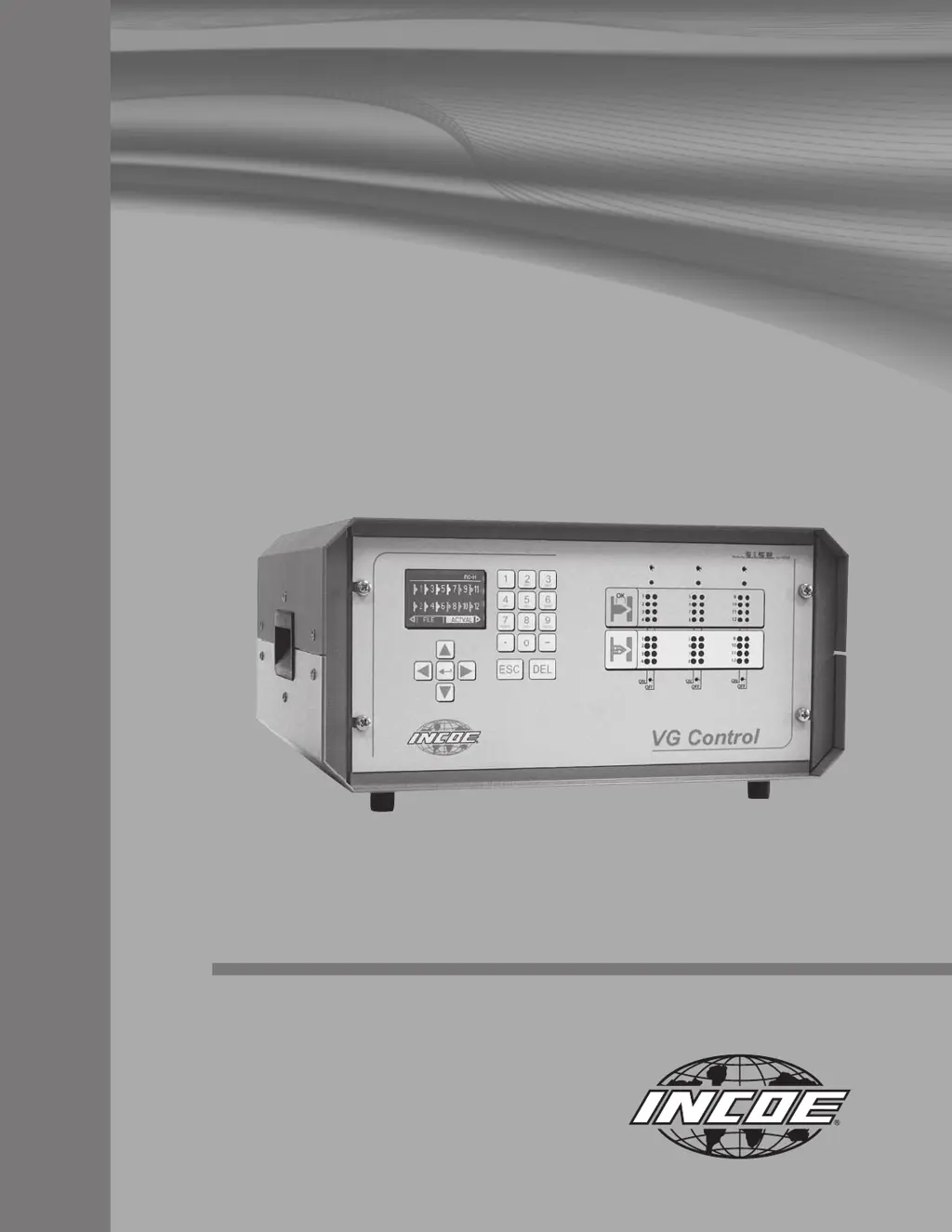
INCOE VGC - User Manual

INCOE VGC
25 pages
Print Icon
To Next Page IconTo Next Page
Loading...
Instruction Manual
VGC
TM
I Sequential Valve Gate Control

Questions and Answers

Summary

VGC Control System Introduction

System Description and Control Basics

Introduces the VGC cabinet, its primary control functions, and basic input signals.

Connecting Input Signals

Details how to connect input signals from the injection molding machine to the VGC.

Cabinet Connections and Specifications

Outlines connector types, dimensions, fuses, circuit breakers, and applicable standards.

Man-Machine Interface Overview

Describes the operation of the LCD screen, keyboard, and indicator LEDs for user interaction.

VGC Operation and System Management

Startup, Calibration, and Configuration

Guides on initial system startup, screw travel calibration, and system configuration parameters.

Programming and Manual Control Modes

Details modifying programs, manual valve gate operation, and triggering signal settings.

File Management and Alarm Handling

Covers managing sequence files and monitoring system alarms.

System Parameters, Locking, and Options

Details system parameters, locking mechanisms, and optional pin position control.

Troubleshooting Common VGC Issues

Identifying and Resolving Failures

Provides guidance on identifying and resolving common operational failures and system issues.

Warranty and Support Information

Sales Terms and Warranty Coverage

Outlines the general terms and conditions of sale and the warranty coverage for the VGC system.

INCOE Contact Information

Provides contact details for INCOE offices worldwide for technical support and inquiries.

INCOE VGC Specifications

General IconGeneral
BrandINCOE
ModelVGC
CategoryController
LanguageEnglish