Relays Setup Page 15 - 3
15
Relay Menu (C
ONTINUED
...
FROM
PREVIOUS
PAGE
)
RELAY 2 Go back to RELAYS menu and push
M2
under
TIMEOUT RELAY 2 to access this menu.
RELAY TIMEOUT 2
15
0 to 3600
(Input an automatic relay time-out / switch-off value in
seconds... 0 = no time-out, the attendant must press
ACK
to switch the relay off, 3600 = 60 minutes or 1 hour
time-out )... Input a
considerable
automatic relay time-
out value –
especially when the relay controls an
external alarm device.
Relay 2 Output Group (alarm assignment)
Select / assign output group(s) to activate RELAY 1 on alarm / limit.
OUT GRPS
RELAY OUTPUT GROUPS 1 GROUP
– – – – – – – – – – – – – – – – – – – – – – – – – – – – – – – – – –
A
1 32
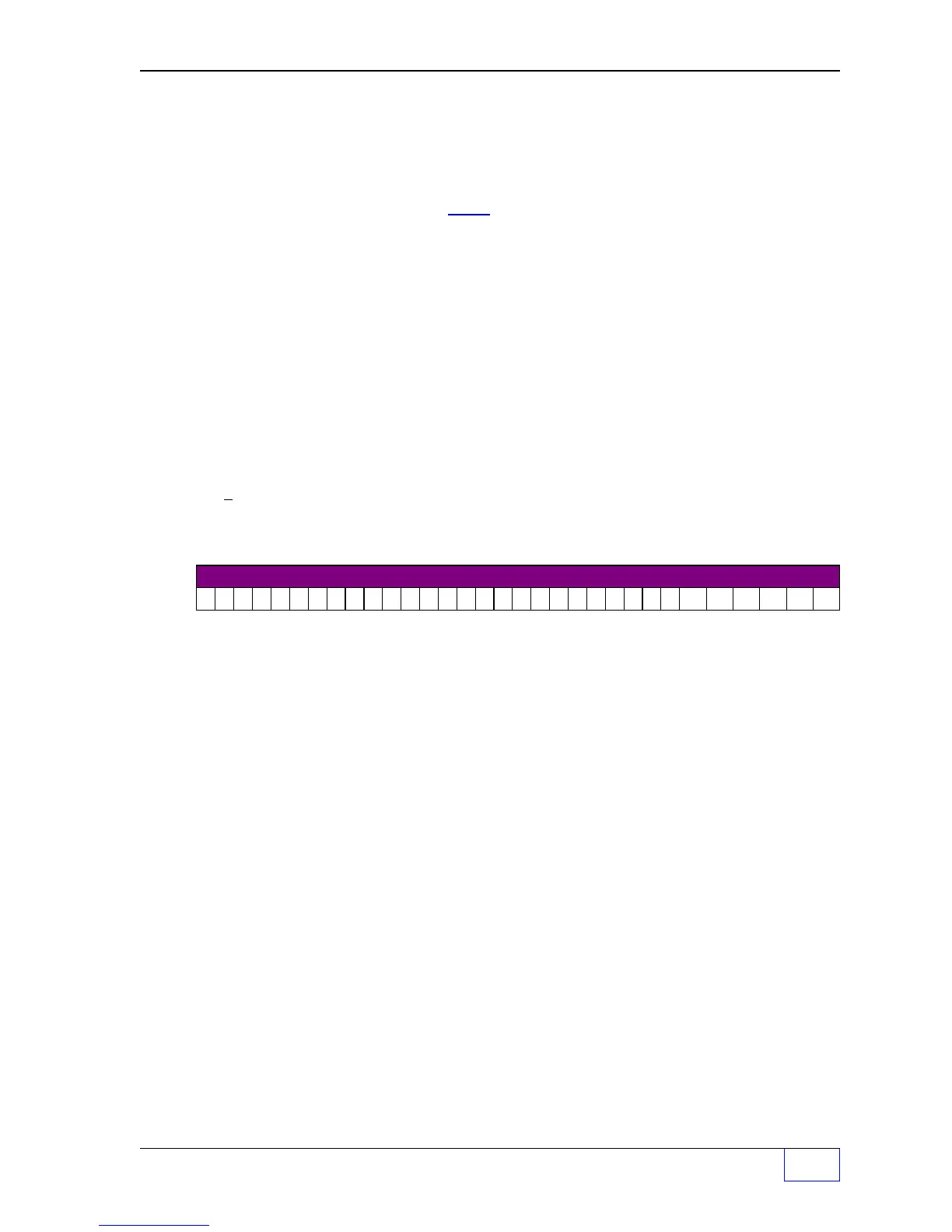
A B C D E F G H I J K L M N O P Q R S T U V W X Y Z AA BB CC DD EE FF
Fill–in RELAY 2 Output – Group Assignments Below:
A B C D E F G H I J K L M N O P Q R S T U V W X Y Z A A B B C C D D E E F F
TEST Relay 2 Press
M3
key.
TESTING... RELAY switches on and off...
listen for clicking sound.
HIT ANY KEY TO QUIT
Press any key to stop the test or wait for the time-out to
switch the relay off
if the time-out value is greater than Ø
.



 To Next Page
 Loading...

