InfiNet Wireless R5000 Technical User Manual
Copyright © 2004-2006 by InfiNet Wireless Limited.
24
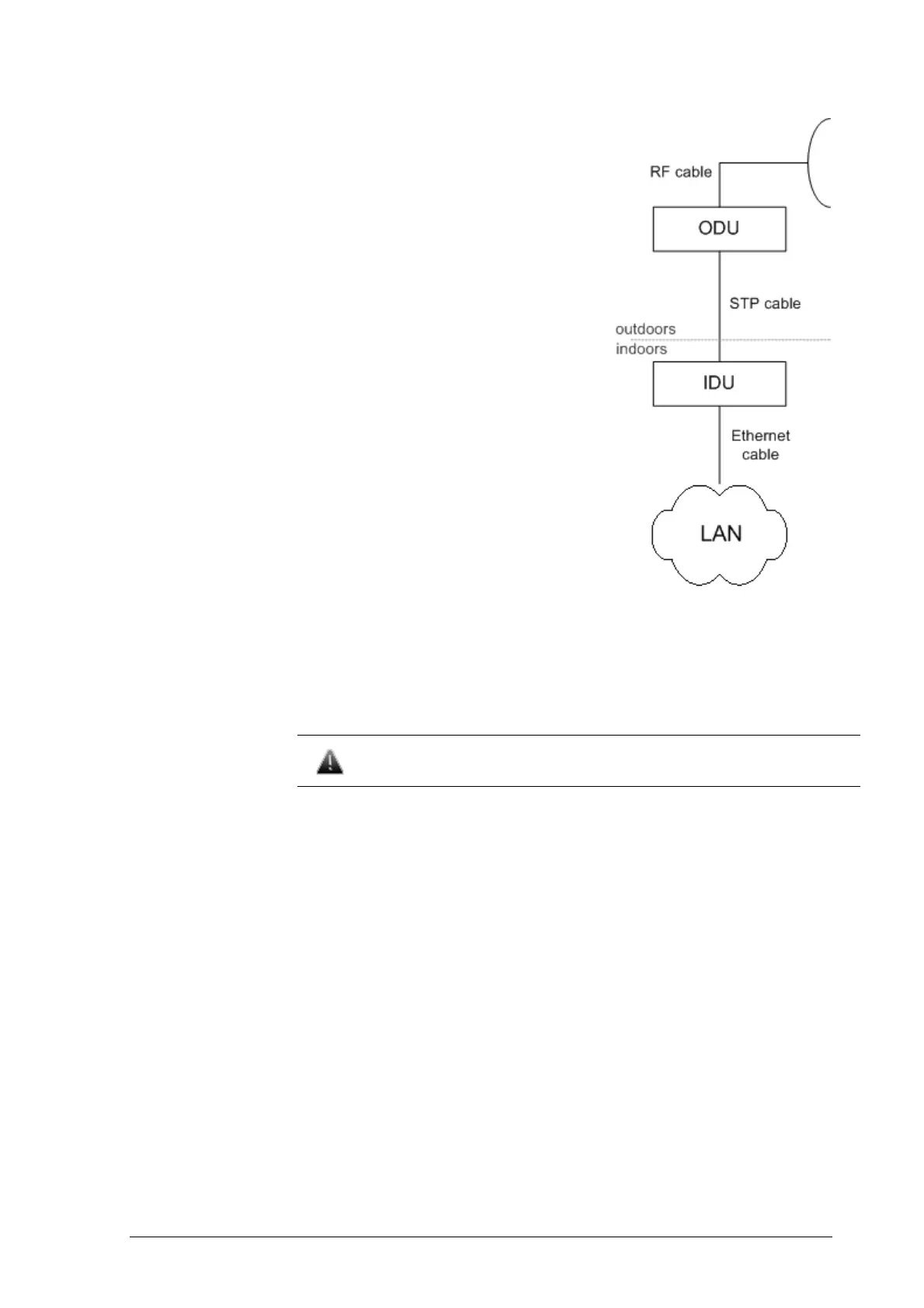
11. Connect the ODU-IDU cable to the ODU
12. Isolate the ODU connector joint place
13. Once the antenna and antenna pole are
installed they must be grounded via
lightning protection grounding contour.
Antenna’s position must be lower than
the highest antenna pole point at least
by 2 antenna heights. If antenna is
NOT DC-shorted (see antenna technical
documentation), the additional
lightning arrestor must be used which
is placed between ODU and antenna
and is grounded to the antenna pole
grounding contour.
14. Connect RF cable to the antenna. Twist
the connector tightly
15. Connect RF cable to the ODU previously
having touched RF cable connector
case with ODU connector case
16. Isolate RF connectors from both sides
(ODU and antenna)
17. Connect the STP cable to IDU
previously having touched IDU
connector case with STP cable
connector case
18. Provide grounding for IDU
19. Connect Ethernet cable to IDU
20. Provide power supply for IDU
21. Connect to the Router using Telnet protocol
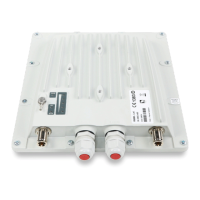
It is extremely important to install ODU connectors down!



 To Next Page