46
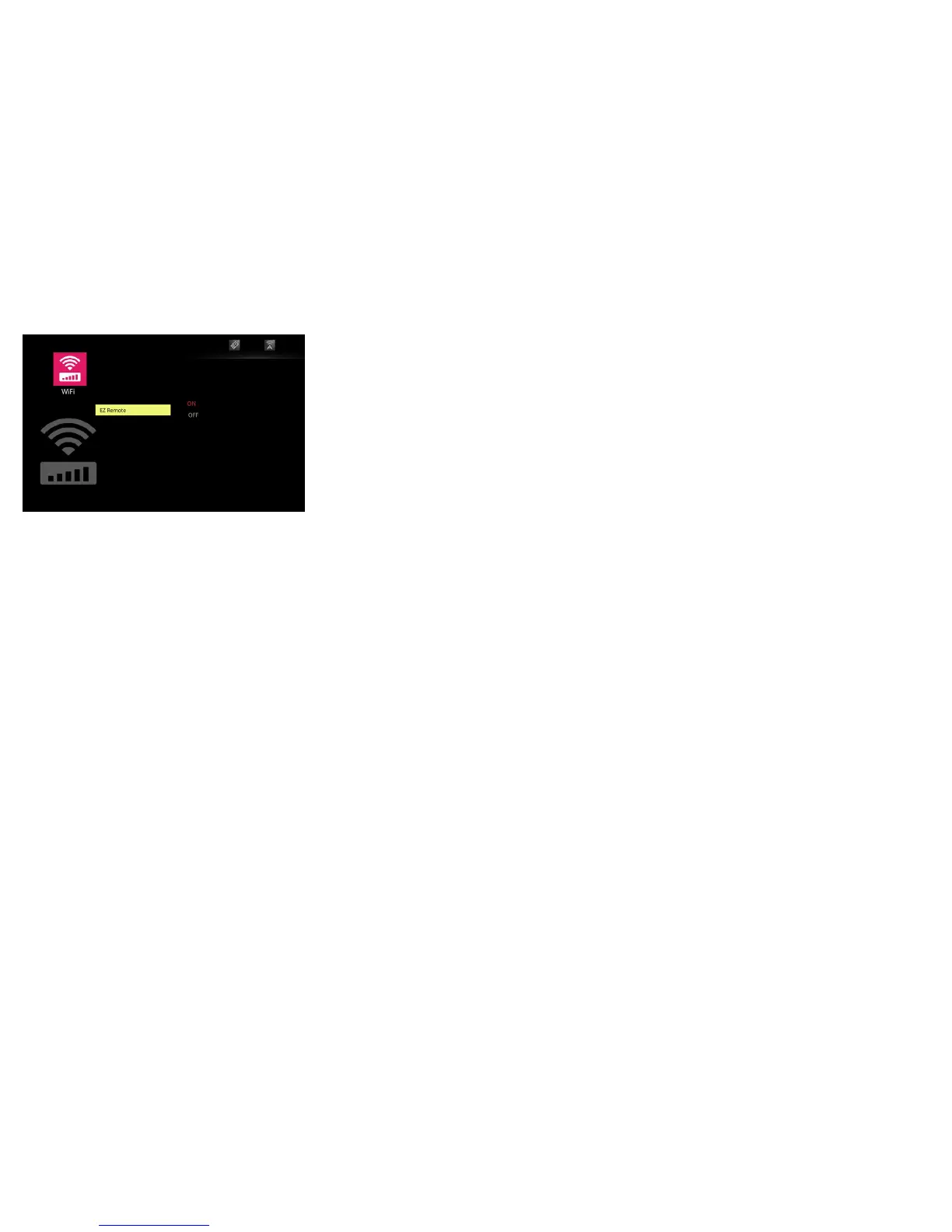
EZ Remote
Allows you to control the projector from your Android or iOS device. Note: A
wireless connection must be established to operate this feature.
To activate, press the Sele
ct key and use the up and down arrows to highlight On.
Press the Select key again. The EZ Remote icon will be displayed in the upper right
corner of the projected image.


 To Next Page