EasyManua.ls Logo

InFocus IN112 - Appendices; Computer;Video;HDMI;Mac Compatibility

InFocus IN112
63 pages
To Next Page IconTo Next Page
To Previous Page IconTo Previous Page
Loading...
54
English
Appendices
Computer/Video/HDMI/Mac Compatibility
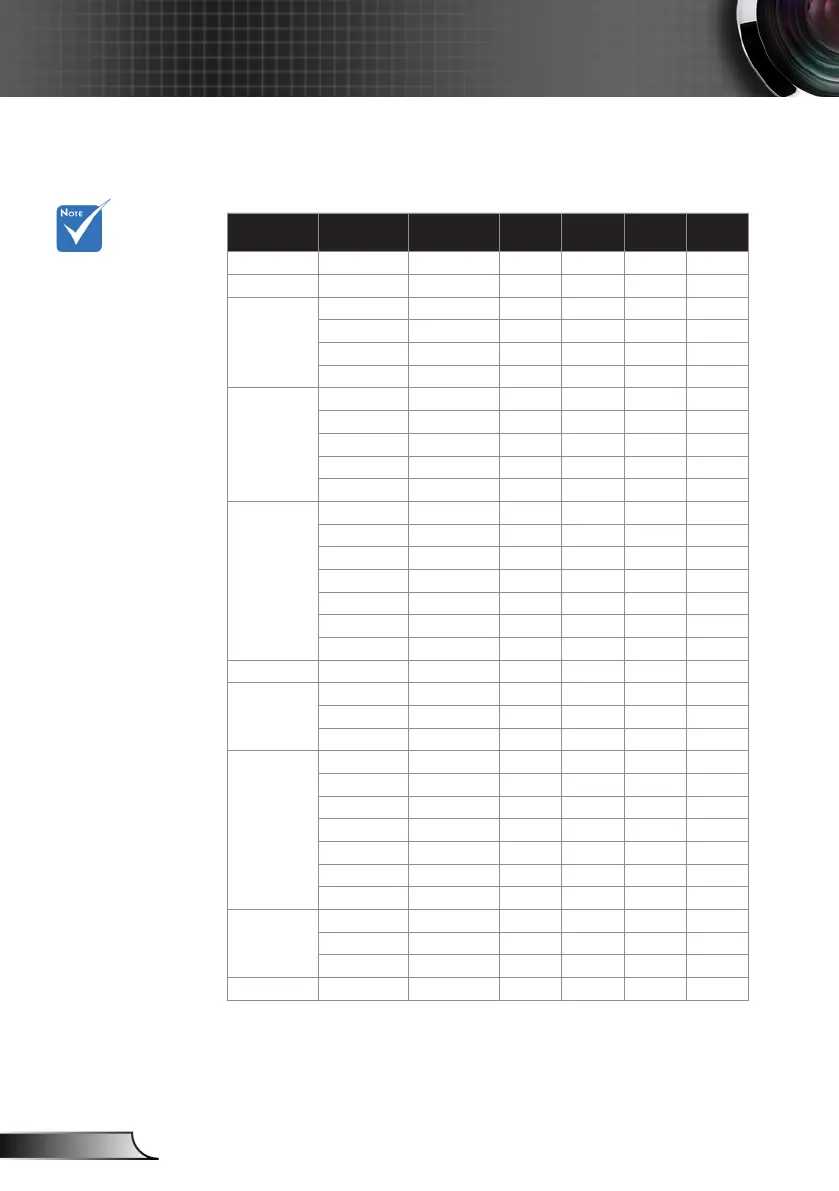
Compatibility Modes
For widescreen
resolution (WXGA),
the compatibility
support is depen-
dent on Notebook/
PC models.
Please note that us-
ing resolutions other
than native 800 x
600 (SVGA model),
1024 x 768 (XGA
model), 1280 x 800
(WXGA model) may
result in some loss
of image clarity.
(*1) 1920 x1200
@60Hz only support
RB (reduced blank-
ing).
(*2) 3D timing for
True 3D projector.
(*3) is not supported
HDMI input signal
for Mac.
(*4) Proscene and
Data Projector >
4,000 Lumens only,
Native resolution
must support.
(*5) Window 8
standard timing.
120Hz input signals
may be dependent
on graphics cards
support.
Signal Resolution
Refresh Rate
(Hz)
Video Analog HDMI Mac
NTSC 720 x 480 60 O - - -
PAL/SECAM 720 x 576 50 O - - -
VGA
640 x 480 60 - O O O
640 x 480 67 - O - -
640 x 480 72.8 - O - O
640 x 480 85 - O - O
SVGA
800 x 600 56.3 - O - -
800 x 600 60.3
(*2)
- O O O
800 x 600 72.2 - O O O
800 x 600 85.1 - O O O
800 x 600 120
(*2)
- O O -
XGA
1024 x 768 48 - O O
1024 x 768 50 - O
(*4)
O
(*4)
1024 x 768 60
(*2)
- O O O
1024 x 768 70.1 - O O O
1024 x 768 75 - O O O
1024 x 768 85 - O O O
1024 x 768 120
(*2)
- O O -
WSVGA 1024 x 600 60 - - O -
HDTV (720p)
1280 x 720 50 O O O -
1280 x 720 60
(*2)
O O O O
1280 x 720 120
(*2)
- O O -
WXGA
1280 x 768 60 - O O O
(*3)
1280 x 768 75 - O O O
1280 x 768 85 - O O O
(*3)
1280 x 800 48 - O O
(*4)
1280 x 800 50 - O
(*4)
O
1280 x 800 60 - O O O
1366 x 768 60
(*5)
- O O -
SXGA
1280 x 1024 60 - O O O
1280 x 1024 75 - O O O
1280 x 1024 85 - O O -
SXGA+ 1400 x 1050 60 - O O -

Other manuals for InFocus IN112

Related product manuals