English
43
USING THE PROJECTOR
Setup network control settings menu
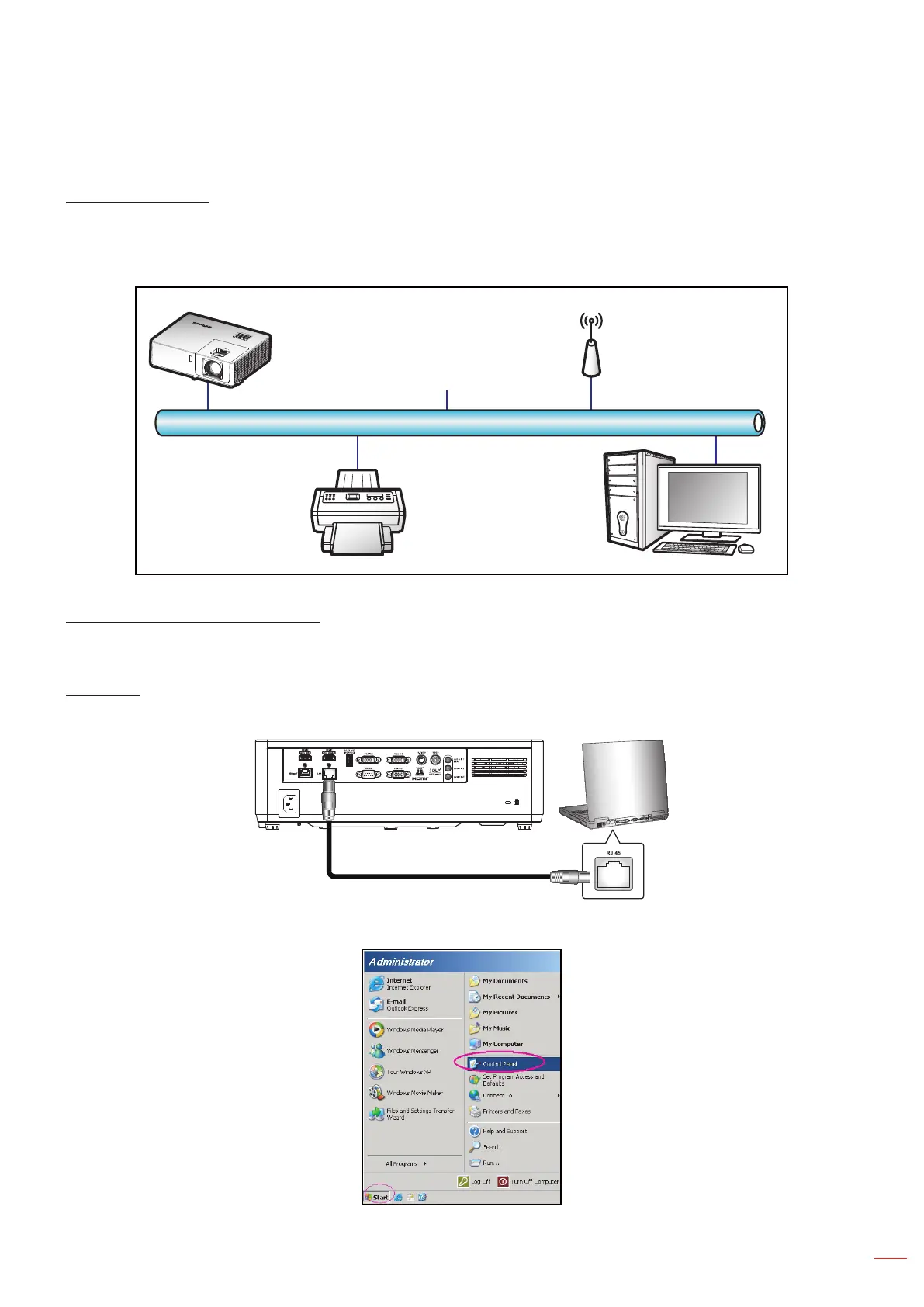
LAN_RJ45 function
For simplicity and ease of operation, the projector provides diverse networking and remote management features.
The LAN / RJ45 function of the projector through a network, such as remotely manage: Power On / O, brightness,
and contrast settings. Also, you can view the projector status information, such as: Video- Source, Sound-Mute, etc.
(Ethernet)
Projector
Wired LAN terminal functionalities
The projector can be controlled via the LAN/RJ45 port. An interface can be accessed using your browser or telnet
commands. Power on/o, sources, image settings are some of the available functions.
LAN RJ45
1. Connect an RJ45 cable to RJ45 ports on the projector and the PC (laptop).
2. On the PC (Laptop), select Start > Control Panel > Network Connections.



 To Next Page