English
46
USING THE PROJECTOR
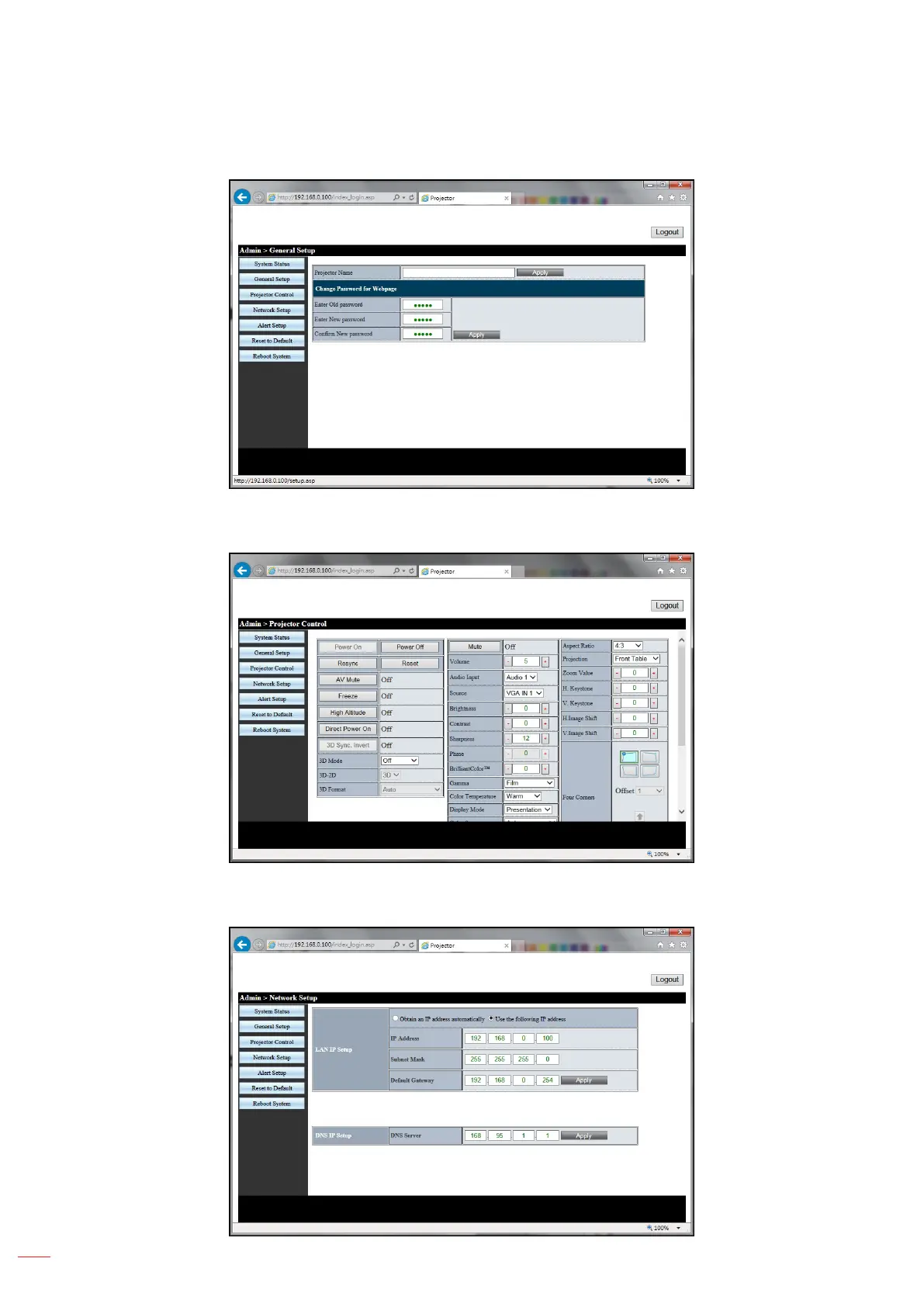
16. The General Setup page allows changing the Projector Name and the admin password.
17. On the Projector Control page, you can perform many common network control functions such as
changing the source and adjusting volume.
18. Network settings can be congured on the Network Setup page. If the IP address is changed the new
IP address will have to be put in the url window of the browser to access Projector Control.



 To Next Page