IN3144_IN3146_IN3148HD User’s Manual
— 31 —
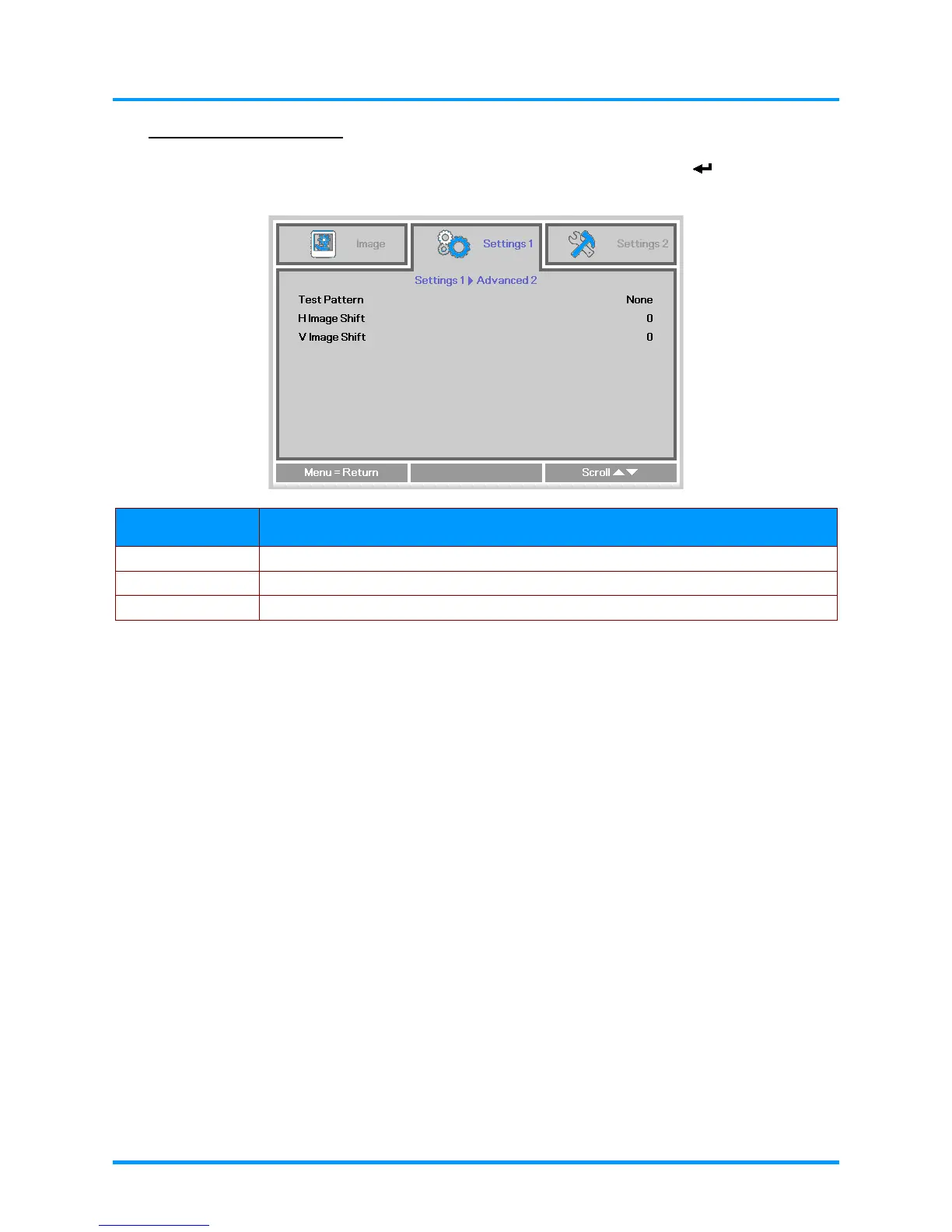
Advanced 2 Features
Press the Menu button to open the OSD menu. Press the ◄► buttons to move to the Settings 1
menu. Press the ▲▼ buttons to move to the Advanced 2 menu and then press (Enter) or ►.
Press the ▲▼ buttons to move up and down in the Advanced 2 menu. Press the ◄► buttons to
enter and change setting values.
ITEM DESCRIPTION
Test Pattern Press the ◄► buttons to enter and select internal test pattern.
H Image Shift Press the ◄► buttons to enter and select H Image Shift.
V Image Shift Press the ◄► buttons to enter and select V Image Shift.











 To Next Page