25
24
25
Step 4
•If you selected to use the User Activity option dur-
ing set up, press ▲ and ▼ button to select the
activity that correlates with your result (refer to
p10), then press
.
Testing Your Blood - Case of Setting User
Option
24
www.infopia21.com
Testing Procedure
Step 3
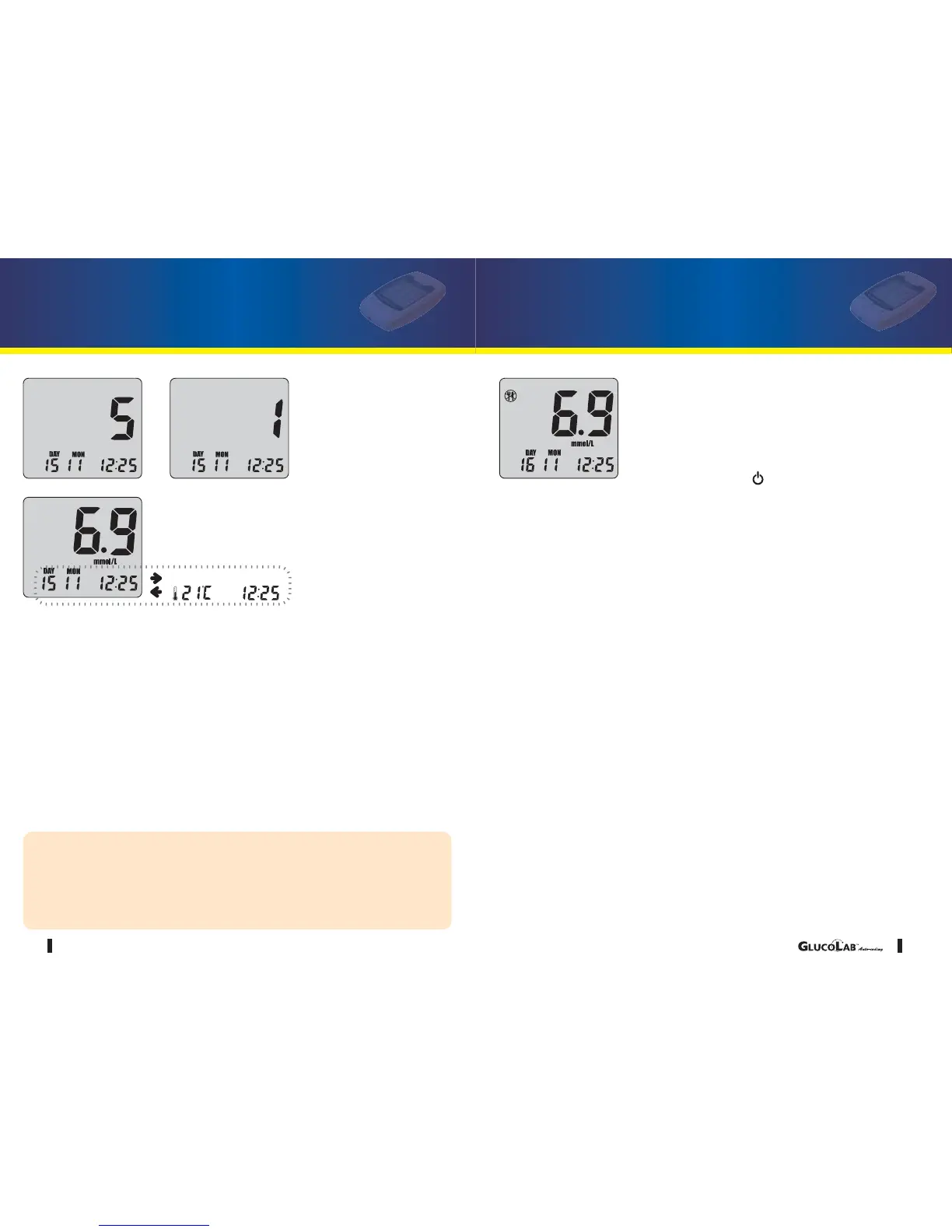
•After the beeping sound, the test will begin automatically and your results will
appear in 5 seconds. It should begin counting down from 5 to 1 second on
the LCD display window. The LCD window will display the result of your
blood glucose level, temperature and time.
•Record the result value in your logbook. When blood glucose test strip is
removed, the blood glucose test meter turns off automatically.
CAUTION
1. If the test result is out of the test range, the Hi/Lo message will be shown on
the LCD. (refer to p35)
2. Safely discard used blood glucose test strip and lancet, to a proper place,
according to the local regulation.



 To Next Page