31
30
31
30
www.infopia21.com
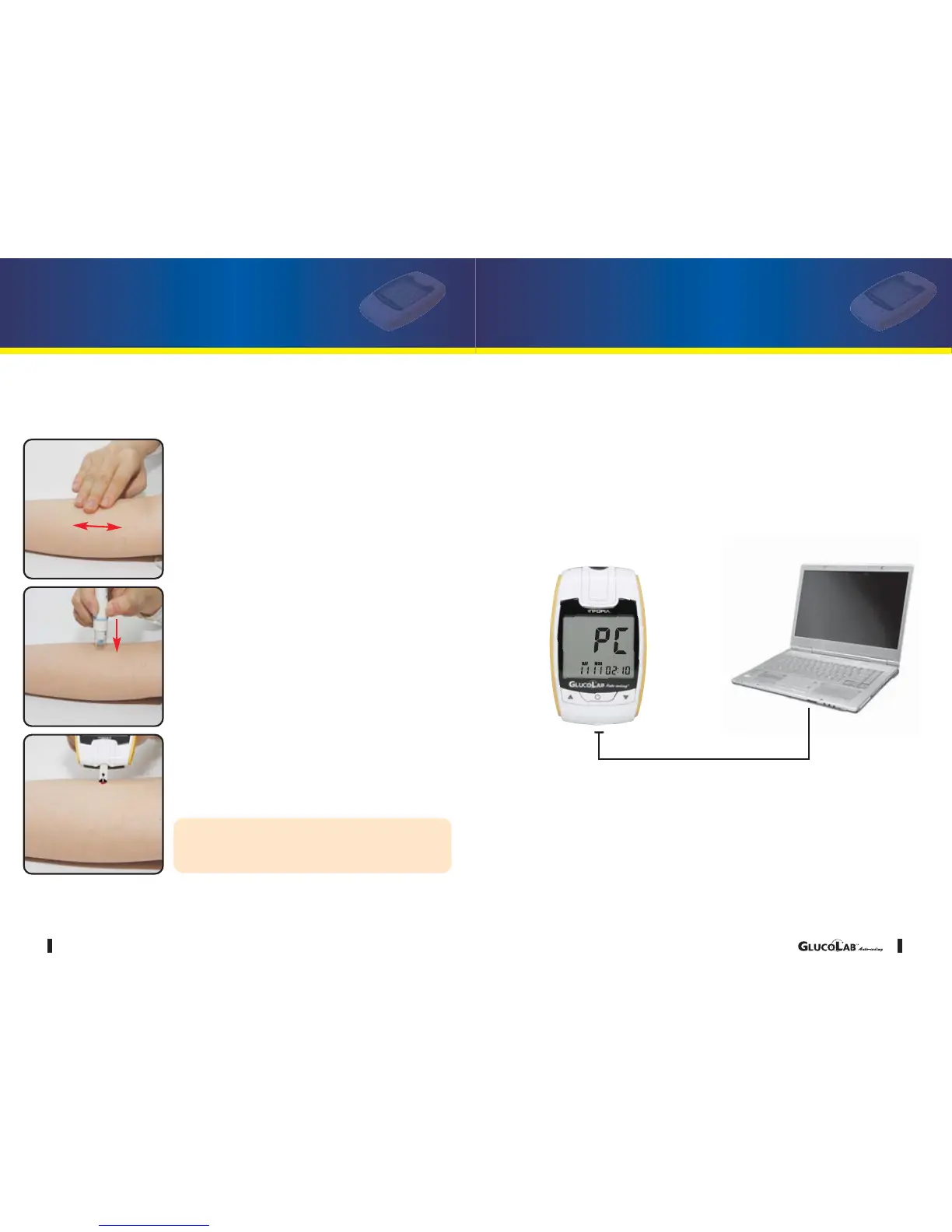
Lance the test site with the lancing device:
1. Hold the clear cap down against the top of your
test site. Press the release button. Do not lift up.
2. Continue to hold the lancing device and gradually
increase pressure for several seconds.
3. While holding the lancing device on your test site,
look through the clear cap; until a drop of blood
appears approximate •
size
4. Lift the lancing device straight up; be careful not
to smear the blood on your testing site.
5. Place the edge of the blood glucose test strip to
the drop of blood.
6. The blood will automatically draw into the chan-
nel of the blood glucose test strip.
You may get an inaccurate result if the blood
sample is not completely filled in a single
action.
To bring fresh blood to the surface of the test site, rub the test site vigor-
ously for a few seconds until you feel it getting warm.
Performing a Blood Test Using and Alternate Site
GLUCOLAB
TM
Auto-coding Blood Glucose
Test Meter Software
You can transfer test results from the GLUCOLAB
TM
Auto-coding
blood glucose test meter to a computer.
You can download the software from our web site.
(www.neondiagnostics.co.uk)
You can purchase the computer communication cable separately from
a local representative.
cable
[User]
[PC]



 To Next Page