EasyManua.ls Logo

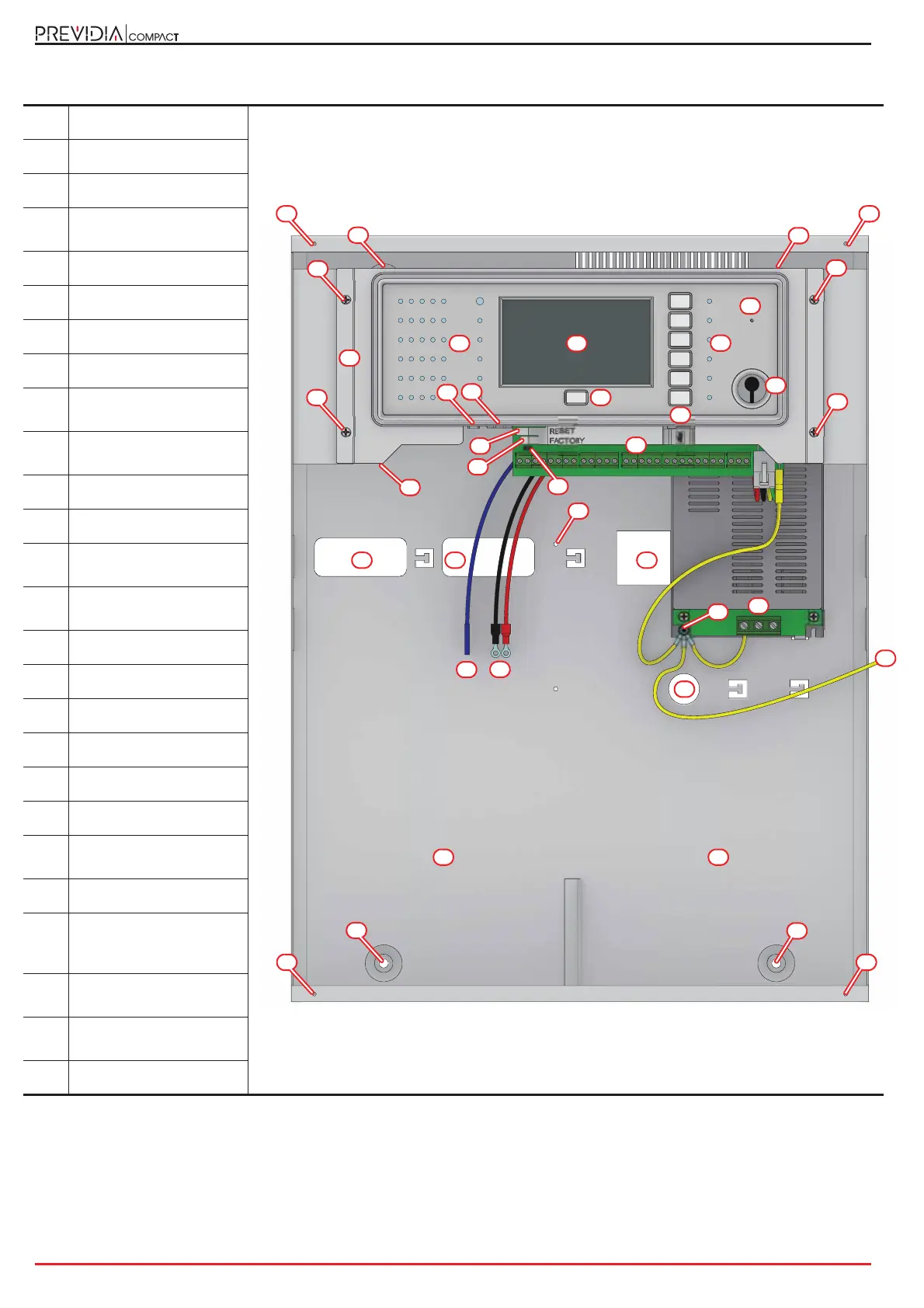
INIM PREVIDIA COMPACT - Large Cabinet Component Identification

INIM PREVIDIA COMPACT
28 pages
Print Icon
To Next Page IconTo Next Page
To Previous Page IconTo Previous Page
Loading...
10 General description
Fire detection and extinguishant system
[A]
Touchscreen display
[B]
Status LED
[C]
LED and function button
[D]
LED and multiple-alarm
button
[E]
Access-key slot
[F]
Buzzer
[G]
MicroSD card holder
[H]
Reset button
[I]
Button to reset default
settings (factory settings)
[J]
Programming jumper
connector
[K]
Ethernet port
[L]
Mini USB port
[M]
Connector for PREVIDIA-
C-DIAL board
[N]
Support for the
motherboard
[O]
Support anchor screw
[P]
Terminal board
[Q]
Power-supply terminals
[R]
Earthing point
[S]
Frontplate earth wire
[T]
Battery wires
[U]
Thermal probe for
batteries
[V]
Cable entry
[W]
Locations for the
mounting screws of the
optional plate
[X]
Mounting screw
locations
[Y]
Locations for the
frontplate screws
[Z]
Battery housing
AB
E
S
D
G
H
C
F
L
V
K
V V
T
U
Z
Previdia Compact in large cabinet
N
Q
P
O
O
O
O
R
V
W
W
X
X
X
X
Z
Y Y
Y Y
I
J

Related product manuals