INMES Industrial ltda – COLADEIRA DE BORDA IC-1000 ELECTRONIC
Important:
Before starting the installation of the machine, make sure all components of the machines are present.
If any unusual event is detected, please contact your local distributor or INMES INDUSTRIAL directly –
export@inmes.com.br
To request replacement parts, use the exploded view and the parts list that can be found at the end of the
user manual. Always request the parts using their codes.
This user manual will be extremely useful when requesting replacement parts, therefore, keep it in an ap-
propriate place. If you own more than one equipment of the same model, identify the equipment writing its
serial number on the cover of its manual, page 02.
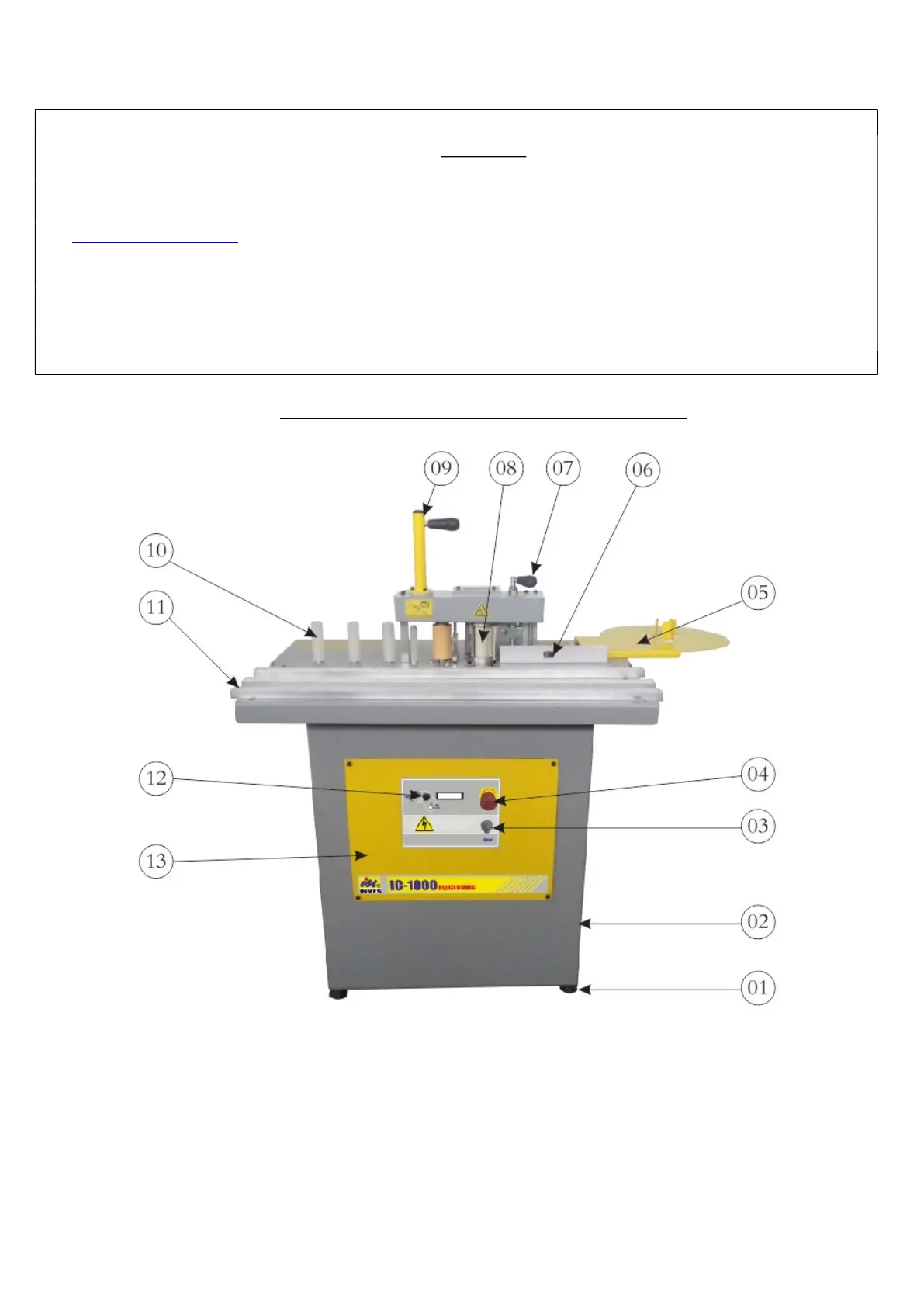
3 – FAMILIARIZING WITH YOUR MACHINE
Fig. 05


 To Next Page