Inner Range Inception Security Controller Installation Manual. Rev. 6.0
© 2016 - 2023. Inner Range Pty Ltd.
23 www.innerrange.com
Power supply outputs.
NOTES:
1. The Inception Controller PCB Revision can be viewed via one of the following methods.
- LCD Terminal: Logon as Installer. Press; MENU, 5, 1, then use the ‘V’ key to scroll to the screen showing
‘PCB Revision ^v’. The PCB revision will be shown on the bottom line of the display.
- Browser: Logon as Installer. Select; System > Firmware Update > Update Controller. Under the heading
‘Inception System Information’, see ‘Inception Revision: Rev ?’ for the PCB revision.
See “Firmware Update” in the ‘Maintenance’ section of this manual for an example.
2. See the “Parts & Accessories” Lists in this manual for details of power supply current requirements of the
accessories and expansion modules that may be powered from the Inception controller power supply.
3. A separate external battery-backed power supply may be required for devices connected to the Inception
controller if the current required is in excess of the maximum current allowed for that power supply output, or
causes the maximum combined output current specification to be exceeded.
4. Actual combined static load current should be kept to a value that achieves the required battery backup &
recharge times. The system designer/installer must ensure that the normal load current values and battery
capacity are chosen to ensure that the battery can be re-charged adequately within the required time,
considering the 500mA Battery charging current limit. See ‘Specifications’ above & ‘Regulatory Information’ for
more details.
5. Devices powered from these outputs must be rated to operate with a power supply of up to 14 VDC.
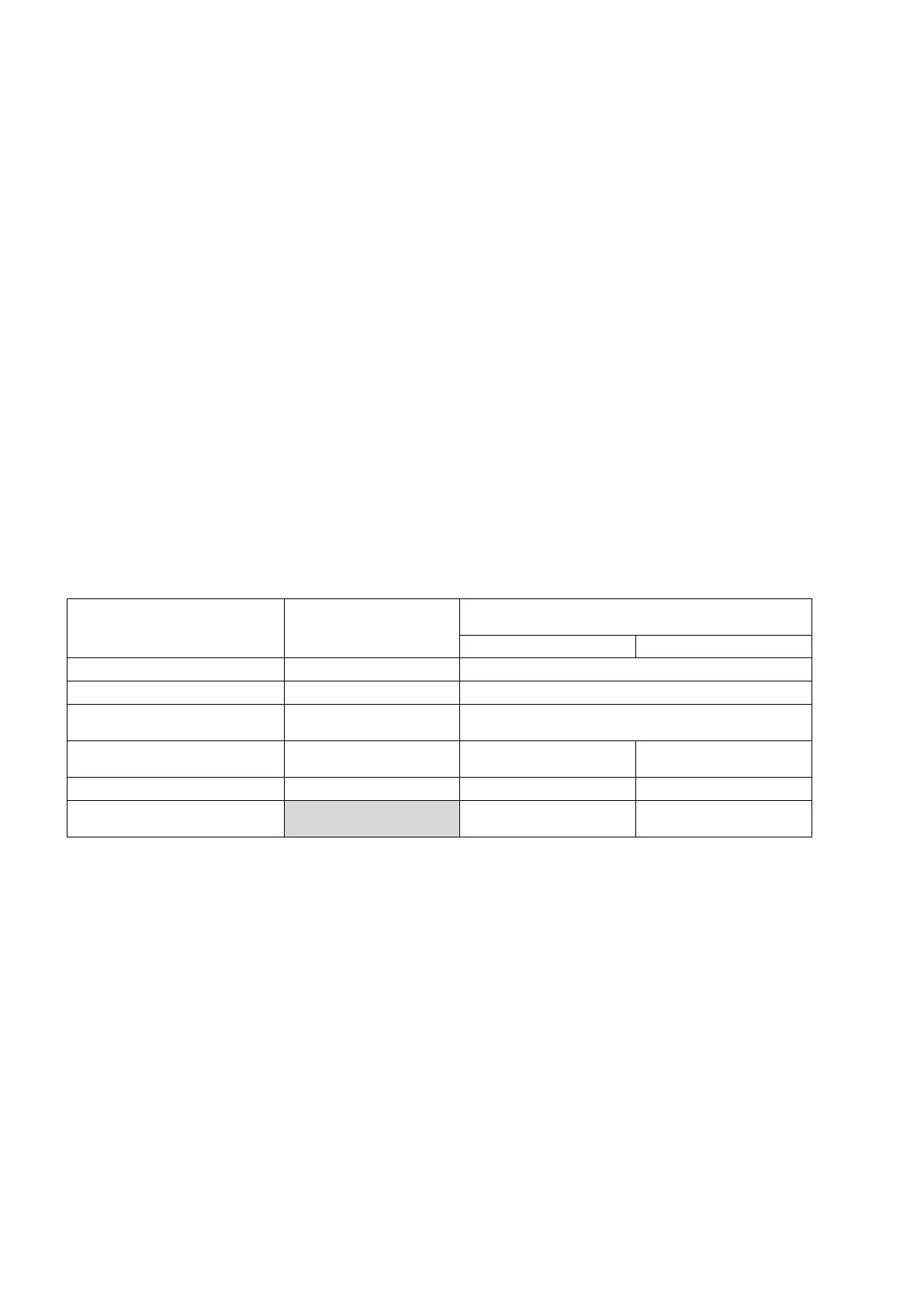
OUTPUT VOLTAGE
MAXIMUM CURRENT
See Notes 1 & 4 above.
V OUT:
2-pin connector near ‘BATT’
13.4 V DC. +/-150mV 1.5 Amps
V OUT:
4-pin connector near Inputs.
13.4 V DC. +/-150Mv 750 milliAmps 1.5 Amps
READER +: 13.4 V DC. +/-150mV 1 Amp 1.1 Amps
Maximum combined peak
current from these 5 outputs:
2.5 Amps 3 Amps


 To Next Page