44
To avoid dangerous cavitation that could damage the
suction pressure, with the pump on, measured by the
pressure gauge on the appliance, must not be less than
0.6 bar.
4�3 Adjustments
4�3�1 Setting the head value
The maximum head value must be set with:
• 100% compressor capacity
• all distribution valves open
• all consumers on
• any secondary pumps in operation switched on and
calibrated, see chapter "Circulation pumps optional
kits" p.62
4�4 PP1 primary circulation pump
The appliance uses a high-eciency wet circulation
pump, suitable for all heating and air-conditioning
plants.
-
Fixedspeed mode must be used for the primary
pump.
4�4�1 Fixed speed mode
that are not subject to regulation. For operating curves
(available at maximum speed) see chapter "PP1 primary
circulation pump" p.44.
The unit is supplied with the selector set to maximum
speed.
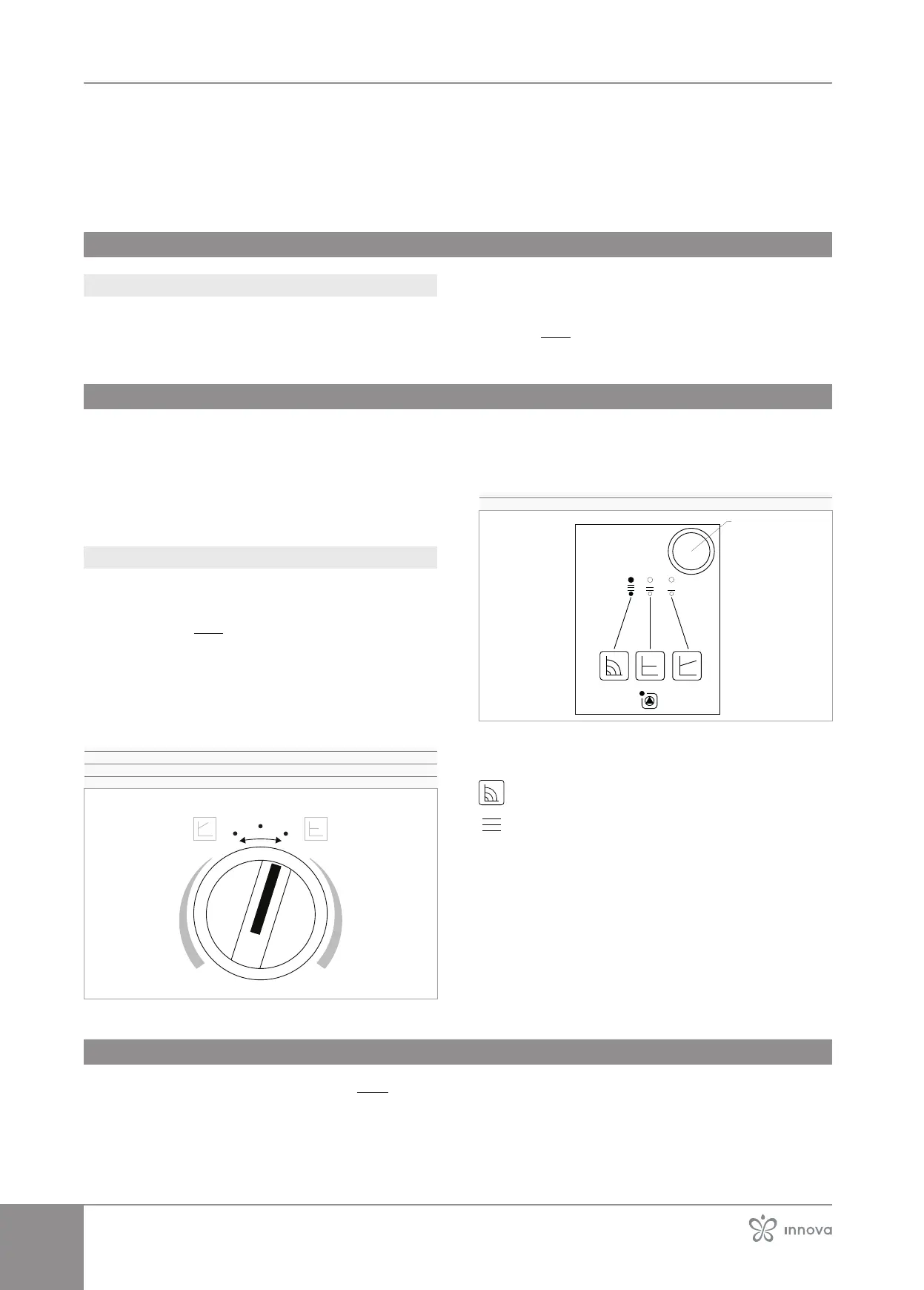
Therearetwo dierentcontrolmodes according to
the installed pump model:
Pump model variant 1
1� Minimum speed
2� Medium speed
3� Maximum speed
1
3
To select maximum speed:
– act on the knob
– set to 3
Pump model variant 2
1� Selection button
To select maximum speed:
– press the selection button in sequence until the LEDs
light up
Fixed speed selection
Maximum speed
4�5 Circulation pumps optional kits
p. 55 section
to set the circulation pumps of the optional kit.



 To Next Page