114
CHAPTER 5 ORGANIZER
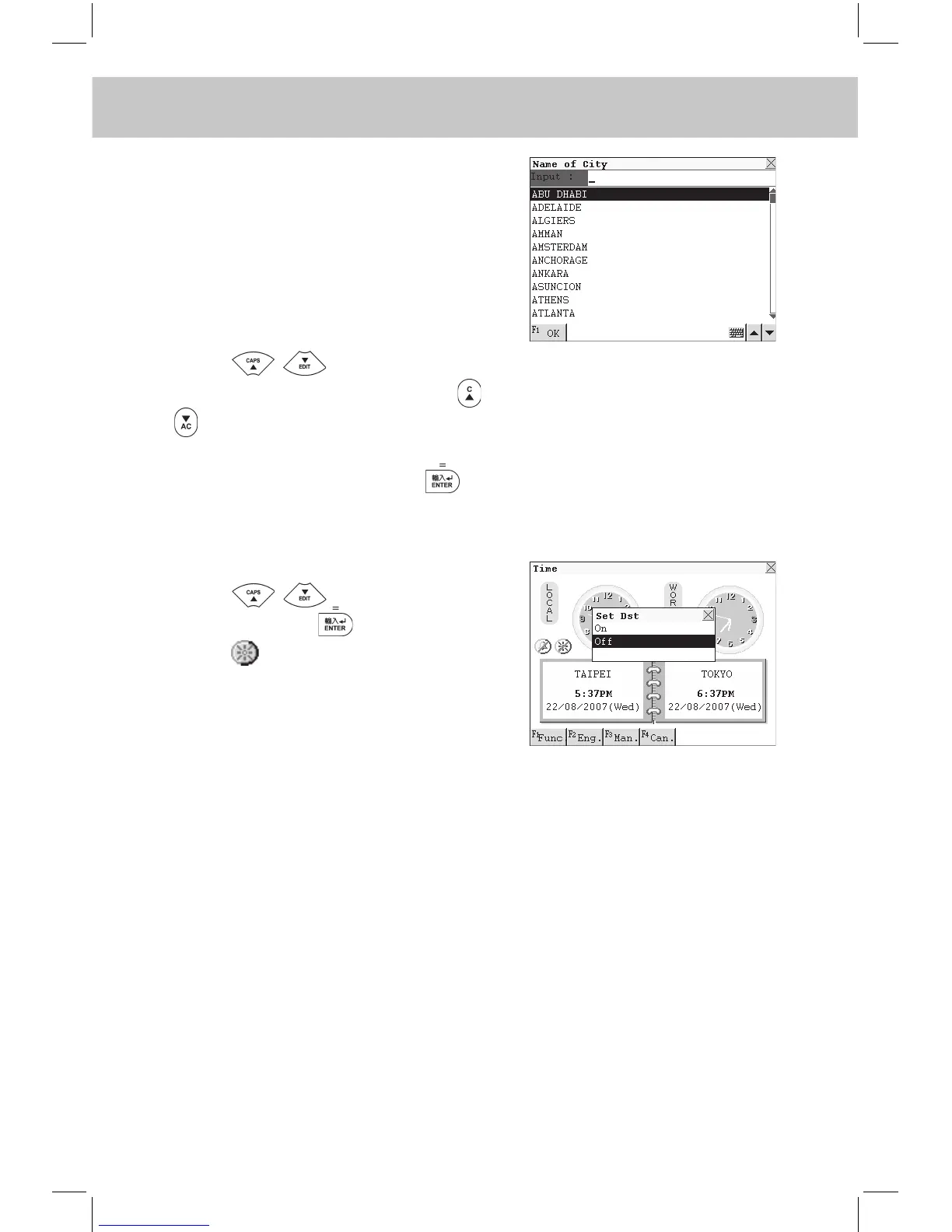
Choose “Set City”, the city names will
be displayed on screen (If the display
language is English, city names will
be displayed alphabetically, if Chi-
nese is selected, city names will be
displayed according to the number
of strokes.)
Press to search for the
desired city line by line or press
to search page by page, or input
it directly.
e.g. Input “Tai Pei” and press to
conrm it as world time.
Choose “Set Dst” to set DST.
Press to select “On” or
“Off”, then press to conrm.
Touch to set Dst on or off.
5.6 Calendar
In the calendar, you can view perpetual calendar from 1901 to 2059.
Both lunar calender and solar calendar are provided. You can also view
“Commemoration” or “Schedule” in this application. (Both Key-entry and
Touch-and-go operations are supported.)



 To Next Page