151
CHAPTER 6 TOOLS
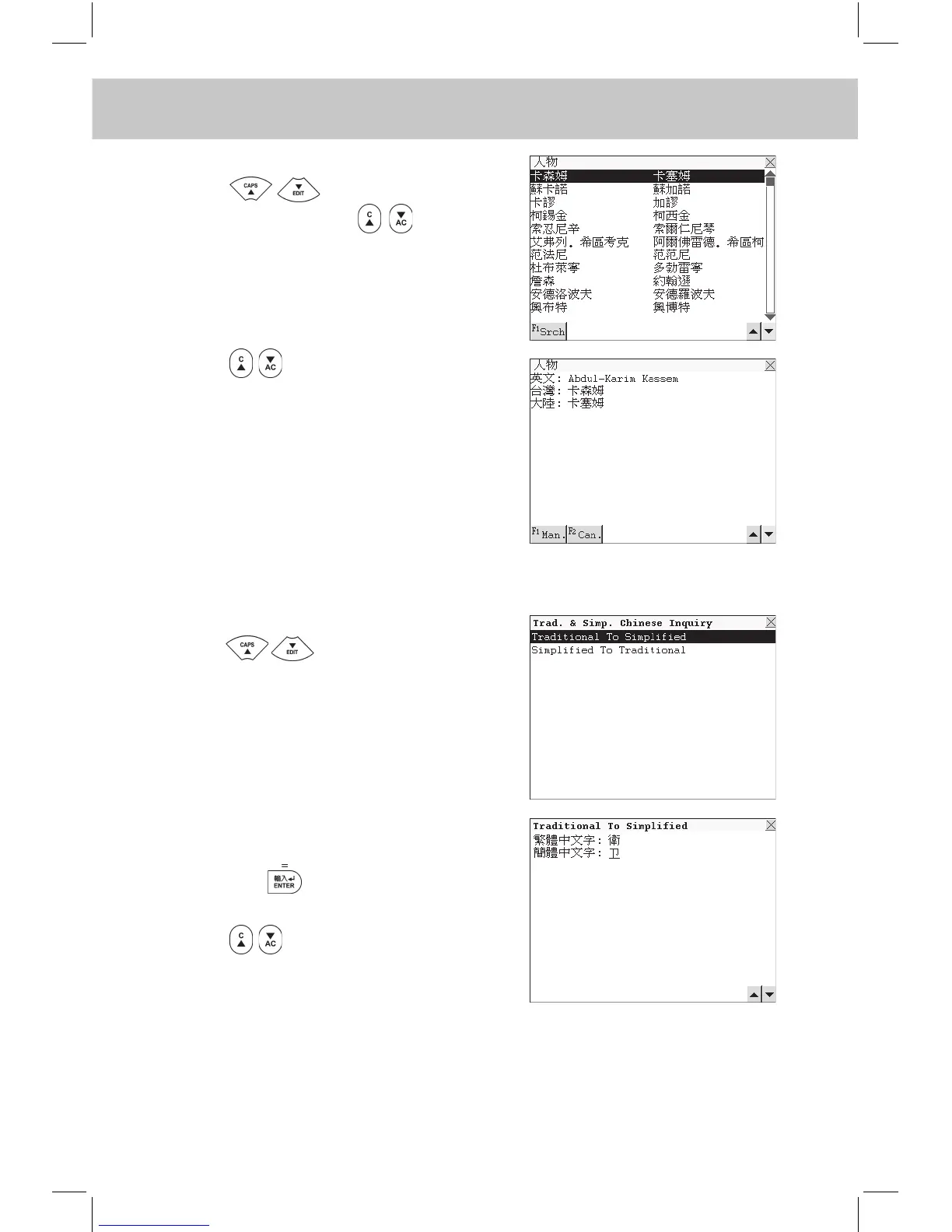
e.g. Select “人物”.
Press to view the names
line by line or press to view
page by page, or touch [F1Srch] on
the lower left side to go to the English
or Chinese search mode.
Press to view the previous or
next record. Touch [F1Man.] to listen
to the Mandarin pronunciation, touch
[F2Can.] to listen to the Cantonese
pronunciation.
6.8 Trad. & Simp. Chinese Inquiry
Enter “Trad. & Simp. Chinese Inquiry”.
Press to select “Traditional
To Simplied” or “Simplied To Tradi-
tional” or touch screen to select one
directly.
e.g. Select “Traditional To Simplied”.
Input a Traditional Chinese character,
then press to view the Simplied
Chinese character.
Press to view the previous or
next record.
6.9 PC Sync.
The unit can be linked with a personal computer to synchronize the
information.



 To Next Page