217
CHAPTER 7 PCSYNC AND DOWNLOAD PROGRAM
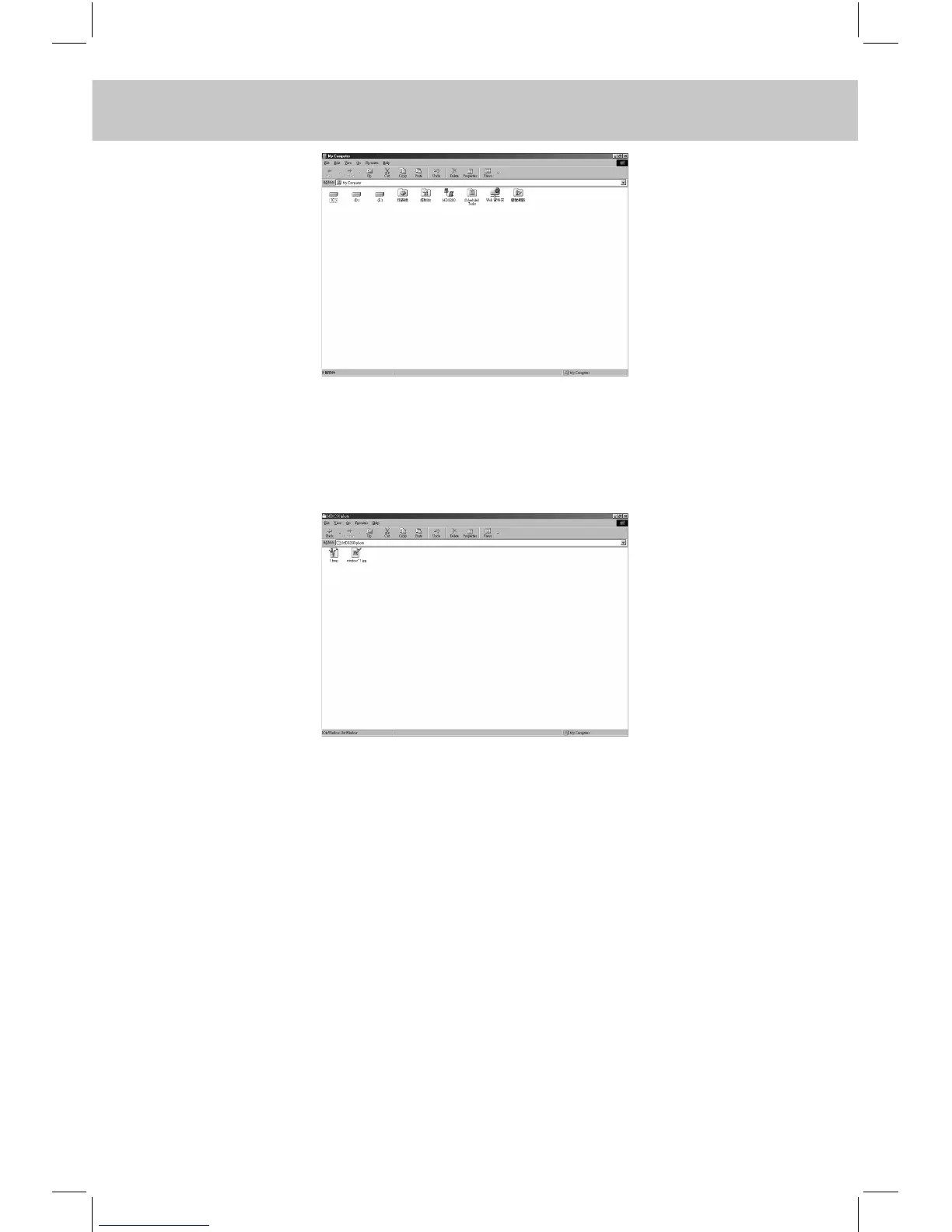
B. Click to enter the relevant folder, you will see all the data can be
uploaded in electronic dictionary. Enter the relevant folder. e.g.
“Photo”, select the desired les and copy it, the following screen
will then appear:
C. Click to enter the disk in computer, then drag the desired les from
dictionary equipment to this folder for uploading.
7.4.3 Operations in “Delete All Kinds of Ebooks”
If you want to delete the les in INSTANT-DICT, connect the INSTANT-
DICT to PC, then enter the desired folders in Computer, select the
records you want to delete and click ”Delete” to perform it. The data
deleted in PC will delete in INSTANT-DICT too.



 To Next Page