CHAPTER 2 DICTIONARY
48
2.2.6 Saving Record
In Eng-Chi Dictionary, you can save some important and difcult words
as records for purpose of Revision, Test and Listening and Learning.
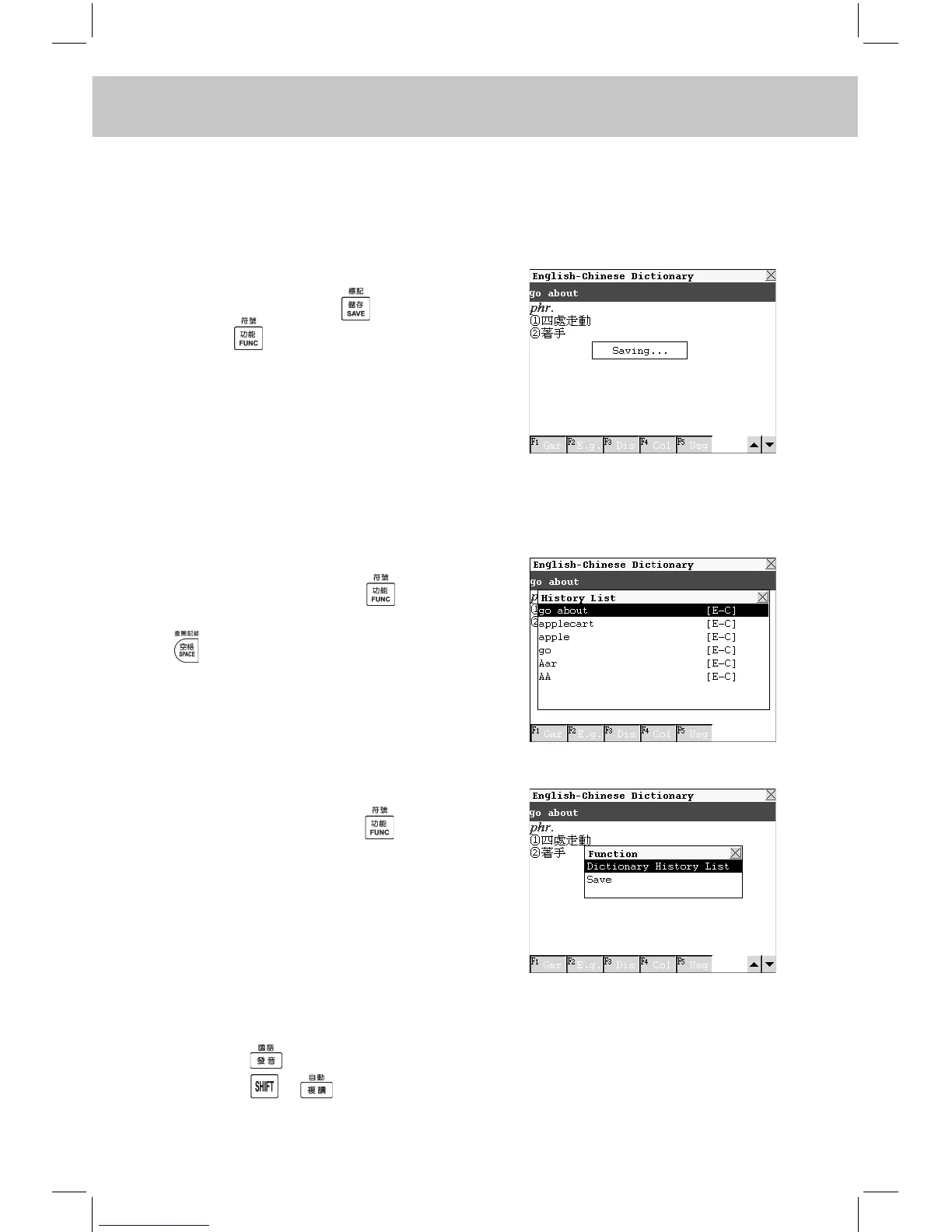
Enter the explanations screen of
some word. Press to save it, or
press , then choose “Save” to
save it. If you would like to clear the
saved record, nd it out in Revision,
Test or Listening and Learning, then
press the relevant function key to
delete it.
2.2.7 Dictionary History List
Enter the explanations screen of
some word, press to select
“Dictionary History List” or press
to view the latest 20 searched
records.
2.2.8 Function Key
Enter the explanations screen of
some word, press to select
“Dictionary History List” to view the
latest 20 records or choose “Save” to
save the current record.
2.2.9 Repeat and Follow
In explanations mode,
1. Press to listen to the English pronunciation.
2. Press + to perform the auto-repeat function, the system will



 To Next Page