121
CHAPTER 5 ORGANIZER
Touch [F3Spc] to insert a space.
Touch [F4Feed] to move cursor to the
next line. Touch [F5Clr] to delete the
data on the left of the cursor.
Touch [F2Save] and input the file
name, then press to save the
data.
5.10.2 Editing and Deleting Data
-- Please refer to the relevant part of “Telephone Directory” for details.
5.11 To Do List
In this application, you can arrange your affairs and plans in date and
priority sequence so as to work or study more comfortably.
5.11.1 Inputting Data
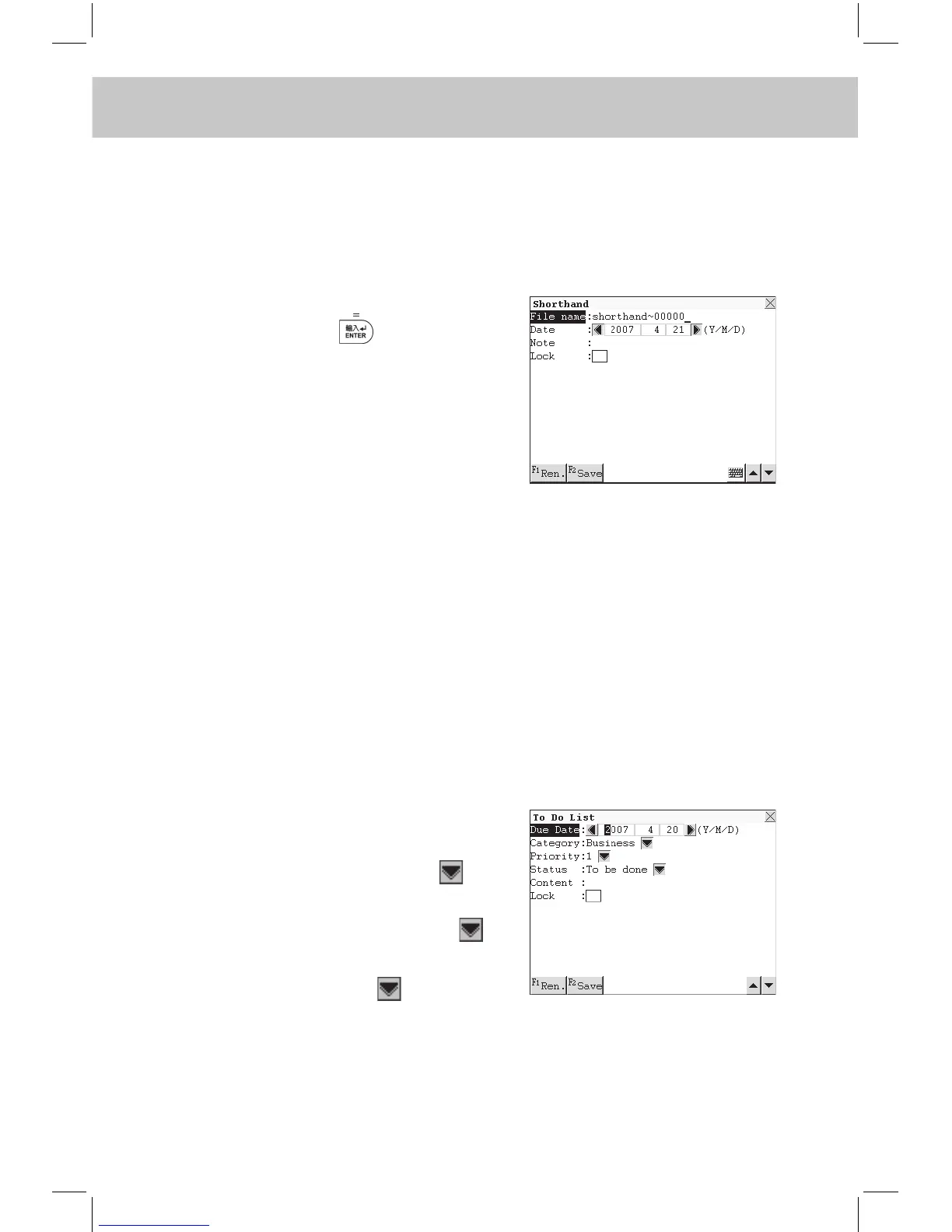
Enter “To Do List”.
Input Due Date, Category, Priority,
Status and Content.
While inputting Category, touch to
select “Personal”, “Business” or “Oth-
ers”. While inputting Priority, touch
to select “1”, “2”, “3” or “n” and while
inputting Status, touch to select
“To be done”, “Done” or “Pending”.
Upon completed inputting, touch
[F2Save] to save the data.



 To Next Page