CHAPTER 2 DICTIONARY
71
Press / + / + to lis-
ten to the English, Mandarin and Can-
tonese pronunciation respectively.
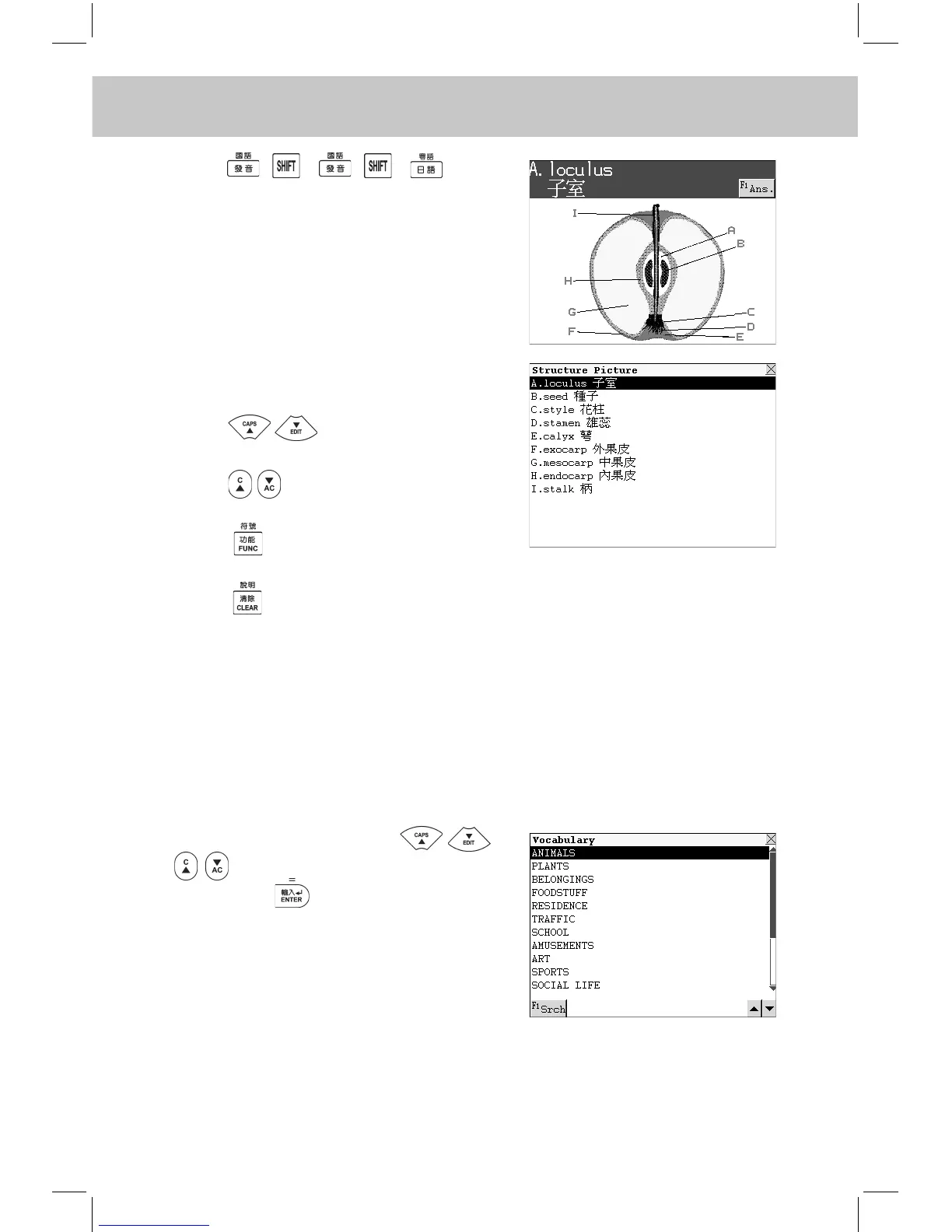
Touch [F1Ans.] to view all correspond-
ing words.
Press to scroll through the
content line by line.
Press to view the content page
by page.
Press and choose one item to
perform its relevant function.
Press to return to the previous
screen.
2.18 Vocabulary
It stores 17 kinds of vocabularies for your reference. (Both Key-entry
and Touch-and-go operations are supported.)
2.18.1 General Search
Enter “Vocabulary”. Press
to select the desired item and
then press to conrm, or touch
the item directly. Touch [F1Srch] to
perform English / Chinese Search.
e.g. Choose “ANIMALS”.



 To Next Page