CHAPTER 2 DICTIONARY
76
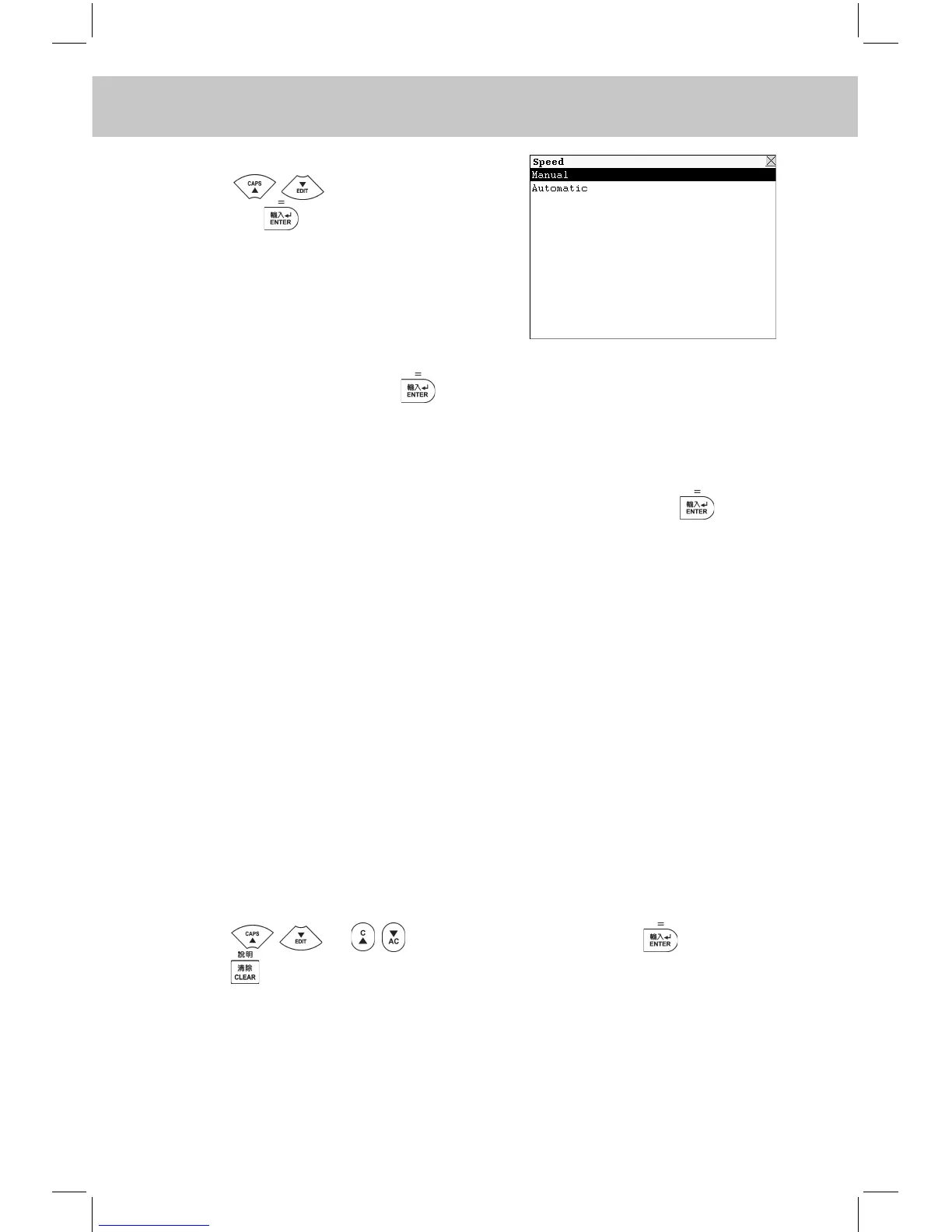
e.g. Choose “Speed”.
Press to select an item,
and press to conrm.
“Manual” represents while reciting between “Chinese to English” and
“English to Chinese”, press to view the result. “Automatic” represents
while reciting between “Chinese to English” and “English to Chinese”,
the system will show the result automatically.
Choose “Glossary search”, input the desired word and press to view
the explanations.
Note: The operations of Junior, Senior, College, GRE, GMAT, TOEFL,
IELTS are similar to the ones of Primary. Please refer to the
relevant part for details.
2.21 Dictionary Tools
Various dictionaries are provided to make the learning much more con-
venient.
2.22 KK Phonetic Dictionary
All kinds of symbol pronunciation information and practice methods are
provided in the dictionary.
Press or to view the content, press to conrm.
Press to exit. Different instruction will be shown on the screen in
different part. e.g. [F1E.g.], [F2Pic.], [F3Spec], [F4Eng.] and [F5Exit].
You can perform the relevant function according to the instruction.
Touch [F1E.g.] to view the relevant words and pronunciation; touch



 To Next Page