CHAPTER 2 DICTIONARY
75
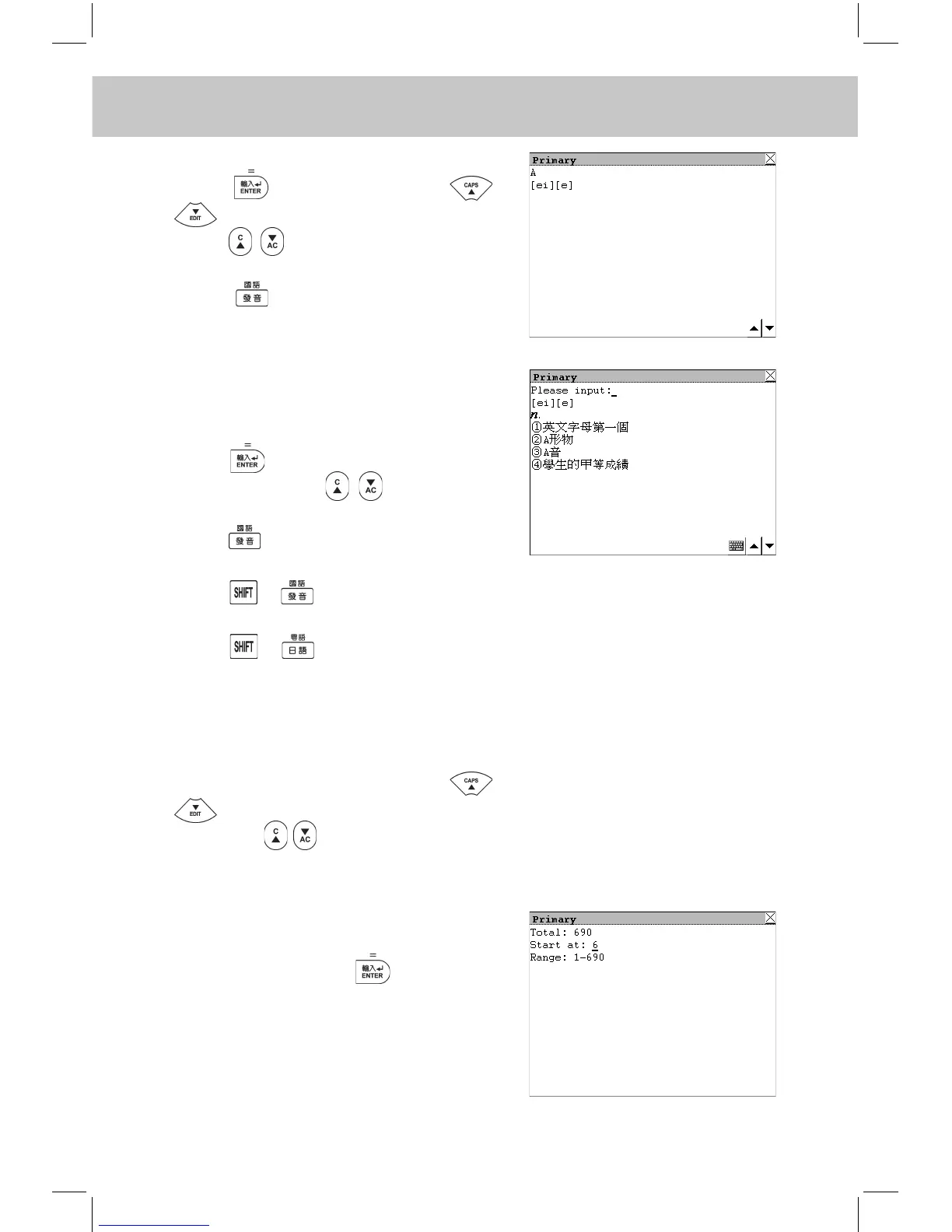
Choose “English to Chinese”, then
press to confirm. Press
to view the record line by line,
press to view the previous or
next record.
Press to listen to the English
pronunciation of the word.
e.g. Choose “Word Test”.
Input the word according to the Chi-
nese explanations and the syllable,
press to conrm after inputting
the word. Press to view the
previous or next record.
Press to listen to the English pro-
nunciation of the word.
Press + to listen to the Man-
darin pronunciation.
Press + to listen to the Can-
tonese pronunciation.
If it is correct, the message “Correct!”
will be shown, if wrong, “Incorrect!” will
be shown, then it will enter the explana-
tions screen automatically. Press
to view the explanations line by
line, press to enter the previous
or next test word.
e.g. Choose “Scope”.
Input a number to set the start number,
e.g. “6”, then press to conrm.
Next time when you recite word, you
can start it at 6 in “Primary”.



 To Next Page