Chapter: Set up hardware
56 M16-16905-EN
To examine and, if necessary, change the lens:
1. Remove the lens cover (AVE2 only; there is no lens cover on the SVE2) by gently
pulling it away from the lens. You can now read the focal length of the lens printed
on the body.
2. If you need to change the lens, unscrew the lens from the extensometer and store it
in the case provided.
3. Screw in the new lens and focus it.
4. Replace the lens cover (AVE2 only).
5. If you have changed the lens, recalibrate the extensometer.
AverEdge32™ configuration
The AverEdge32™ configuration changes the distance between the lens and the
specimen compared to the standard configuration. The field of view for each lens is
therefore different.
The values are the same for all supported frame types, both table models and floor
models.
Only the 16 mm lens supports use of the edge-based method for measuring transverse
strain.
The high capacity floor model testers, 5988 and 5989, are not supported in this config-
uration.
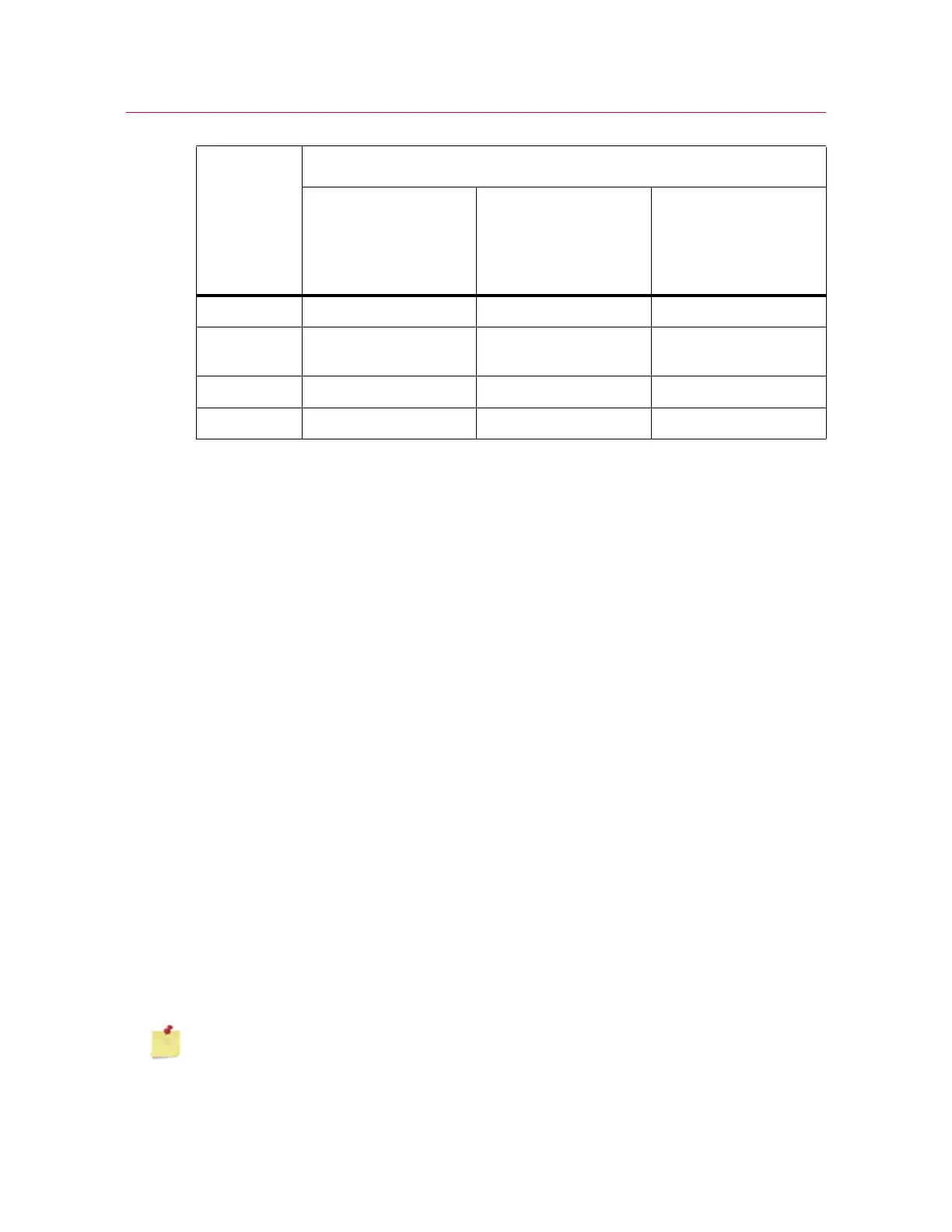
Lens focal
length (mm)
Nominal field of view (mm)
Table model testers
(e.g. 5940 and 5960),
ElectroPuls and 8800
Series systems
1
1. when used for dynamic testing on 8800 or ElectroPuls, the 16mm lens is the only available
option.
Floor Model testers
(e.g. 5982, 5984,
5985) and LX static
hydraulic testing
machines
High-capacity floor
model testers
(e.g.5988, 5989)
35 100 130 160
16
(standard)
240 310 390
9 425 560 680
6620 840 not suitable



 To Next Page