57
Set up the load string
Product Support: www.instron.com
Set up the load string
Make sure the orientation is correct with respect to the camera on the video
extensometer. You will probably need to rotate the load cell mounting, any adapters, and
the base adapter so that the calibration bar and the specimen are facing the camera.
As far as possible, keep the extensometer away from exposure to conductive dust
or debris, from breaking carbon fiber specimens, for example.
Conductive dust or debris may cause a malfunction in the extensometer electronics. If
this is likely to be a problem, you are advised to surround the load string with a
transparent protective shield, separating it from the extensometer.
Set up for AverEdge32™ configuration
The AverEdge32™ configuration requires some additional setup to check that the
illumination is sufficient but not too bright.
1. Swing the back screen so that it faces towards the load string until it impacts on the
mechanical stop.
2. Install the set of grips that will be used for testing and a typical specimen.
3. In the AVE2 tab in the Transducer dialog, enable the Show saturated pixels option.
4. View the live image of the specimen and check for any saturated pixels, which display
as red dots in the image. If there are too many red dots to display on the image, a
warning message displays instead.
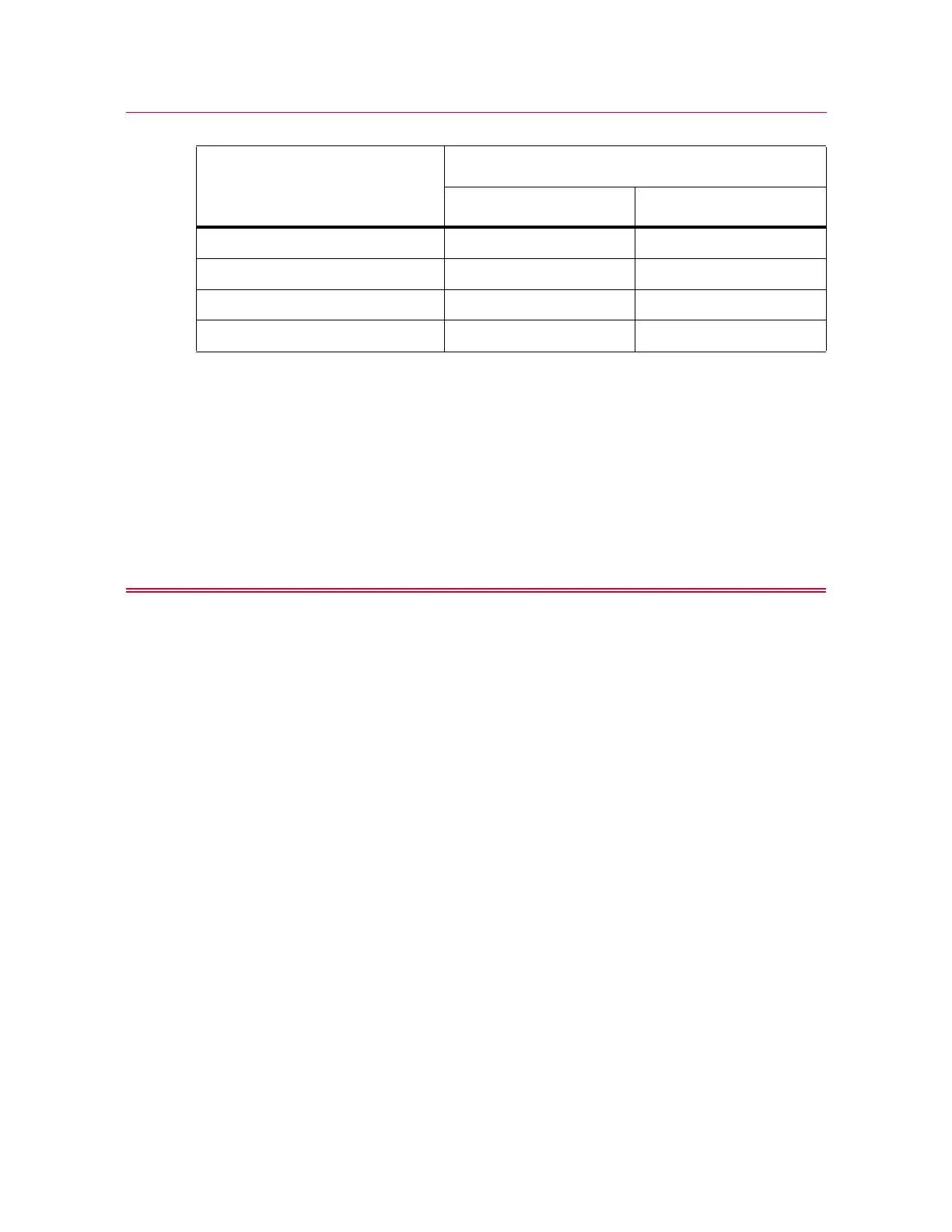
Lens focal length (mm)
Nominal field of view (mm)
Dot-based method Edge-based method
35 130 not applicable
16 (standard) 310 205
9 560 not applicable
6 840 not applicable



 To Next Page