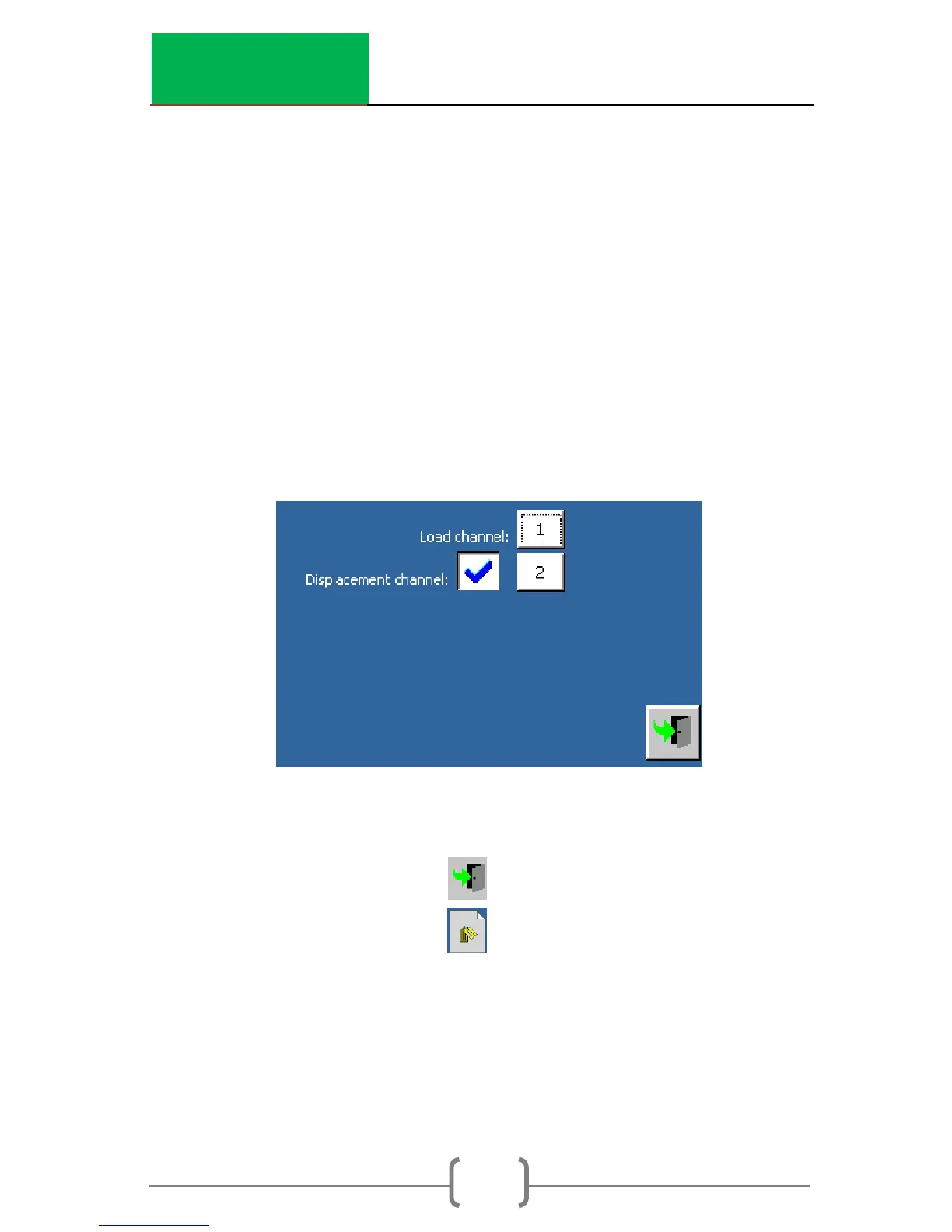
In the channel allocation, the channels can be changed by
touching the channel numbers. The channel numbers
correspond to the numbers on the connections on the left side
of the machine.
c. To output the LVDT displacement to the data file
(Recommended), Enable the displacement
channel (as seen in the following figure). Up to 3
additional displacement transducers can be
installed in channels 3-5. To output the ram
displacement, Disable the displacement
channel.
d. Load Cell – change the Profile to match the load
cell used
i. Press to back up one screen.
ii. Press to select the profile.
1. 10 kN load cell – Profile 1
2. 50 kN load cell – Profile 2
iii. Plug the appropriate load cell connector
into Channel 1.



 To Next Page