d. Enter Password (F2, F2, F2, F3, F4)
e. F4 (Change A, B, C, E or F)
f. F1 (A, B & C Parameters)
g. You will see for example A = 2.82232 and the letter ‘A’ will be
blinking. You can press F2 (INCREASE) to change from the ‘A’
constant to the ‘B’ or ‘C’.
h. By pressing F1, you can shift the cursor to the value to be changed.
i. You can then increment or decrement using the F2 or F3 keys
respectively.
j. Press F4 to go to the next depth.
k. To exit, press MAIN MENU.
l. Remove right protect jumper (JPI)
m. Press F3 (SAVE USER CONSTANTS).
n. Replace right protect jumper (JPI).
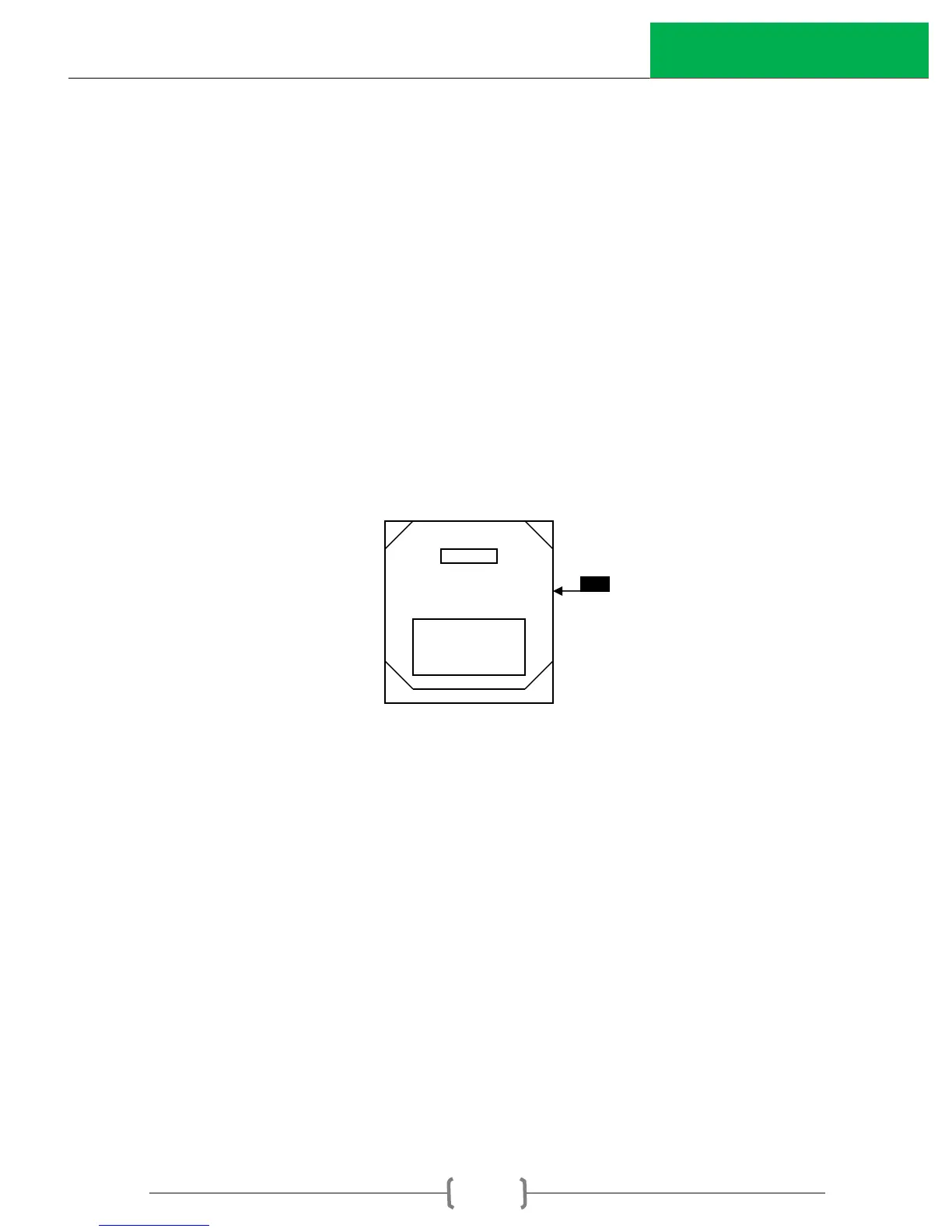
Note: JPI is a small black plastic jumper located at the upper right-hand side
between keyboard and CPU board as shown below.
JPI
Step V: Requesting EPROM Programming from InstroTek.
1. Email or Fax the following:
a) The Calibration report and Verification report insuring the
Calibration data reflects the new calibration information. From the
Verifier program.
b) Your ValiDator Evaluation Form, readings taken on the ValiDator.
c) The Gauge Calibration Sheet from the calibration in the gauge
during verification.
2. Fees: There is a fee for each gauge that requires an EPROM
Programmed.
3. Freight: InstroTek will ship using regular shipping methods (average two or
three day delivery). Air shipment is available upon request at applicable
rates.



 To Next Page