105
Advanced Setup—Continued
4
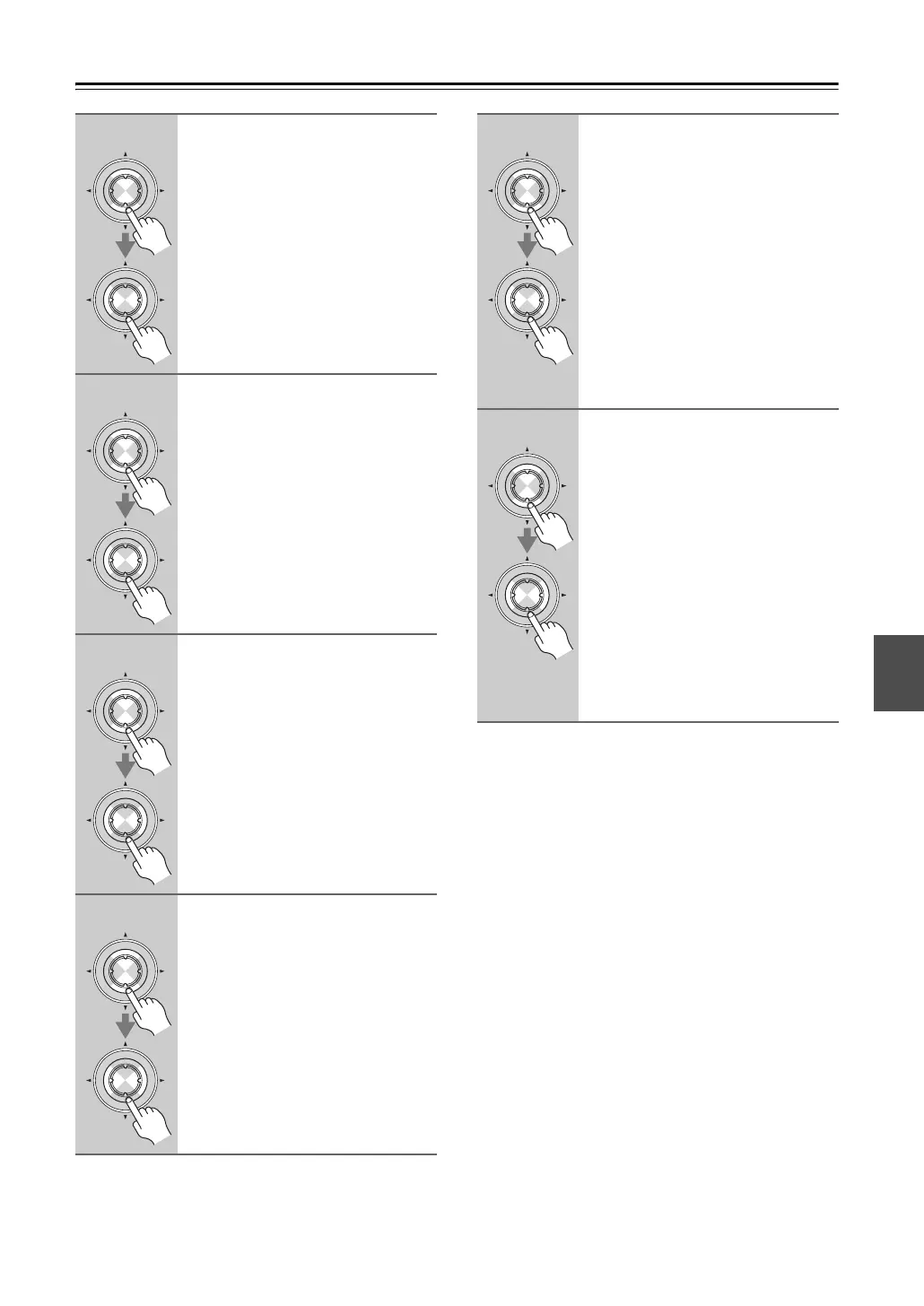
Use the Up and Down [q]/[w] but-
tons to select “Subwoofer”, and
then use the Left and Right
[e]/[r] buttons to select:
Ye s: Select if a subwoofer is con-
nected.
No: Select if no subwoofer is con-
nected.
5
Use the Up and Down [q]/[w] but-
tons to select “Front”, and then
use the Left and Right [e]/[r]
buttons to select a crossover fre-
quency.
Note:
Fixed at “Full Band” if “Subwoofer”
(step 4) is set to “No”.
6
Use the Up and Down [q]/[w] but-
tons to select “Center”, and then
use the Left and Right [e]/[r]
buttons to select a crossover fre-
quency.
If no center speaker is connected, select
None.
Note:
Cannot select “Full Band” if “Front”
(step 5) is set to anything other than
“Full Band”.
7
Use the Up and Down [q]/[w] but-
tons to select “Surround”, and
then use the Left and Right
[e]/[r] buttons to select a cross-
over frequency.
If no surround left and right speakers
are connected, select “None”.
Note:
Cannot select “Full Band” if “Front”
(step 5) is set to anything other than
“Full Band”.
Enter
Enter
Enter
Enter
Enter
Enter
Enter
Enter
8
Use the Up and Down [q]/[w] but-
tons to select “SurrBack”, and
then use the Left and Right
[e]/[r] buttons to select a cross-
over frequency.
If no surround back speakers are con-
nected, select “None”.
Notes:
• Cannot be set if “Speaker Type” is
set to “Bi-Amp” (page 55), “Sur-
round” is set to “None” (step 7).
• Cannot select “Full Band” if “Sur-
round” (step 7) is set to anything
other than “Full Band”.
9
Use the Up and Down [q]/[w] but-
tons to select “SurrBack Ch”,
and then use the Left and Right
[e]/[r] buttons to select:
1ch: Select if one surround back
speaker is connected.
2ch: Select if two (left and right)
surround back speakers are
connected.
Note:
Cannot be set if “Speaker Type” is set
to “Bi-Amp” (page 55), “SurrBack” is
set to “None” (step 8).
Continue with step 10 on the next page.
Enter
Enter
Enter
Enter


 To Next Page