12
Remote Controller
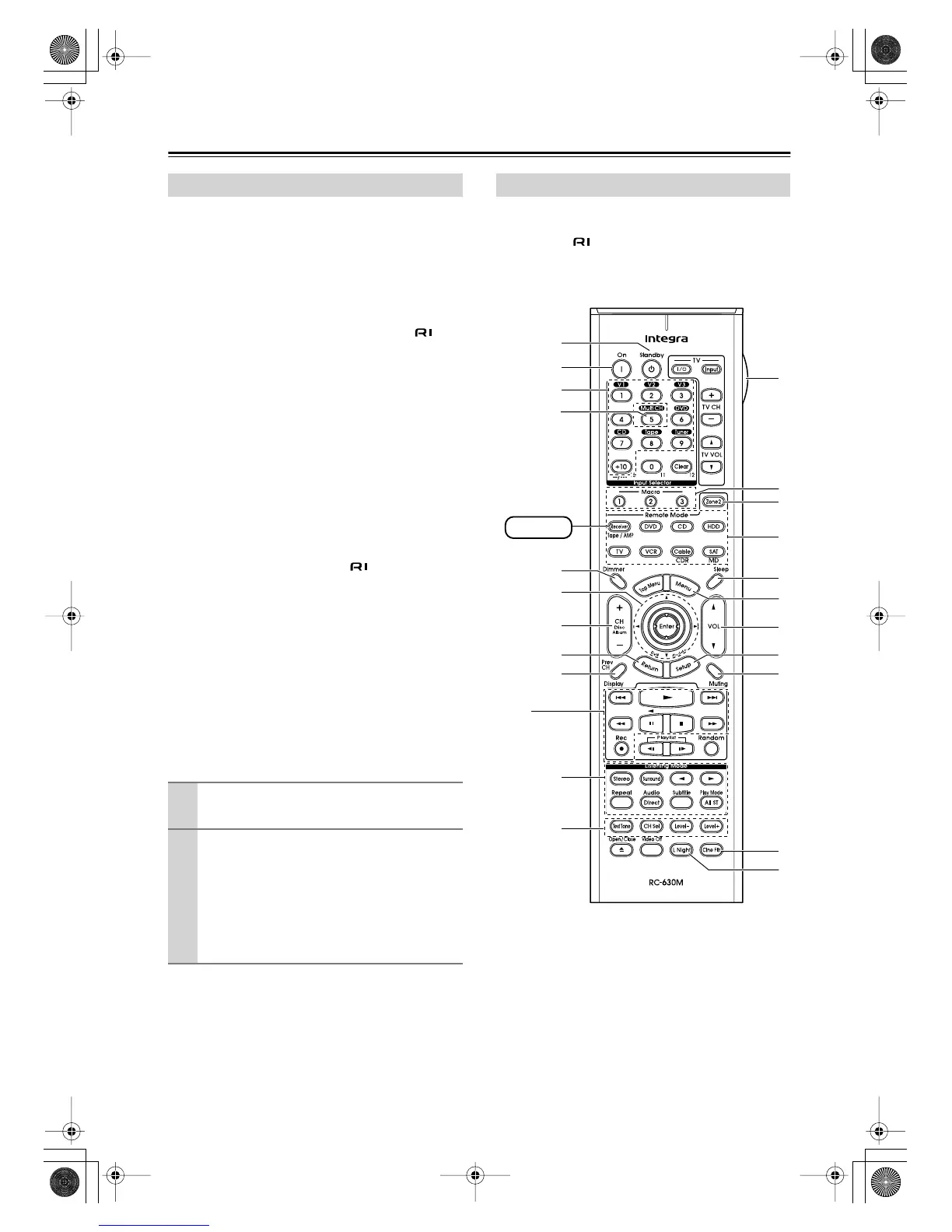
Including the AV receiver, the remote controller can be
used to control up to nine different components. The
remote controller has a specific operating mode for use
with each type of component. Modes are selected by
using the eight Remote Mode buttons.
■
Receiver/Tape Mode
In Receiver/Tape mode, you can control the AV receiver
and an Integra cassette recorder connected via .
■
DVD Mode
By default, you can control an Integra DVD player in this
mode. By entering the appropriate remote control code,
you can control components made by other manufactur-
ers (see page 72).
■
CD Mode
By default, you can control an Integra CD player in this
mode. By entering the appropriate remote control code,
you can control a CD player, MD recorder, or CD
recorder made by another manufacturer (see page 72).
■
HDD Mode
This mode is for controlling Integra’s next generation
HDD-compatible components via .
■
TV and VCR Modes
With these modes, you can control a TV and VCR. You
must enter the appropriate remote control code first (see
page 72).
■
Cable/CDR and SAT/MD Modes
In Cable/CDR mode, you can control an Integra CD
recorder or a cable TV receiver. In SAT/MD mode, you
can control an Integra MD recorder or a satellite TV
receiver. You must enter the appropriate remote control
code first (see page 72).
Note:
Some of the remote controller operations described in
this manual may not work as expected with other com-
ponents.
Receiver/Tape mode is used to control the AV receiver.
It can also be used to control an Integra cassette recorder
connected via .
To set the remote controller to Receiver/Tape mode,
press the [Receiver] Remote Mode button.
About the Remote Controller Modes
1
Use the Remote Mode buttons to select a
mode.
2
Use the buttons supported by that mode
to control the component.
Receiver/Tape mode: see page 12
DVD mode: see page 14
CD/MD/CDR modes: see page 15
HDD mode: see page 16
TV/VCR/SAT/Cable modes: see page 74
Receiver/Tape Mode
1
B
K
H
O
S
F
5
I
A
Q
P
R
T
U
V
G
Receiver
N
L
J
M
D
C
DTR-4.6.book Page 12 Thursday, September 22, 2005 1:45 PM



 To Next Page